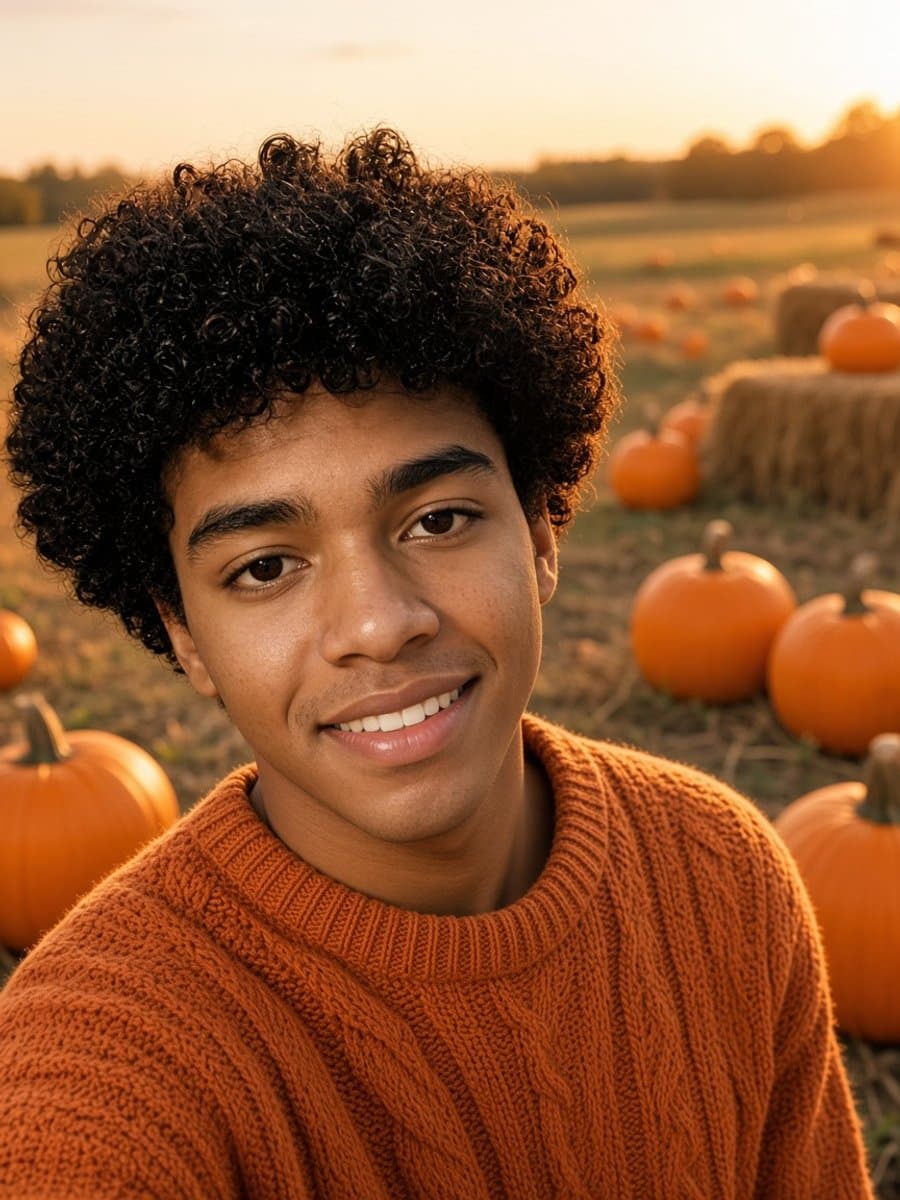
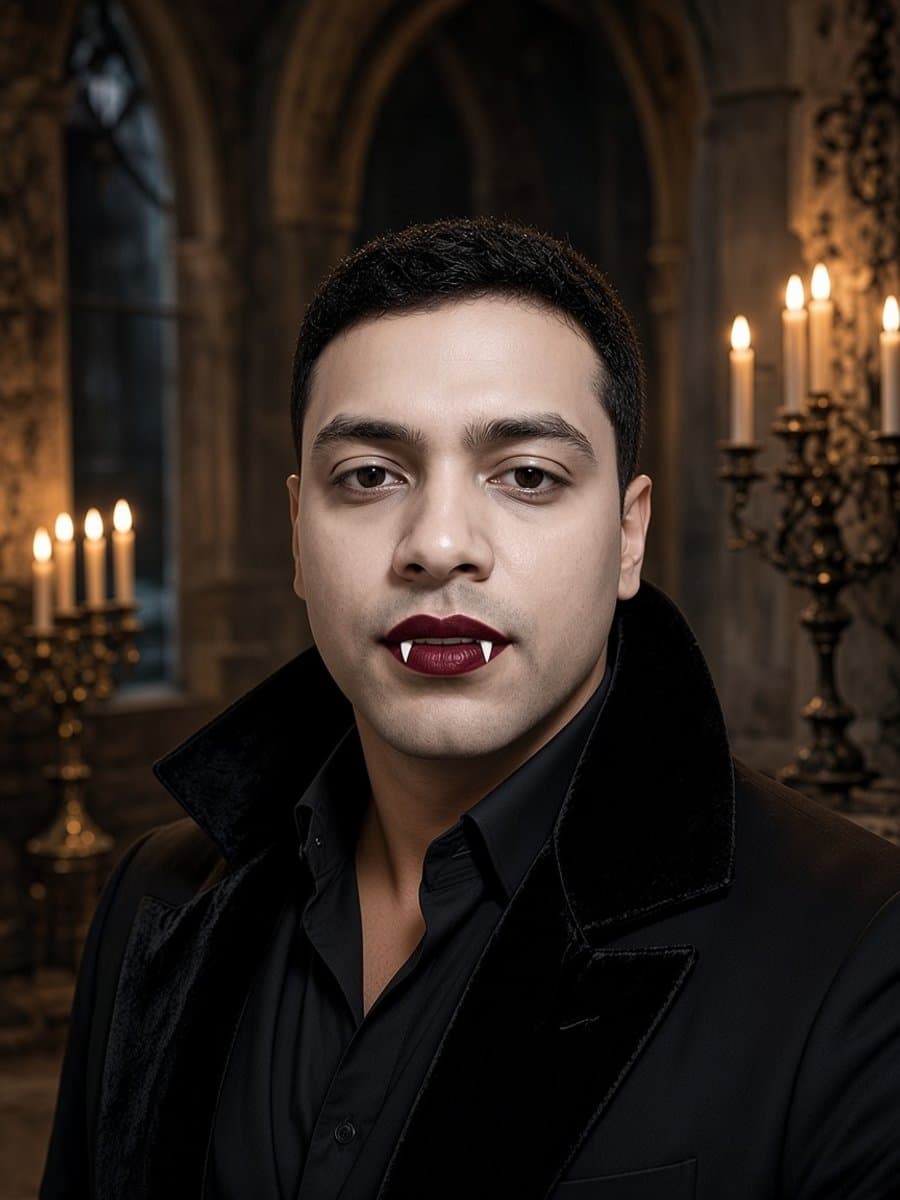
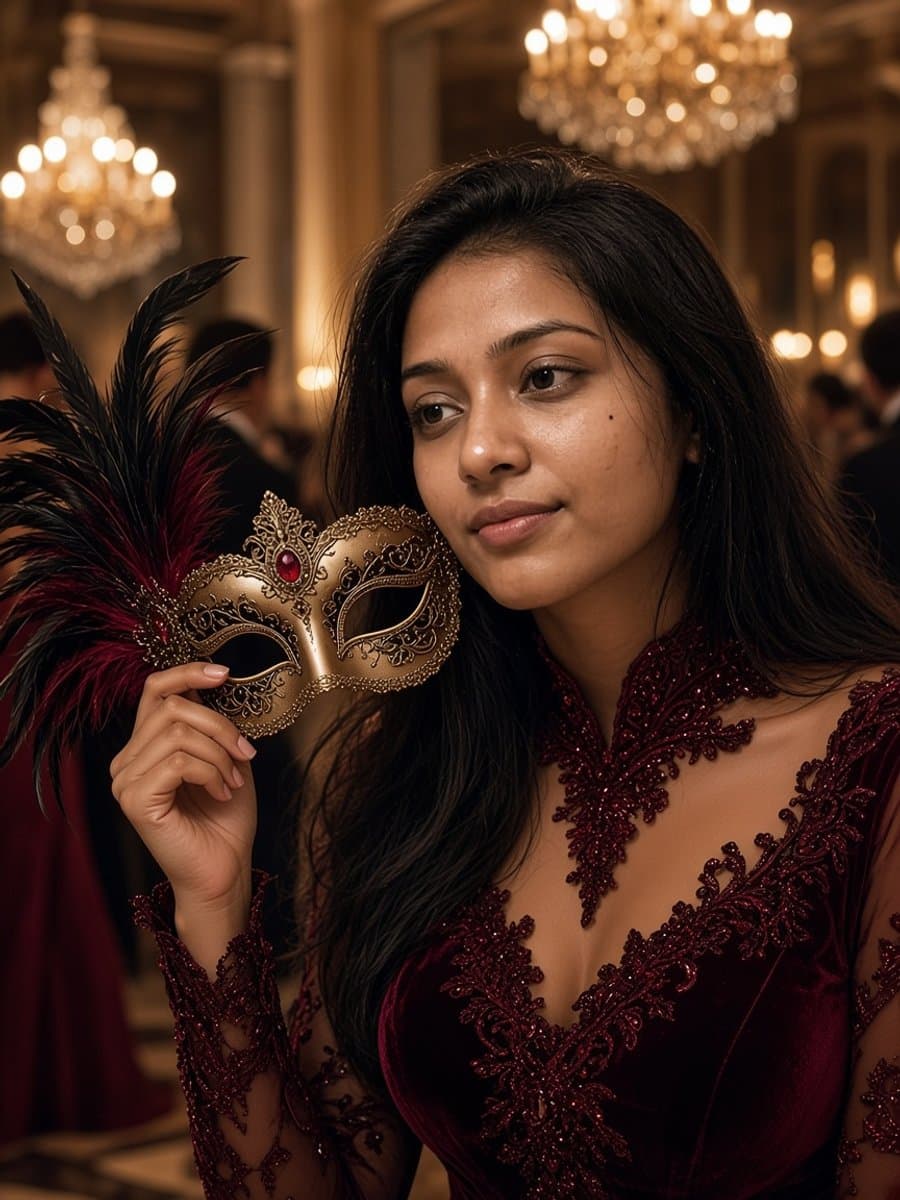
Halloween is peak photo-share season. The problem is timing: costumes, makeup, and lighting rarely line up on the night you actually want a post-ready shot. That is where a selfie-to-Halloween edit helps - if the result still looks like you.
Start with a clean selfie
Soft front light, face fully visible, and a simple background beat a fancy costume photo every time. If your eyes are closed or the face is cropped, the edit has less to work with. For the fundamentals, see how to take good selfies.
Pick a look that keeps your face
The strongest Halloween posts are costume glam, not full-face masks. Witch hats, smoky eyes, vampire makeup, skeleton paint that still shows your features, masquerade masks held aside, and subtle devil horns all leave room for identity. Browse the full set on AI Halloween photos.
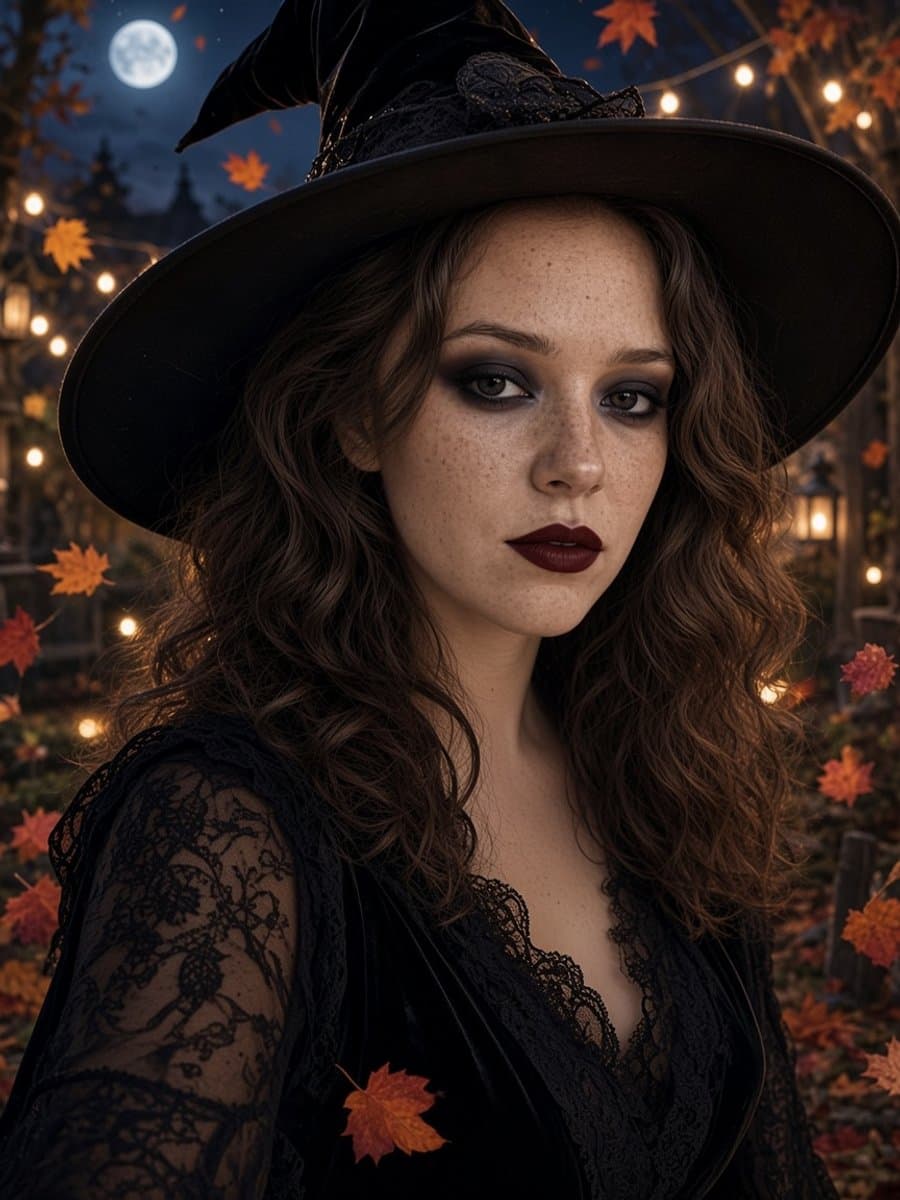
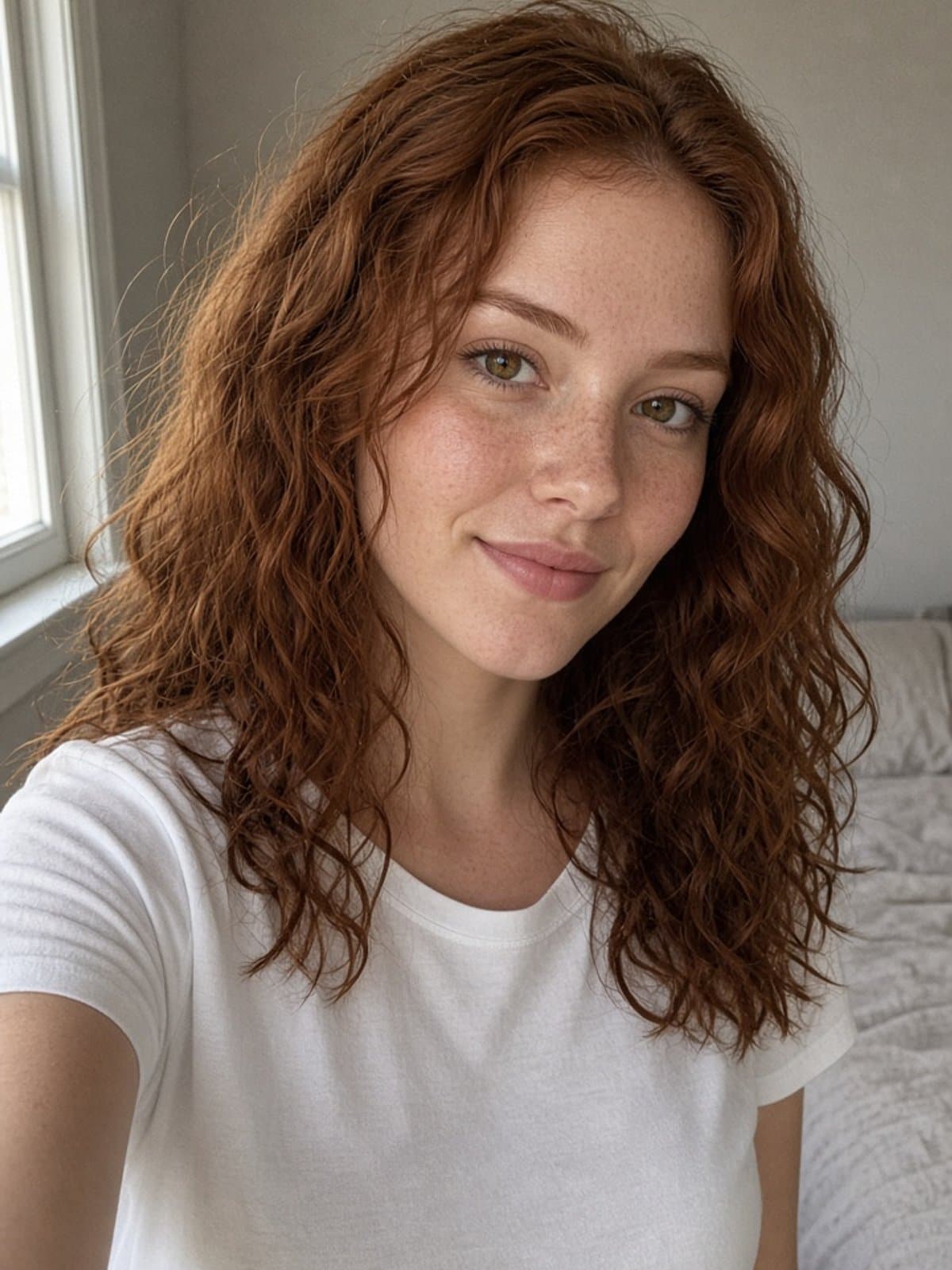
Try witch glam on your own photo
Try it freeGlam for the grid, pranks for the group chat
Use witch, vampire, masquerade, and skeleton glam when you want a feed-ready portrait. Use the zombie prank when you want someone to do a double take in Messages. Same selfie, different job.
What “still looks like you” actually means
A good edit keeps your face shape, age, and skin tone while changing outfit, makeup, and scene. That is the difference between a costume filter and a photo your friends recognize as you. If you are comparing tools, see best AI photo editors and free AI image generators.
Try it in about five seconds
Upload one selfie, pick a Halloween template, and generate. Free to start, no credit card. See all Halloween photos.
More Halloween guides
- Halloween photoshoot ideas at home
- Witch photoshoot ideas
- Ghost photoshoot ideas
- Halloween pet photoshoot ideas
- Halloween profile picture ideas
- Halloween AI photo prompts for Gemini and ChatGPT
- What should I be for Halloween?
- AI Halloween costume ideas
- Skeleton makeup ideas
- Best Halloween filters and photo editors
- Vintage Halloween photos
- Halloween captions for Instagram