
The ghost photoshoot is simple: a white sheet, an ordinary place, and a very serious ghost. It works because the costume is spooky and the setting is not, which is also why it keeps getting shared.
"Ghost photo" can also mean a ghost effect, where a person looks see-through in a picture. This guide covers both, starting with the sheet.
How to do the sheet ghost photoshoot
What you need: one clean white or off-white sheet, a pair of scissors, a location, and a friend with a phone.
- Pick a plain sheet. A light color reads better at dusk, and a smooth one drapes better. Avoid patterns and stains.
- Cut small eye holes. Make them low and small so you can see without showing your face, and test the sheet before you go outside.
- Choose a location. Fall leaves, a porch, a park bench, or a cafe patio all work. Avoid private property, roads, and water.
- Shoot at golden hour or dusk. The light is soft, and a white sheet glows against a dark background.
- Keep the pose ordinary. The photo is funnier if the ghost is doing something normal.
- Use a spotter. A sheet limits what you can see, so have someone guide you around steps and obstacles.
15 ghost photoshoot ideas
- A ghost at a cafe table with a cup of coffee.
- A ghost on a park swing.
- A ghost reading at a bookshelf.
- A ghost on a porch next to a pumpkin.
- A ghost walking a dog.
- A ghost folding laundry.
- A ghost baking in the kitchen, with a little flour in the air.
- A ghost standing among fall leaves in the woods.
- A ghost on a bench with sunglasses on top of the sheet.
- A row of best friends as ghosts, holding hands.
- A ghost with a cat peeking out from under the sheet.
- A ghost couple side by side, one holding a flower.
- A ghost holding a bunch of white balloons.
- A vintage spirit portrait: a ghost seated in a chair in sepia.
- A ghost hunter with a flashlight and a ghost in the background.
For more Halloween photo ideas that keep your face in the shot, see Halloween photoshoot ideas at home.
How to create a ghost effect in a photo
The ghost effect makes a person look see-through. You can do it three ways.
Method 1: the two-shot blend
- Lock your camera. Use a tripod, or prop your phone on a stack of books, and lock focus and exposure so both photos match.
- Shoot the empty scene. No people in the frame.
- Shoot the same frame with a person. Do not move the camera between shots.
- Layer them in a photo editor. Put the person photo on top of the empty one, and lower its opacity to about half.
- Erase the edges. Use a soft eraser or mask around the person so the ghost fades into the background.
Method 2: a long exposure
A slow shutter of one or two seconds blurs anyone who moves. Put the camera on a tripod in a dim room, start the exposure, let the person hold still and then walk out of the frame, and the faint trail is your ghost. Some phones have a long exposure mode for Live Photos, and any camera with manual shutter control can do it.
Method 3: AI
If you have one clear selfie, a chat-based image tool can make a translucent version of you. Try this and keep the identity line.
Edit this photo so I appear as a translucent ghost standing in the scene. Keep my exact face, age, and skin tone, with soft glowing edges and faded colors around me. The background stays sharp and the ghost is about half see-through. Cold blue light, slight film grain, quiet and eerie, no text.
For more prompts like this, see Halloween AI photo prompts for Gemini and ChatGPT.
When you want your face in the photo
A sheet hides who you are, which is the whole joke. If the photo is for a profile picture or a post where friends should recognize you, pick a look that keeps your face.
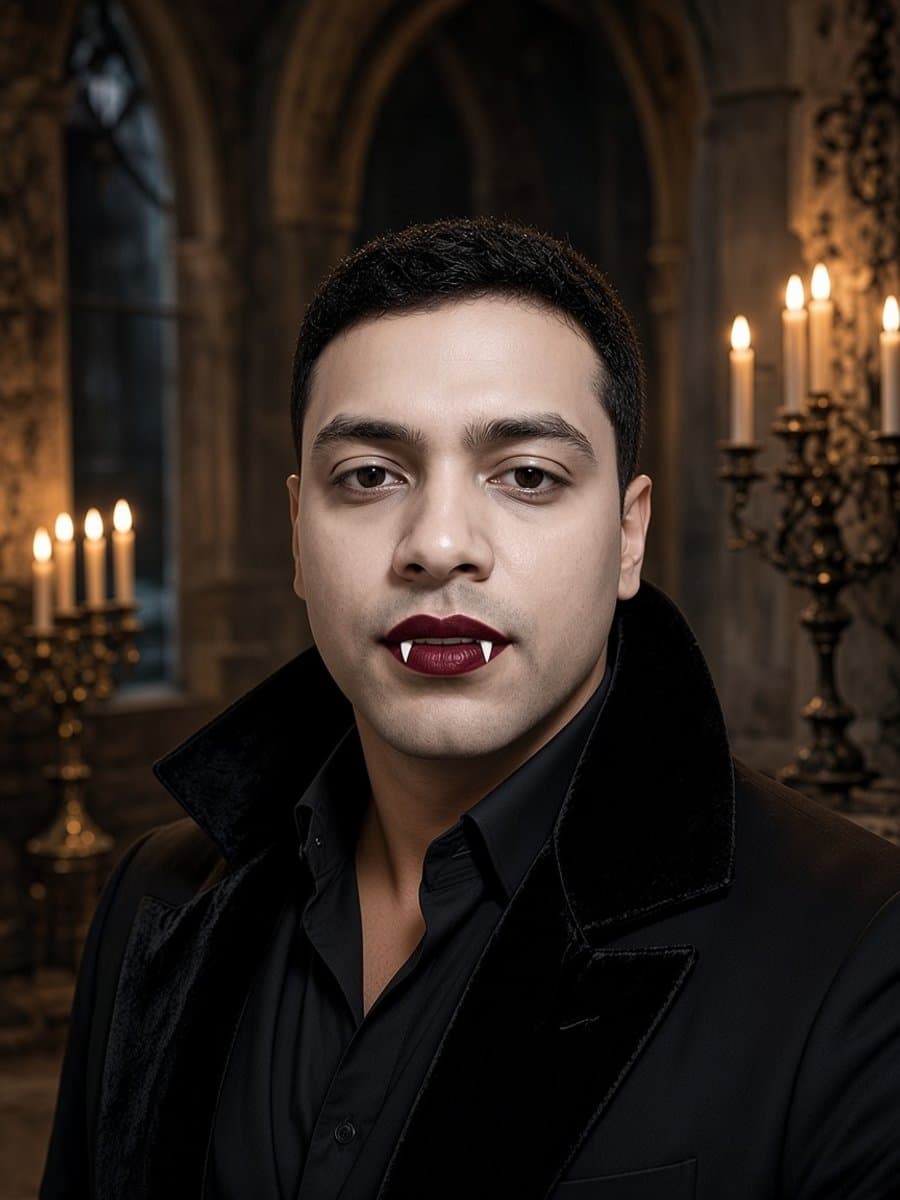
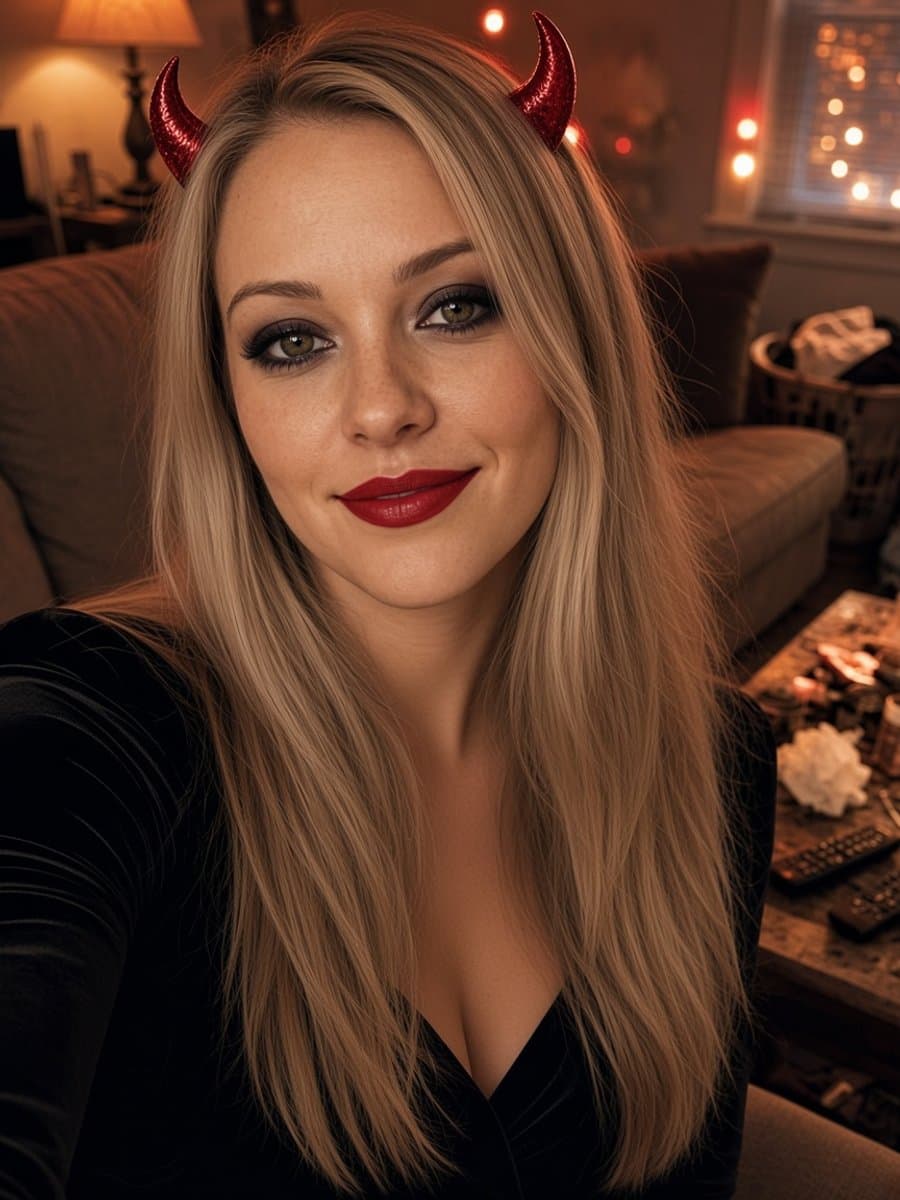
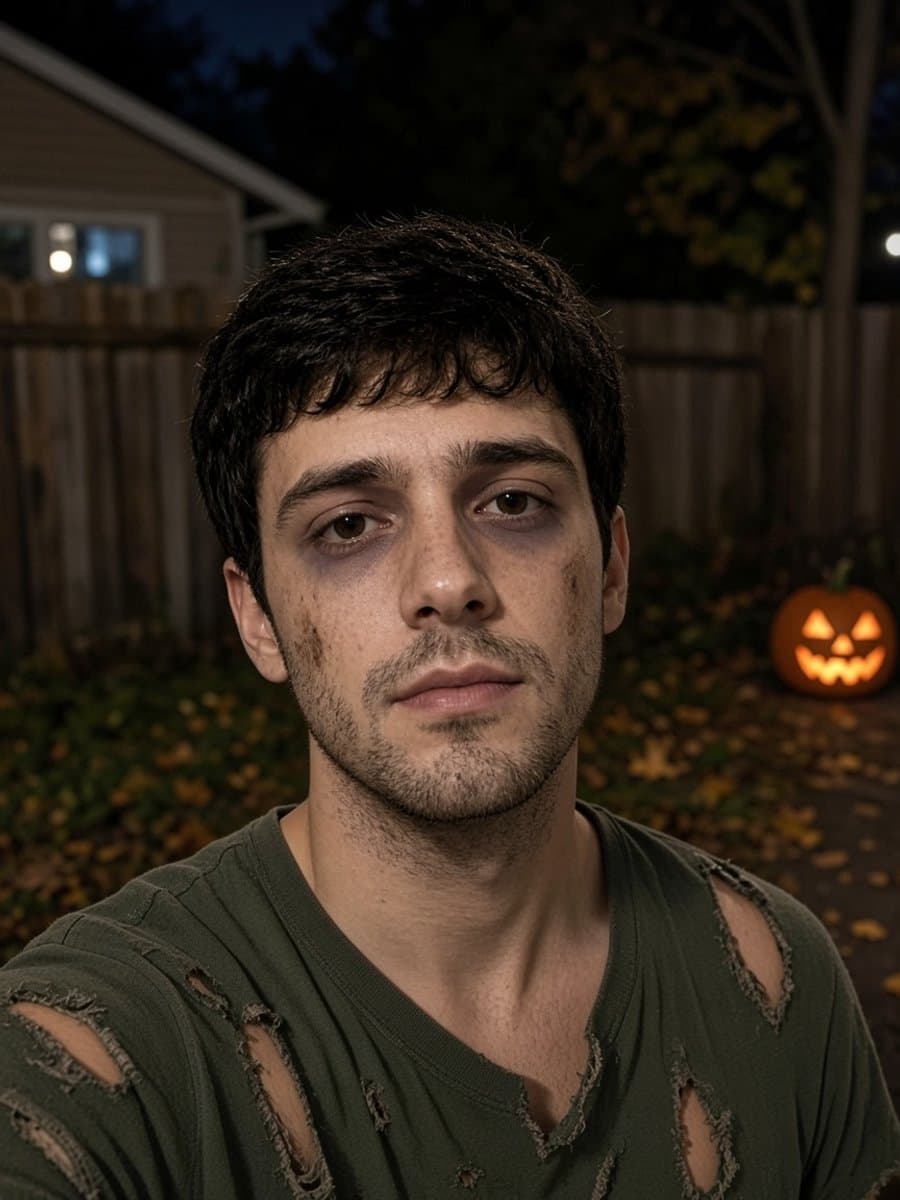
Slayed AI turns one selfie into a skeleton, vampire, zombie, or devil look that still looks like you. It takes about five seconds and it is free to start. For profile picture ideas, see Halloween profile picture ideas.
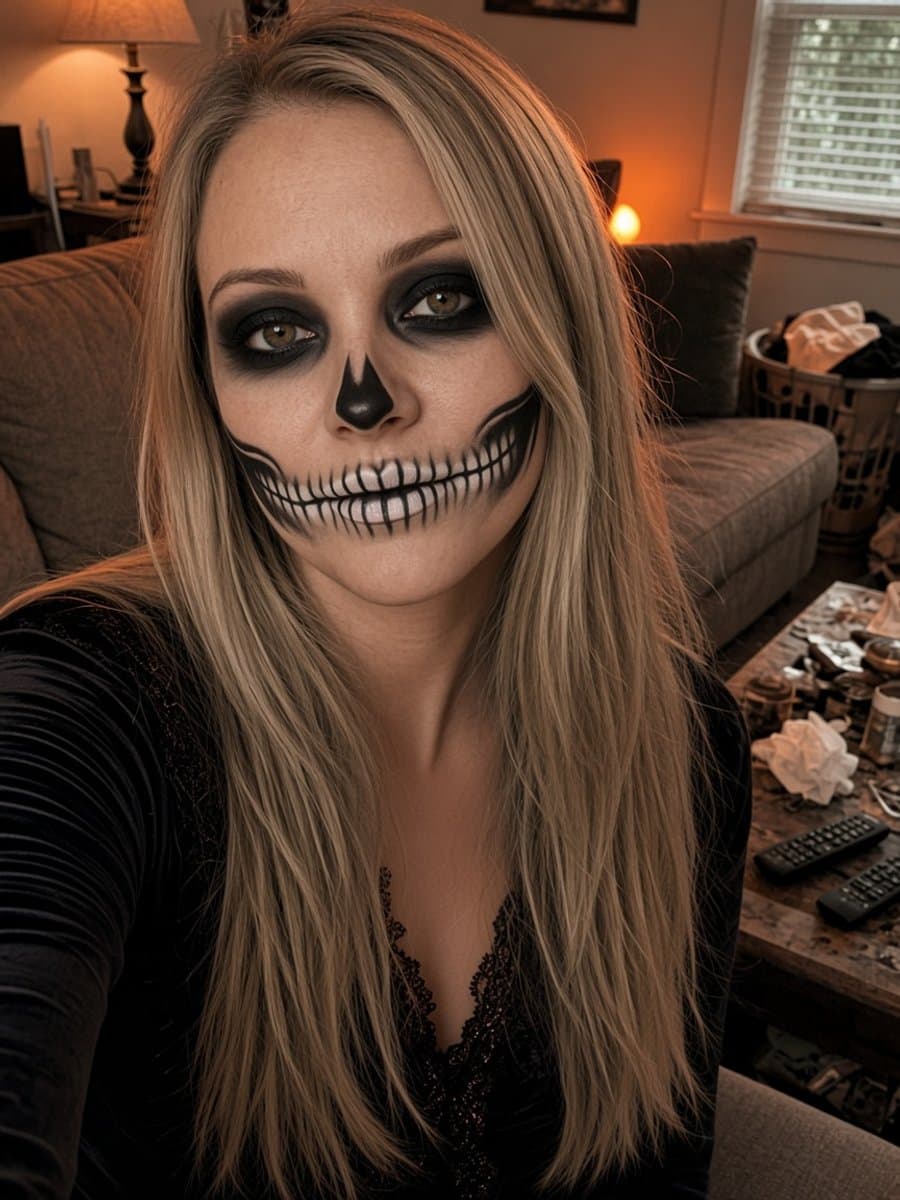
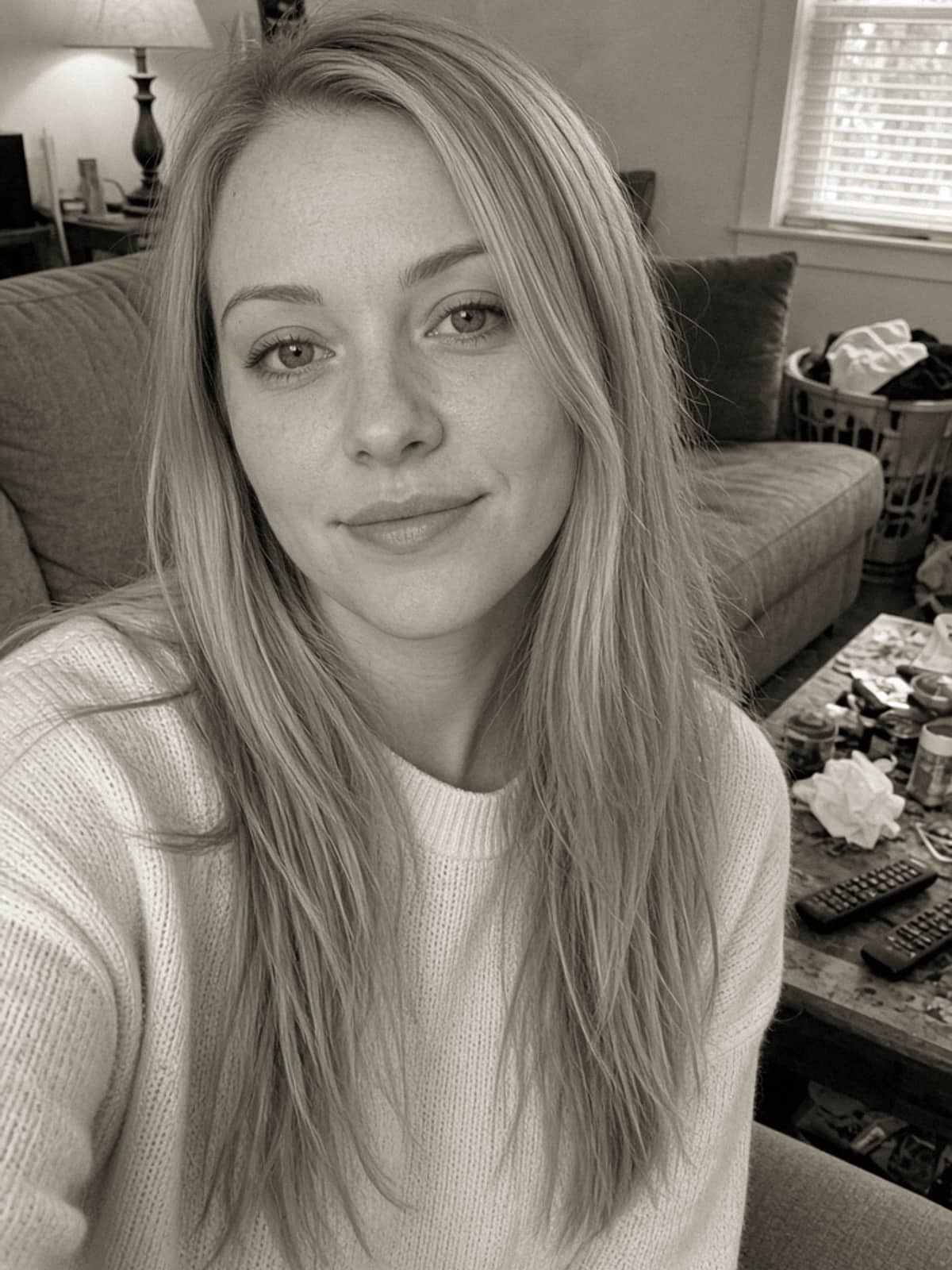
Try skeleton glam on your own photo
Try it free