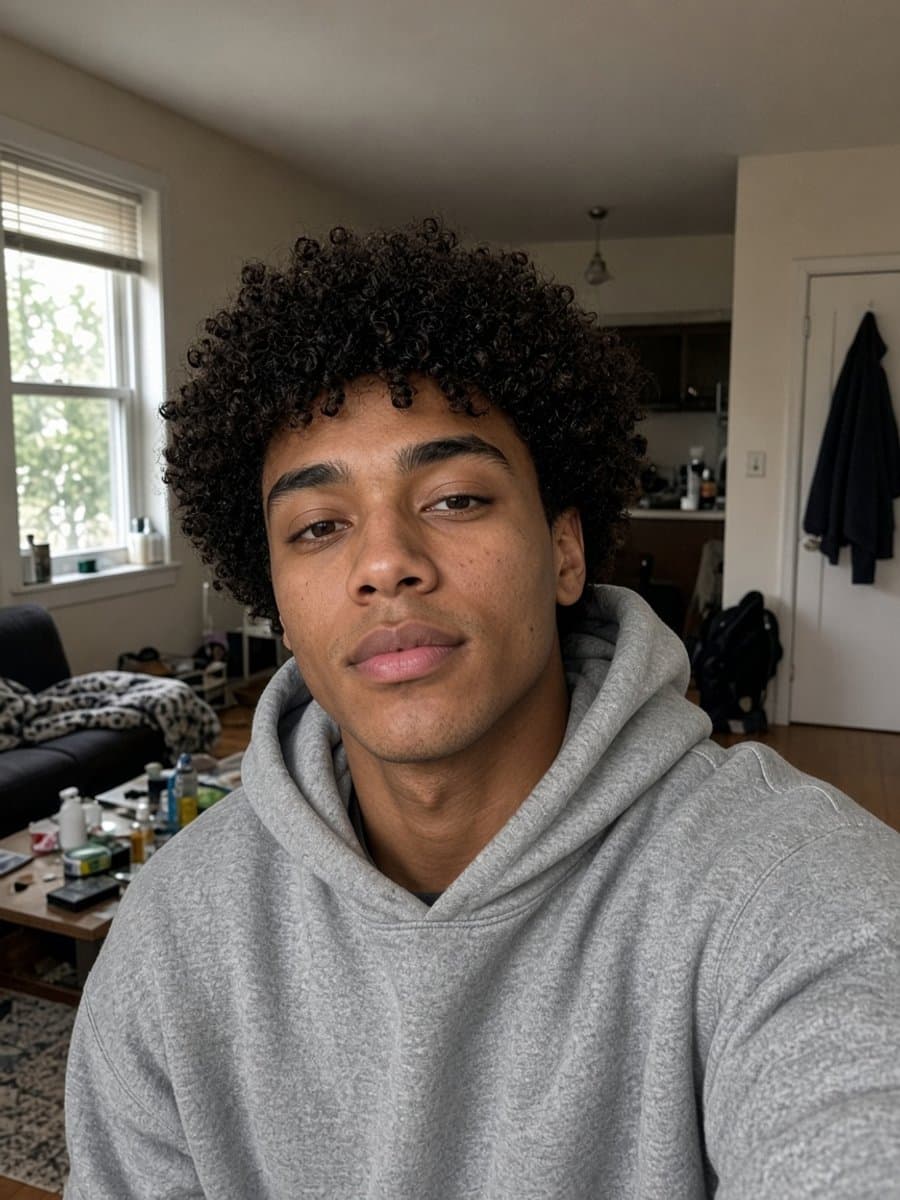
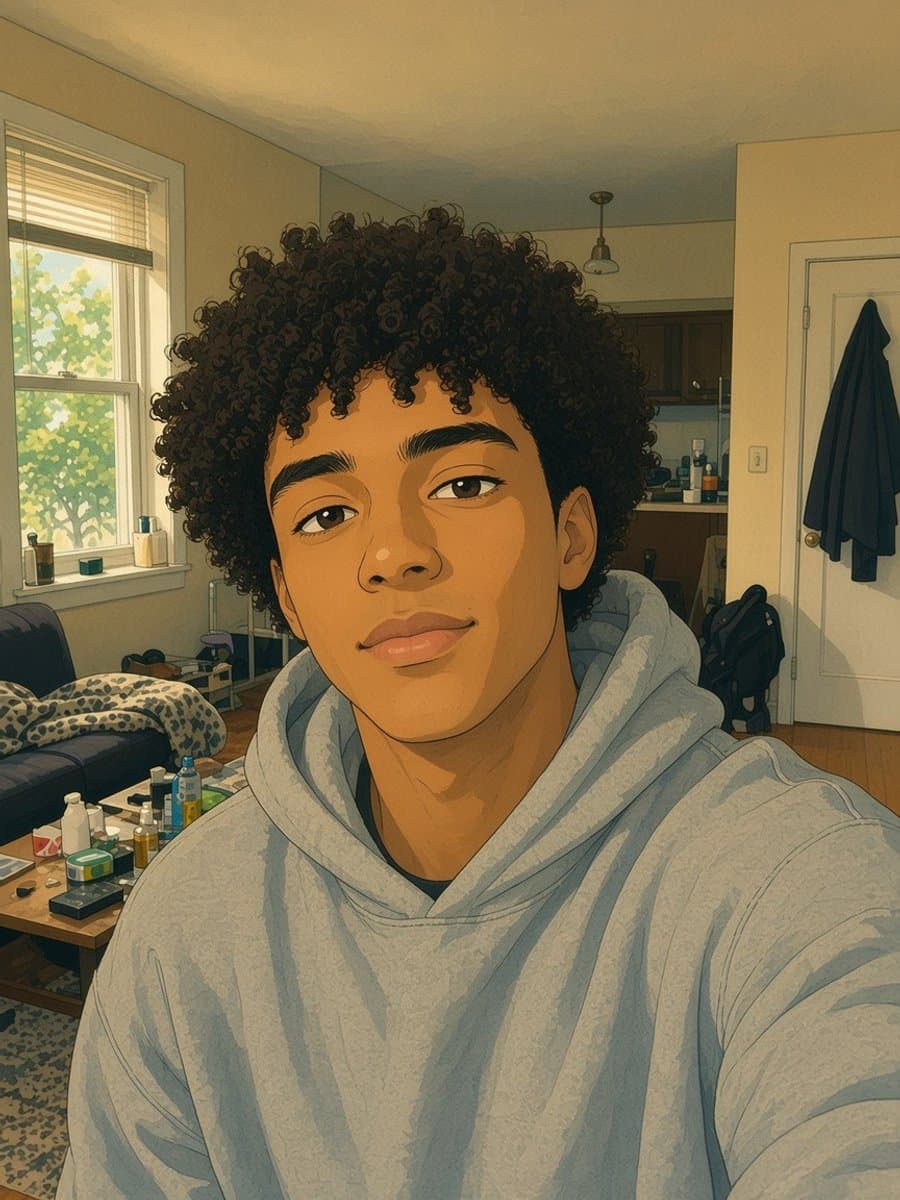
"Best AI photo editor" is a genuinely hard question to answer well, because it depends on a problem the searcher usually hasn't named yet: enhance, restore, or transform are three different jobs, and a tool built for one isn't automatically good at the others.
Enhance: fixing quality, not content
This is the Remini-style problem - a photo that's technically intact but soft, low-resolution, or noisy, usually from an old or low-quality camera. Enhancement tools sharpen detail and upscale resolution. Nothing about the photo's content changes; the existing detail just gets cleaner.
Restore: recovering damage, not just sharpening it
A different problem entirely: a photo with actual physical damage - scratches, fading, discoloration, torn or missing sections. Sharpening a scratch doesn't remove it. Restoration has to reconstruct what's genuinely missing, using the rest of the photo as context, which is a harder and different task than enhancement.
Transform: becoming something different in the photo
The largest and newest category: nothing is technically wrong with the photo, but you want to look different in it - a studio portrait instead of a casual selfie, an anime version of yourself, a completely different scene or setting. This is generation, not correction - a new image built from your likeness rather than a cleaned-up version of the original.
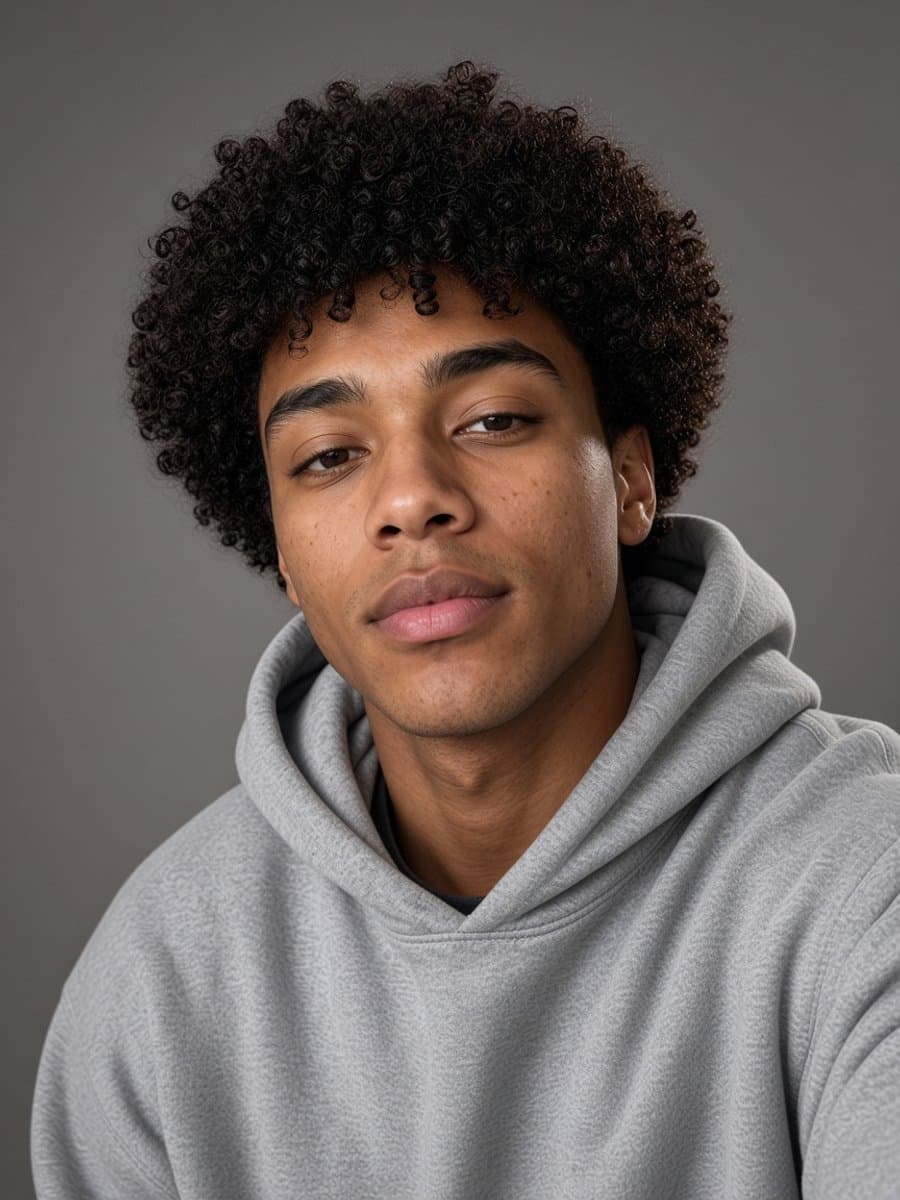

Try studio portrait on your own photo
Try it freeMatching the tool to the job
Before picking based on reviews or rankings, get clear on which of the three problems you actually have:
| Your photo is... | You need... |
|---|---|
| Soft, blurry, low-res, otherwise fine | Enhancement |
| Scratched, faded, torn, physically damaged | Restoration |
| Fine as-is, but you want to look different | Transformation |
Slayed AI sits mainly in the transformation category - most of its templates turn an ordinary selfie into a specific new look or scene - and also covers genuine restoration for damaged old photos, which is a distinct job from resolution enhancement covered elsewhere.
For the enhancement-vs-restoration distinction specifically, see our Remini alternatives breakdown. For the wider app-category landscape including design tools, see best photo editing apps.