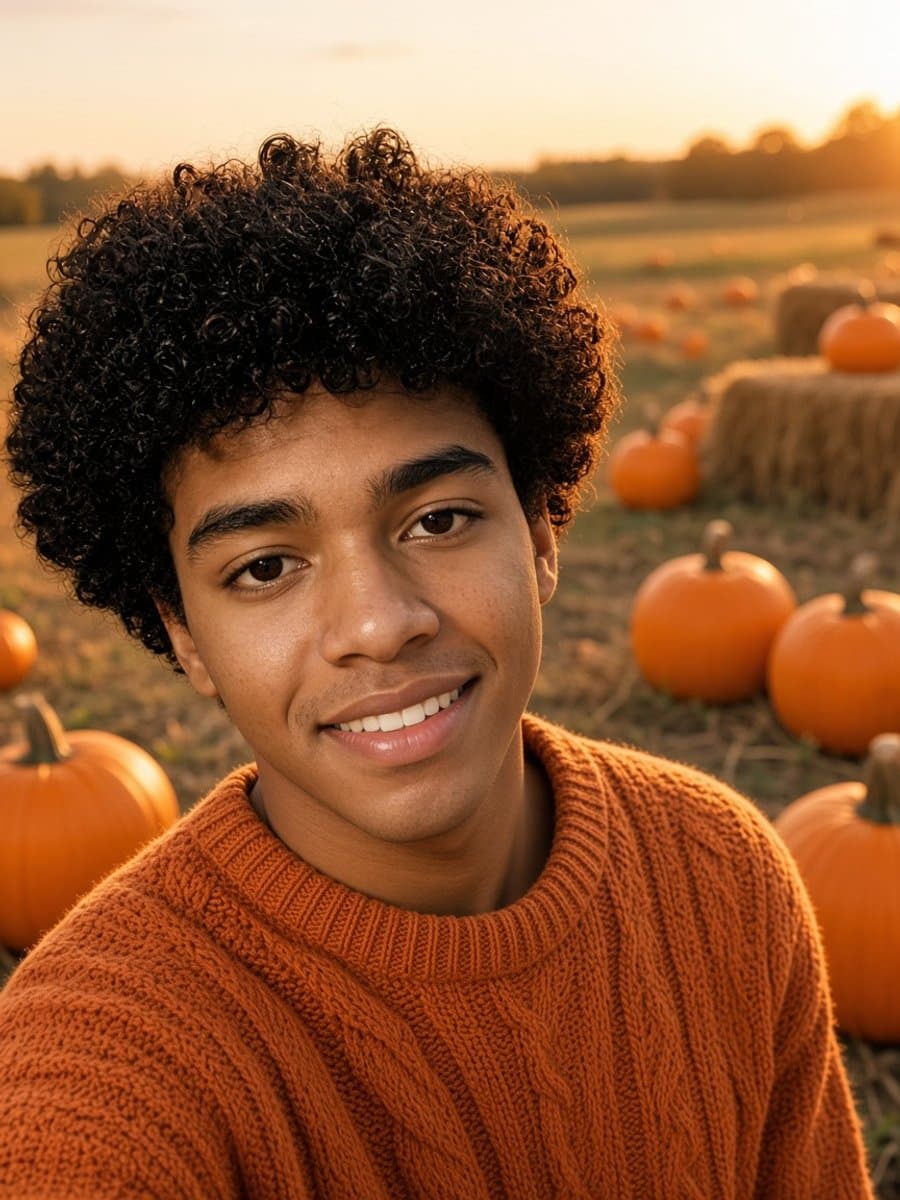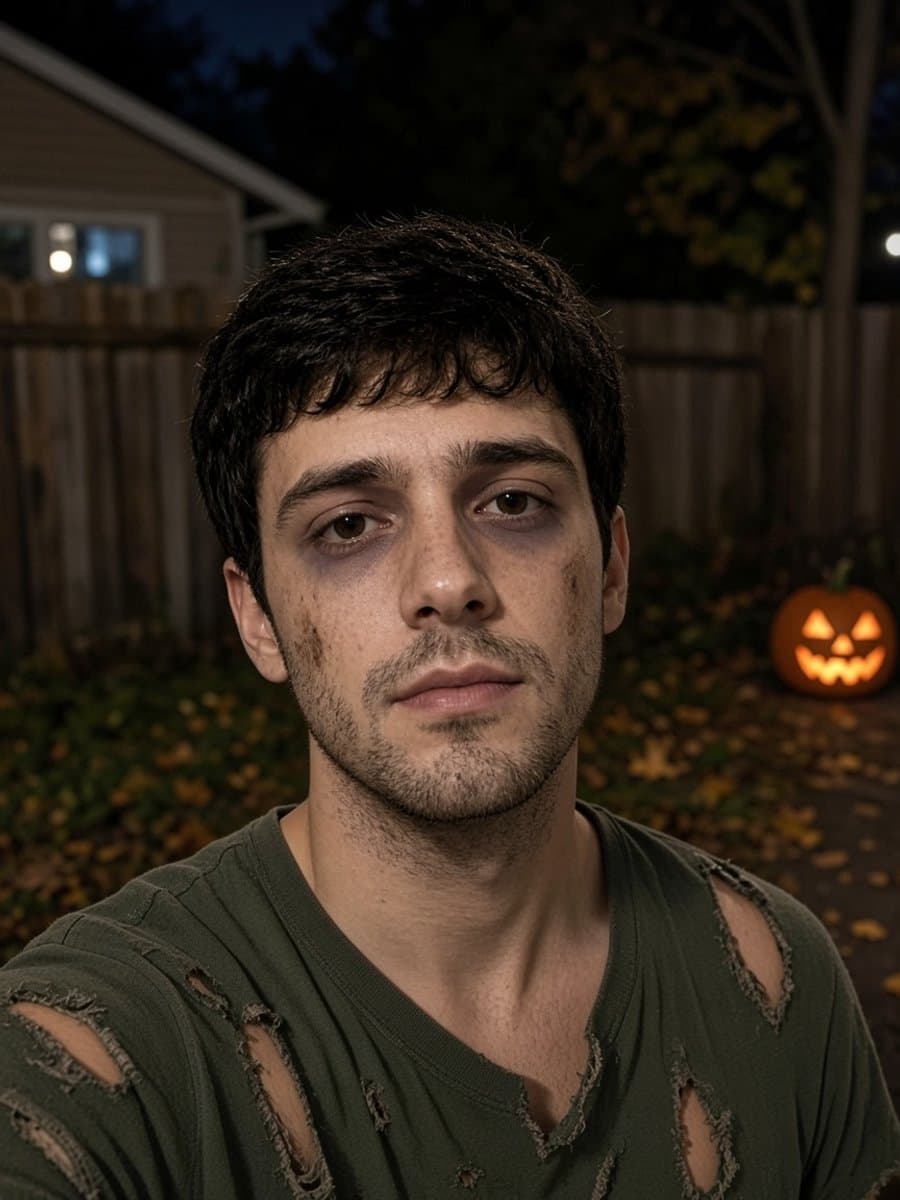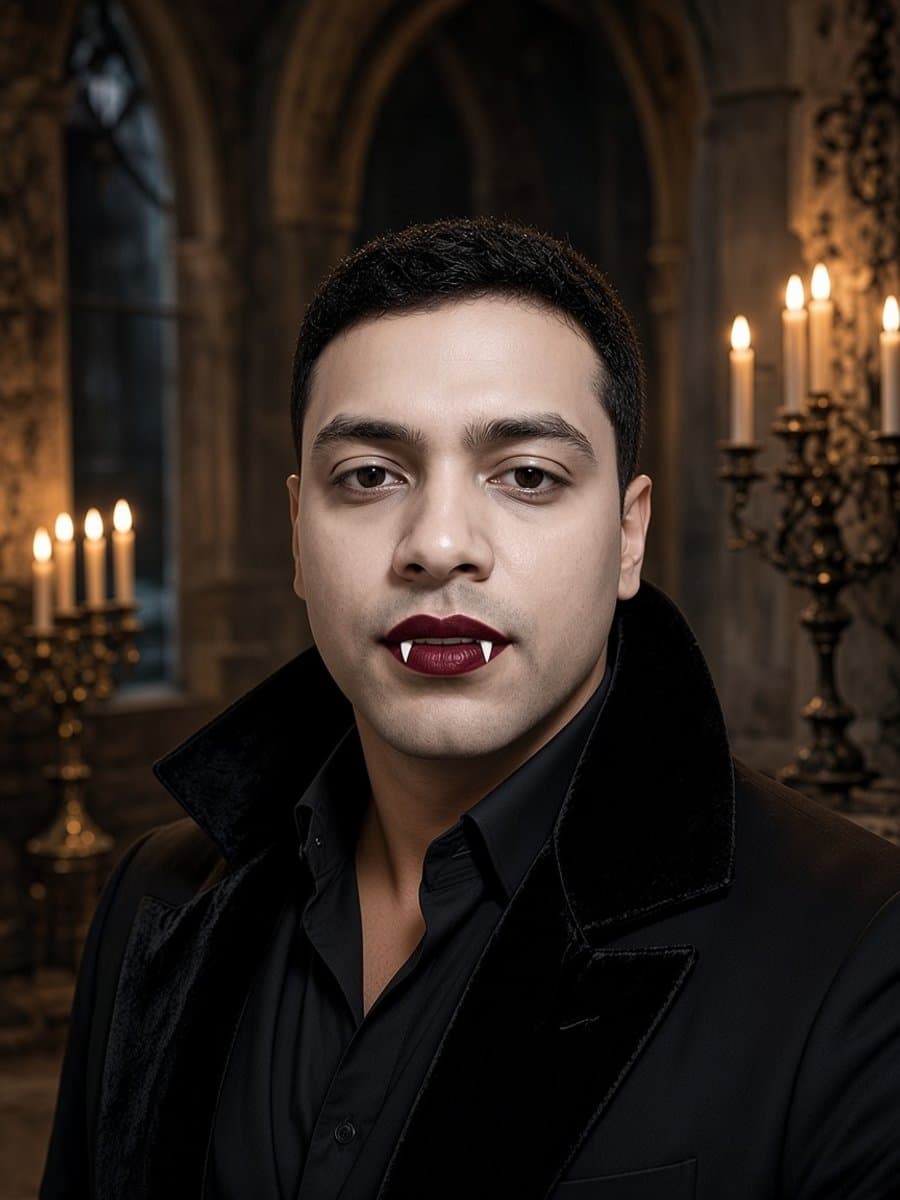
"Vintage Halloween photo" is really two searches. Some people want to find old Halloween photographs to look at or use. Others want to make a new photo that looks like it came from an old family album.
This guide covers both, starting with where to look and how to check whether you can use what you find.
Where to find vintage Halloween photos
These archives have real historic images, and many are in the public domain.
- Library of Congress. Its free to use and reuse collections include an autumn and Halloween set.
- Wikimedia Commons. Search for vintage Halloween and filter by license.
- New York Public Library Digital Collections. It marks public domain items you can download.
- Internet Archive. Old magazines, books, and albums with Halloween photos, though rights vary.
- Flickr Commons. Photos shared by libraries and museums with no known copyright restrictions.
Always check the rights statement. Whether an old photo is free to use depends on the country, the date, and the specific item. Stock and marketplace bundles can look vintage and still carry a license you need to read. This is not legal advice.
Why old Halloween photos look so eerie
- Long exposures. Early cameras needed people to hold still for a while, so faces look fixed.
- Serious expressions. Smiling was not the norm for portraits.
- Homemade costumes. Paper masks, bed sheets, and crepe paper look strange to modern eyes.
- Age damage. Fading, scratches, and low resolution add to the mood.
In the early 1900s, Halloween leaned on parties, games, and postcards with jack-o'-lanterns, black cats, and witches. Trick-or-treating became common in later decades, and boxed costumes with plastic masks were widespread from about the 1950s through the 1970s.
8 vintage Halloween looks by decade
- 1900s postcard. An illustrated look with jack-o'-lanterns, black cats, and warm painted colors.
- 1920s parlor party. Black and white, a paper witch hat, a dark dress, and paper lanterns.
- 1930s and 1940s homemade. A bed sheet ghost, a cardboard mask, and a stiff pose.
- 1950s plastic mask. A boxed costume and a plastic mask held on by elastic.
- 1960s witch. A simple black dress, a pointed hat, and a broom by the door.
- 1970s Polaroid. Faded orange tones, a white border, and a porch with a pumpkin.
- 1980s drugstore costume. A vinyl smock, a plastic mask, and a slightly overexposed flash.
- 1990s camcorder. A soft, grainy frame with a date stamp look and a messy living room.
How to make your own vintage Halloween photo
In real life
- Choose a homemade costume. A bed sheet ghost, a paper witch hat, or a cardboard mask.
- Hold a stiff pose. Look at the camera, keep your hands still, and do not smile too much.
- Use simple light. A window in the evening, with no flash on your phone.
- Edit for the era. Convert to black and white or sepia, add grain and a vignette, soften the focus a little, and crop to a slightly odd size.
With AI
A chat-based image tool can turn one selfie into a vintage snapshot if you keep the identity line. Try these and change the details.
Turn this selfie into a black and white 1920s Halloween party snapshot. Keep my exact face, age, and skin tone. I wear a handmade paper witch hat and a simple dark dress in a wood-paneled parlor with paper lanterns and a carved pumpkin. Soft focus, film grain, faded edges, no text.
Make this a sepia portrait from the early 1900s of me in a bed sheet ghost costume with the hood pulled back so my face shows. Keep my exact face. A studio backdrop with a painted autumn scene, a stiff pose, soft studio light, tiny scratches and dust.
Put me in a 1970s Halloween Polaroid. Keep my exact face, age, and skin tone. Faded orange tones, a homemade cardboard costume, and a porch with a jack-o'-lantern behind me. Slightly overexposed flash, a white border.
For more prompts and fixes for when the face drifts, see Halloween AI photo prompts for Gemini and ChatGPT.
Or skip the prompts
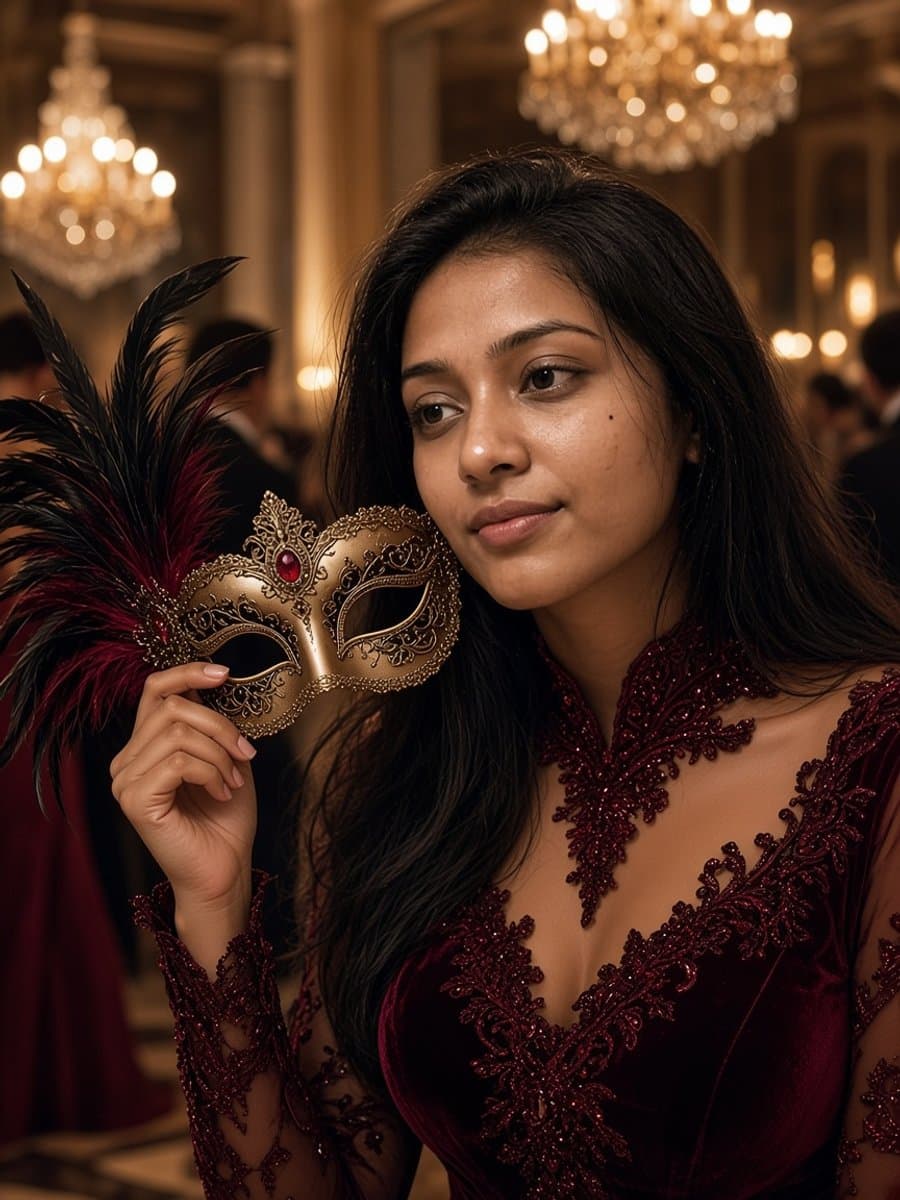
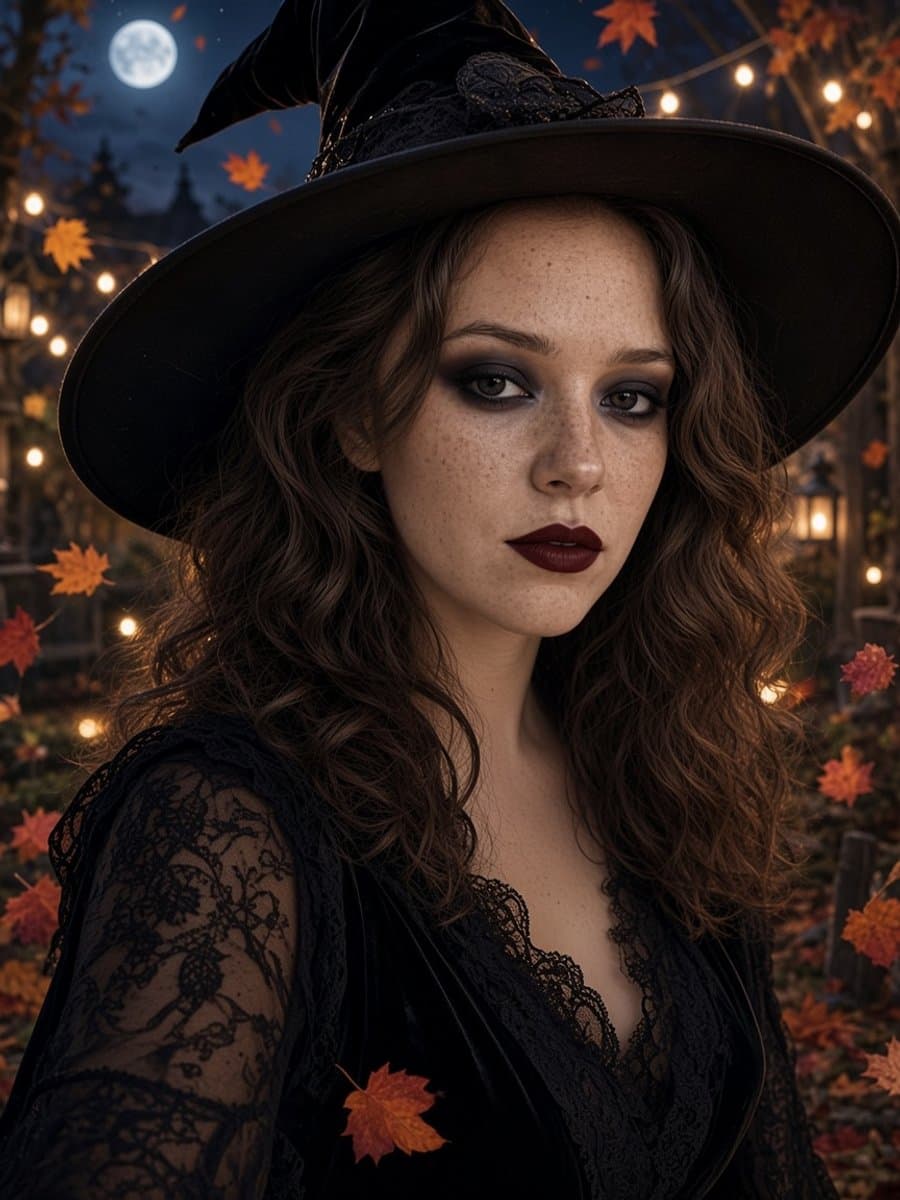
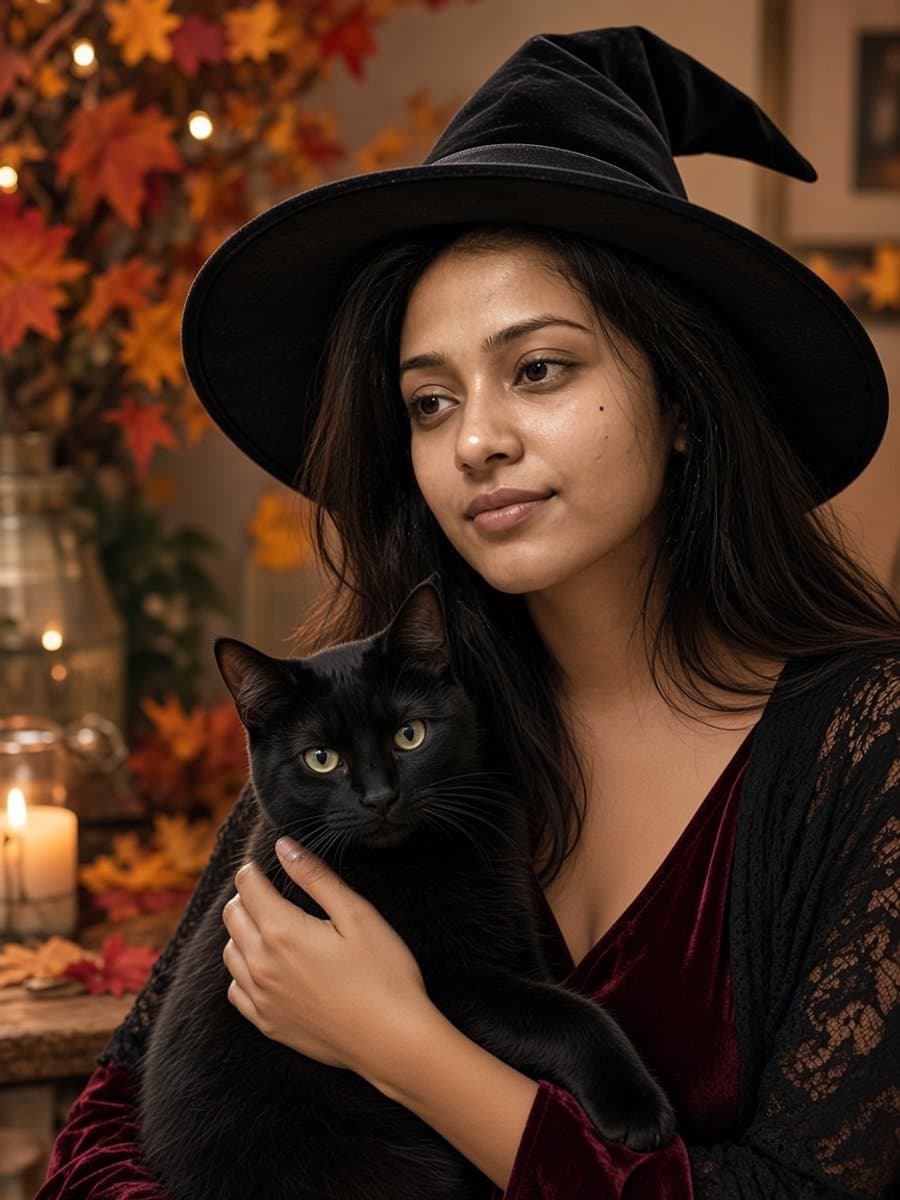
Slayed AI has eight ready-made Halloween looks, such as witch, vampire, and masquerade, that keep your face, age, and skin tone. Upload a selfie, pick a look, and you get a photo in about five seconds, free to start. If you like writing your own scenes, the app also has a prompt box where you can paste the prompts above.
Next steps
For more ways to shoot at home, see Halloween photoshoot ideas, and for a ghost-themed shoot, ghost photoshoot ideas.