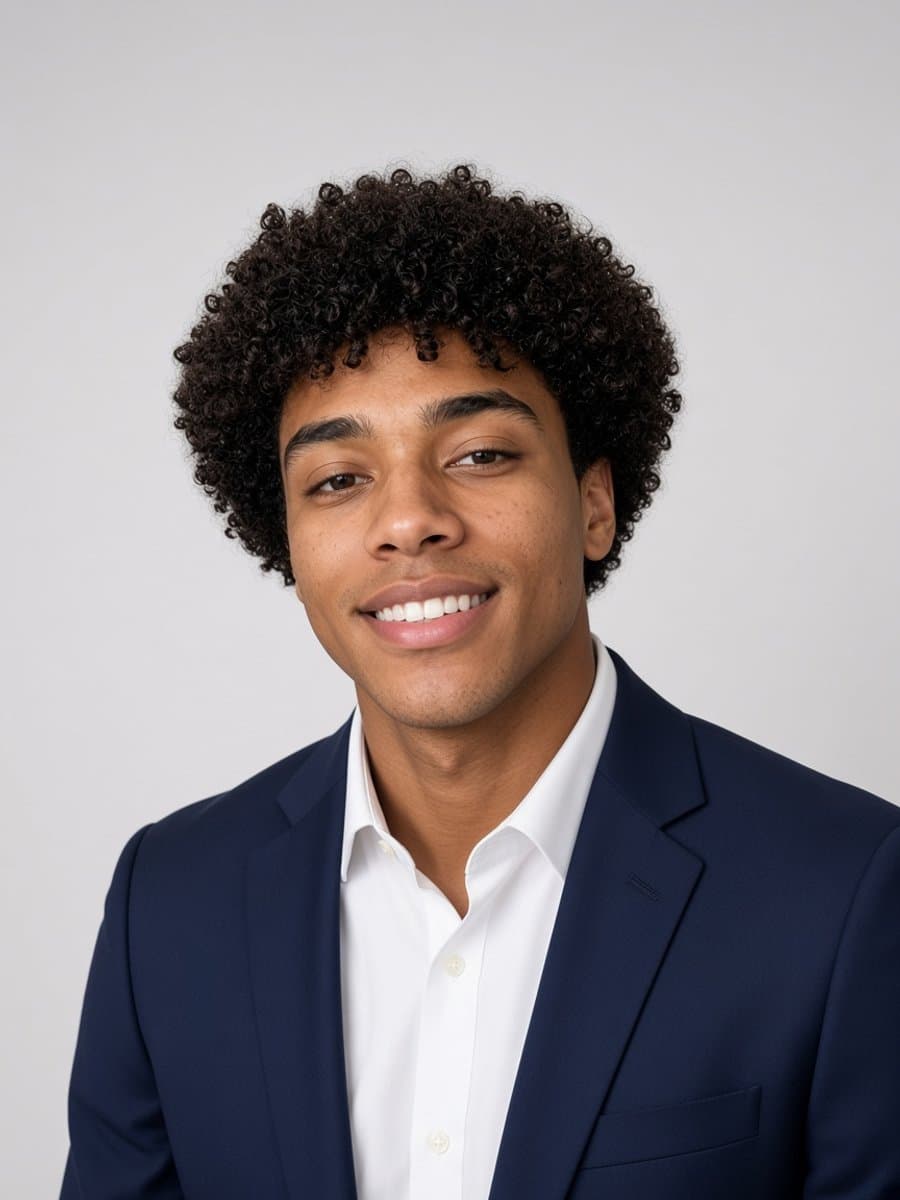
Most selfie advice is about editing after the fact. The bigger lever is almost always what happens before you press the shutter - and it's a shorter list than people expect.
Light matters more than the camera
Soft, even, front-facing light beats a better phone every time. Face a window during the day rather than having it behind you (that silhouettes you and blows out the background). Avoid direct overhead light, which casts hard shadows under your eyes and nose. If you only fix one thing, fix this one.
Angle: eye level, not up the nose
Holding the phone below your face and shooting up is one of the most common selfie mistakes - it distorts proportions unflatteringly and it's the exact opposite of how anyone actually sees your face in person. Hold the camera at or slightly above eye level instead.
Distance: back up, then crop
Phone cameras use a wide-angle lens, and holding the phone close to your face exaggerates whatever's nearest the lens - usually your nose or forehead looking larger than they actually are. Extend your arm further than feels natural, or use a timer and prop the phone up, then crop in afterward. The distortion at close range is a real optical effect, not something you can pose your way around.
Background: one less thing to think about
A cluttered background pulls attention away from the actual subject. You don't need a studio setup - a plain wall, an open doorway, or just more distance between you and whatever's behind you goes a long way.
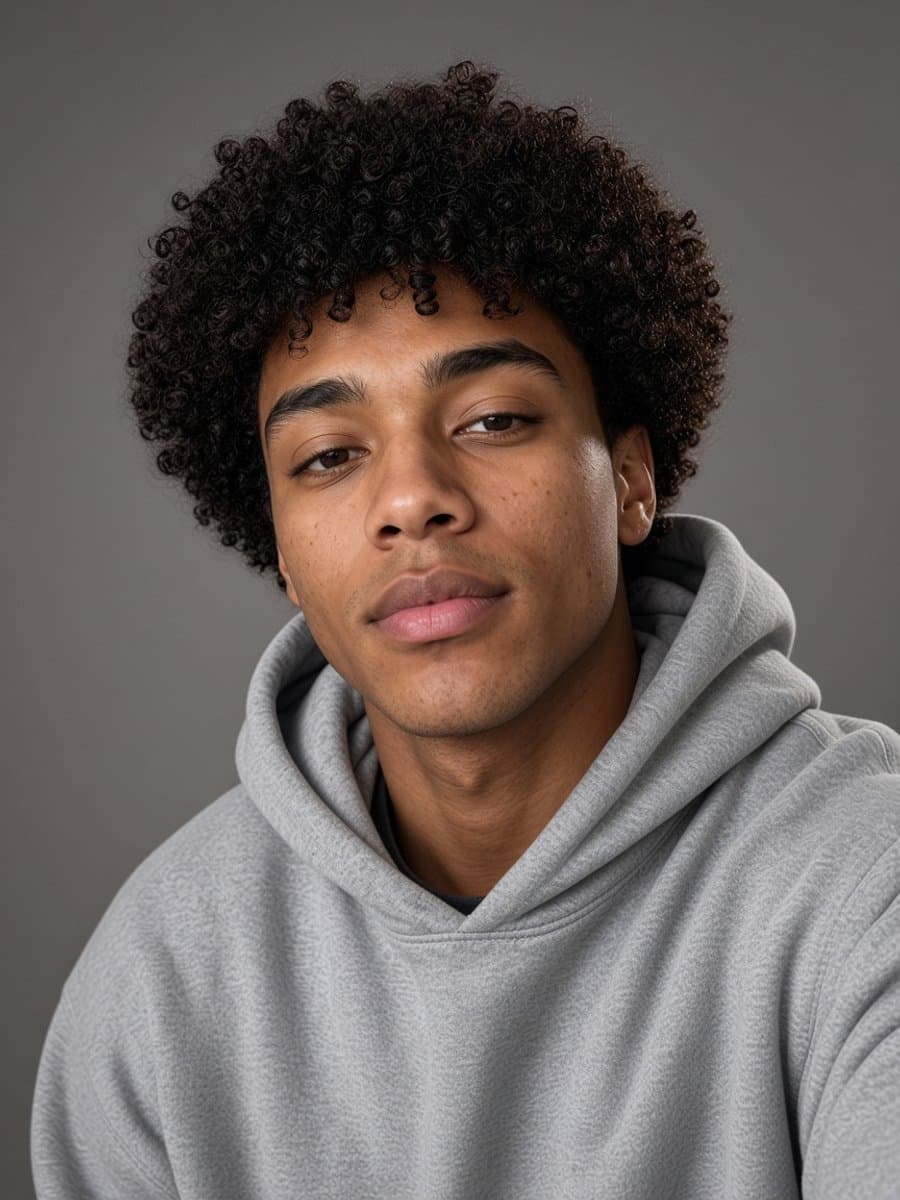
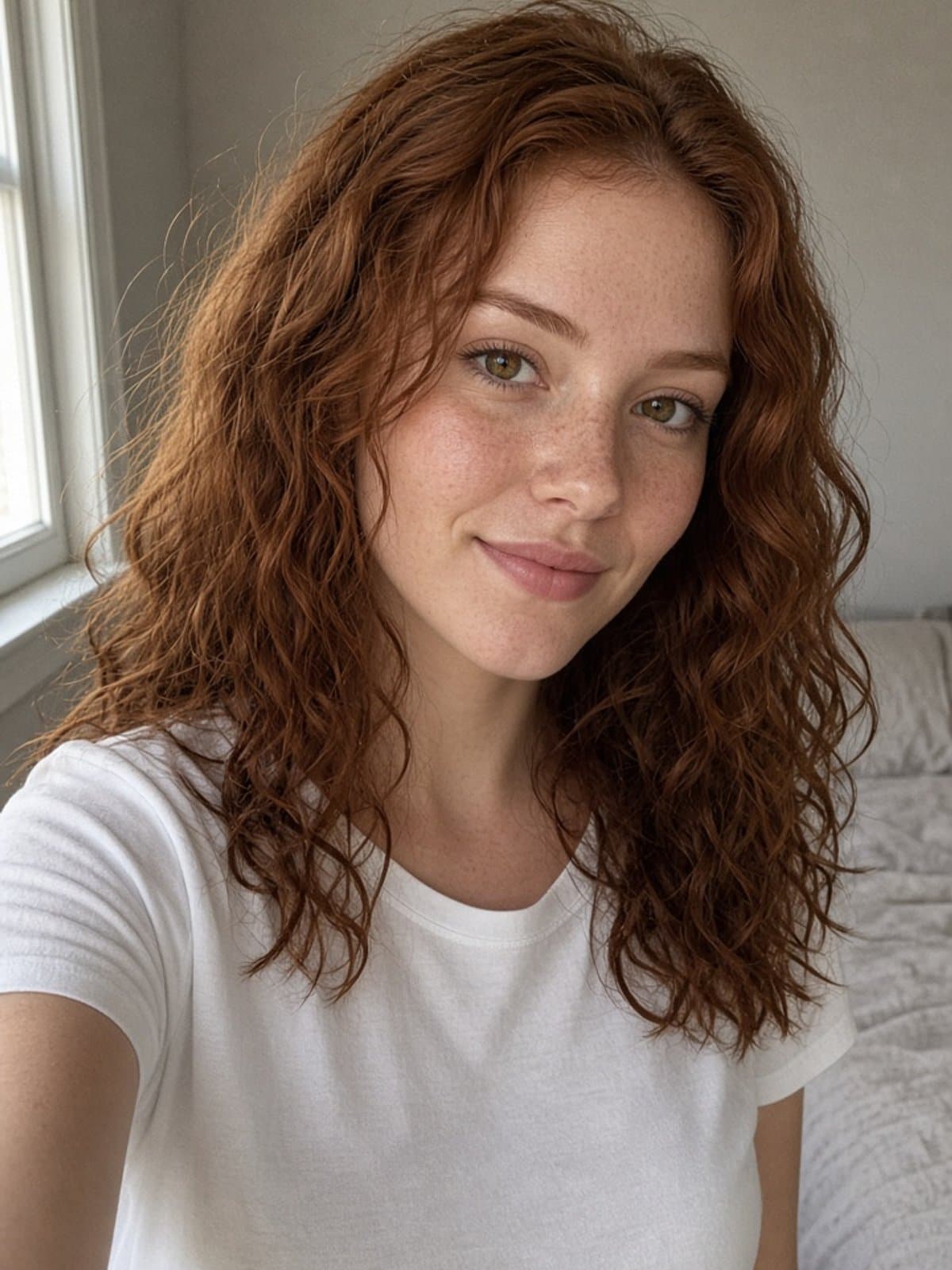
Try studio portrait on your own photo
Try it freeWhere AI editing picks up from there
Good habits get you a solid original photo. AI editing is a strong finishing step on top of that - relighting, cleaning up skin texture, swapping in a cleaner background - but it works best as polish on a photo that's already reasonably good, not as a fix for one with real problems like a blink, motion blur, or an awkward pose. Get the fundamentals right first; let editing do what editing is actually good at.
For what a good AI-generated headshot specifically needs, see our Canva headshot generator breakdown. For the wider landscape of AI editing categories, see best AI photo editors.