Last fall, the Halloween AI trend was a 1990s horror-movie selfie. You uploaded a photo, and the AI placed you in a grainy living room or an autumn forest with a masked figure standing far behind you. People called it the Ghostface trend, and it spread fast across TikTok and Instagram.
The trend itself may or may not come back this year, but the prompt skills carry over to every Halloween look. These prompts are written for chat-based image editors like Gemini and ChatGPT. Below is a simple formula, 15 prompts you can copy, and the fixes for the biggest problem with all of them: the result not looking like you.
How to make the viral Halloween AI photos
The short version has three steps.
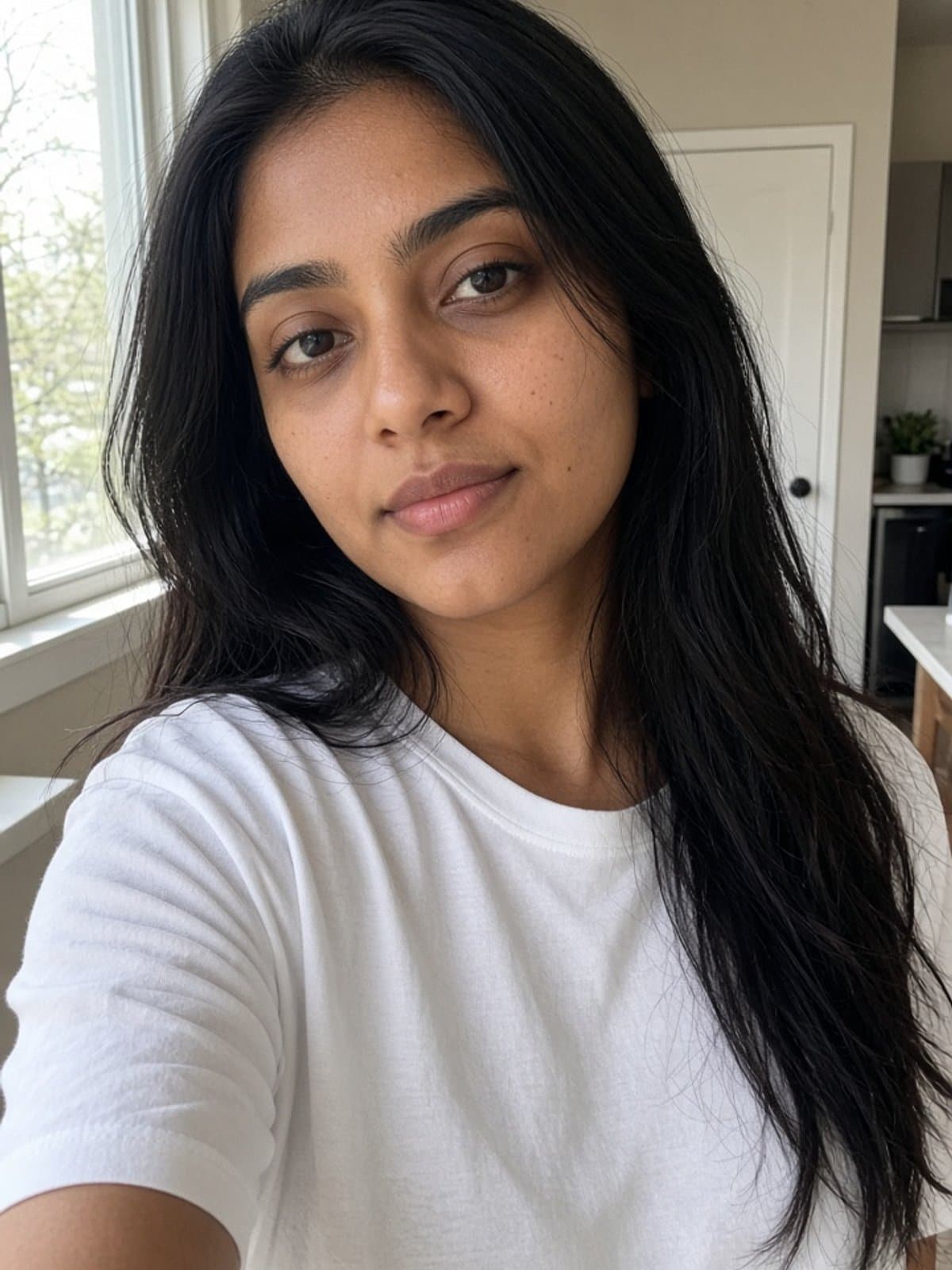
- Pick one clear selfie. Front-facing, soft light, face fully visible.
- Paste a prompt. Use one of the 15 below, and keep the line that tells the tool to keep your exact face.
- Check the eyes, then retry. If it does not look like you, run it again or simplify the look before you rewrite anything.
The four-part formula
Good Halloween prompts are built in the same order every time, in Gemini and ChatGPT alike.
- Identity lock. One plain line: keep my exact face, age, and skin tone.
- The look, in physical detail. Name fabrics, makeup colors, and props. For characters that tools may block, describe the silhouette instead of using the name.
- The scene. Where you are and what is behind you.
- Light and camera. Candlelight, string lights, a flash-photo look, film grain, shallow depth of field.
End with "natural skin texture, no text or logos" to avoid plastic skin and garbled signs.
15 copy-paste Halloween AI photo prompts
Upload one clear, front-facing selfie with each prompt.
Glam looks
Prompt 1: Moonlit witch
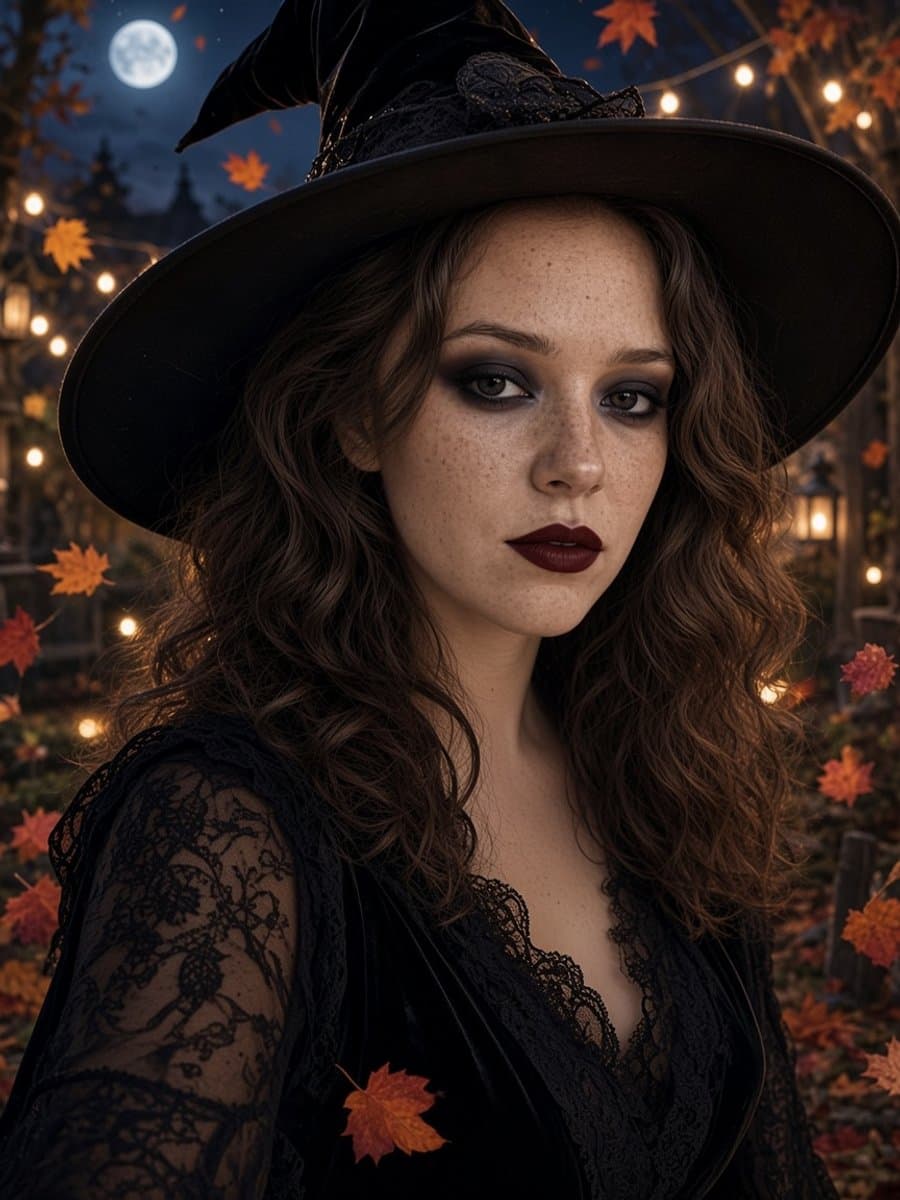
Edit this selfie into a glamorous Halloween witch portrait. Keep my exact face, age, and skin tone. Black velvet witch hat, smoky eye makeup, deep plum lipstick, and dark lace sleeves. A moonlit garden with warm string lights and drifting maple leaves behind me. Soft rim light, shallow depth of field, natural skin texture, no text.
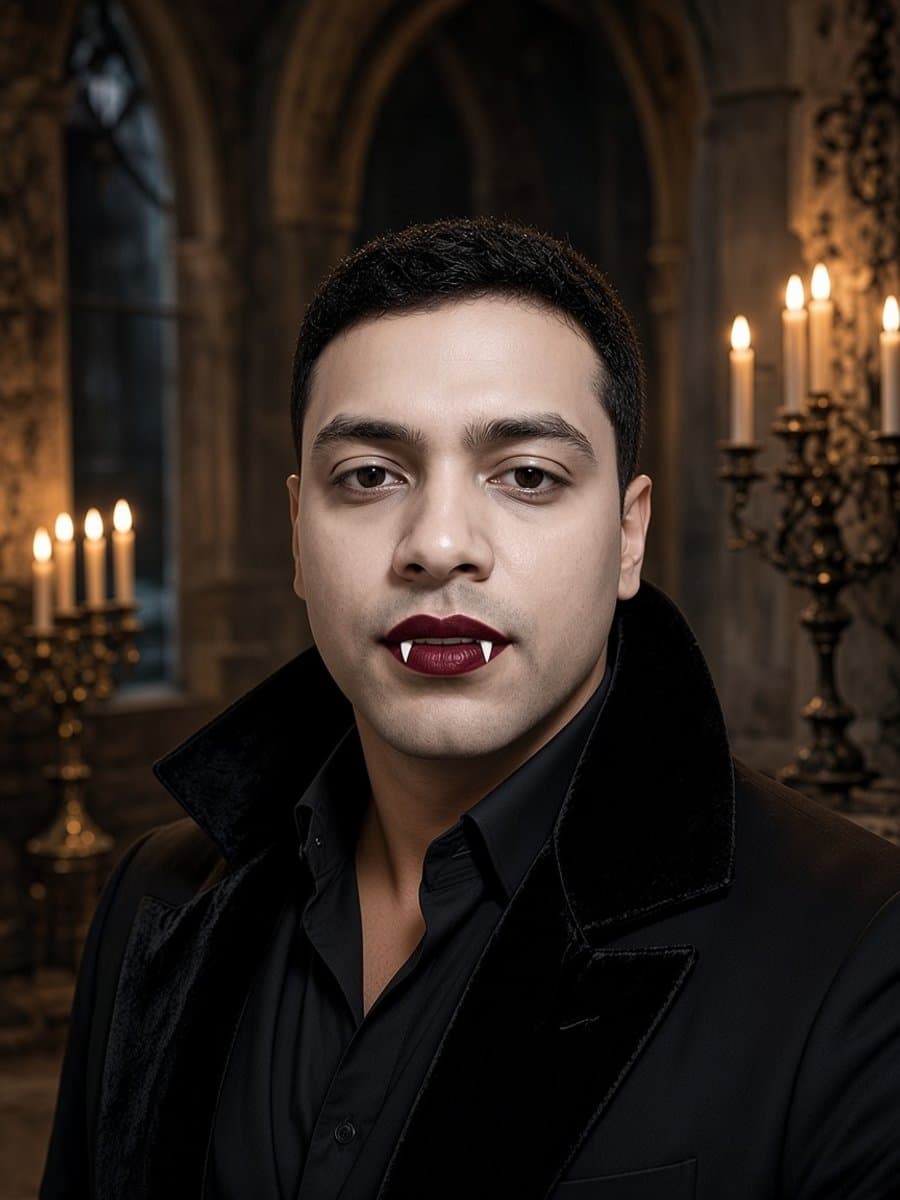
Prompt 2: Candlelit vampire
Turn this photo into a gothic vampire portrait. Keep my exact face and features. Subtle fangs, deep red lips, and a black coat with a tall velvet collar. An old stone hall lit by candles, warm light on my face, cool shadows behind. Film-like grain, natural skin texture, no gore.
Prompt 3: Skeleton face paint at home
Add elegant skeleton face paint to this photo: black eye sockets, a small black nose, and thin teeth lines across my mouth. The paint should sit on my skin so my real features still show. Keep my exact face and hair. A cozy living room with warm lamp light, a casual phone-selfie look.
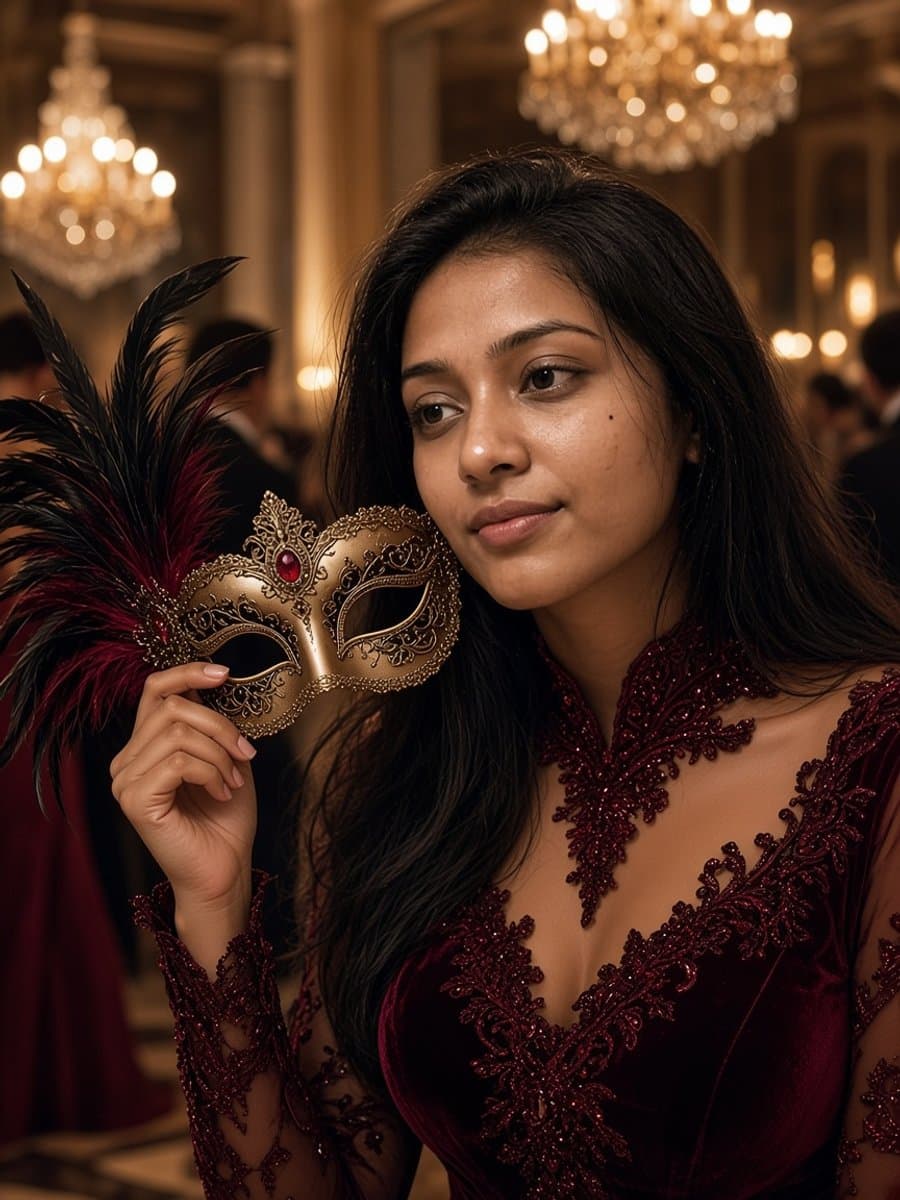
Prompt 4: Masquerade ball
Place me at a masquerade ball holding a gold feathered mask beside my face, not covering it. Keep my exact face, age, and skin tone. A deep burgundy velvet outfit with lace detail, blurred chandeliers behind me. Warm candlelight, elegant and cinematic.
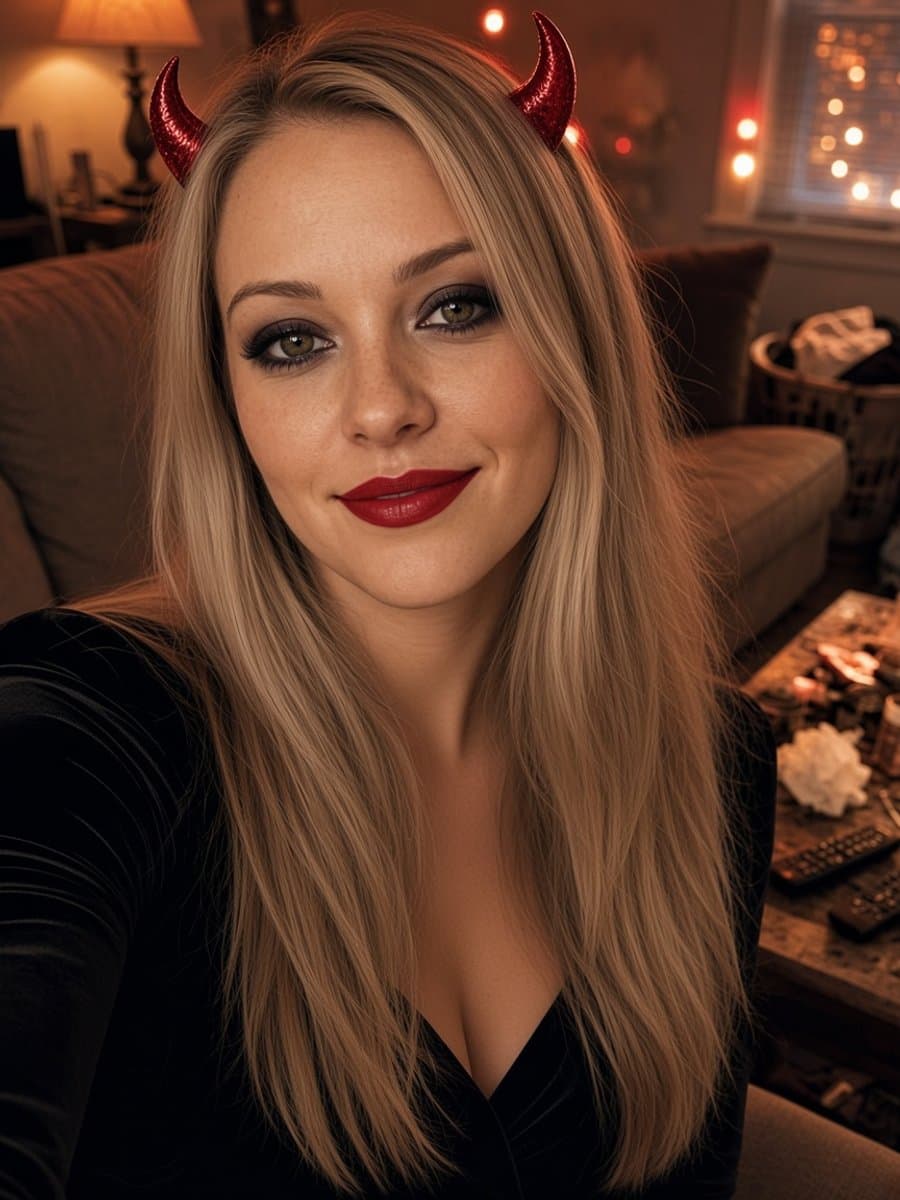
Prompt 5: Devil horns glam
Add small glittery red devil horns, red lipstick, and smoky eye makeup to this selfie. Keep my exact face and hair. A cozy room with warm string lights in the background. Playful expression, natural skin texture.
Cinematic horror scenes
Prompt 6: 90s slasher living room
Make this a grainy 1990s film still. I am sitting on a sofa in a dim living room at night with a bowl of popcorn and a corded phone nearby. Far behind me in a dark doorway, a tall figure in a black hooded robe and a pale elongated mask stands very still. Keep my exact face and skin tone. Flash-photo look, film grain, muted colors, suspenseful mood.
Prompt 7: Autumn forest cabin
A crisp autumn afternoon in a forest near an old cabin, with golden and brown leaves everywhere. I look at the camera with a nervous half-smile. Far behind me between two trees, a masked figure in dark clothing watches, barely visible. Keep my exact facial features and likeness from the reference photo. Soft overcast light, slight film grain.
Prompt 8: Foggy graveyard portrait
A portrait of me standing in a foggy graveyard at dusk in a long dark coat. Keep my exact face. Cold blue fog, and one warm lantern in my hand lighting my face. Cinematic, natural skin texture, no text.
Prompt 9: Camcorder party footage
Turn this into a frame from a 1994 handheld camcorder recording of me at a Halloween party. Keep my exact face. Warm flash, soft focus, slight color bleed, blurred decorations behind me. Casual and a little chaotic.
Cute and funny
Prompt 10: Pumpkin patch at golden hour
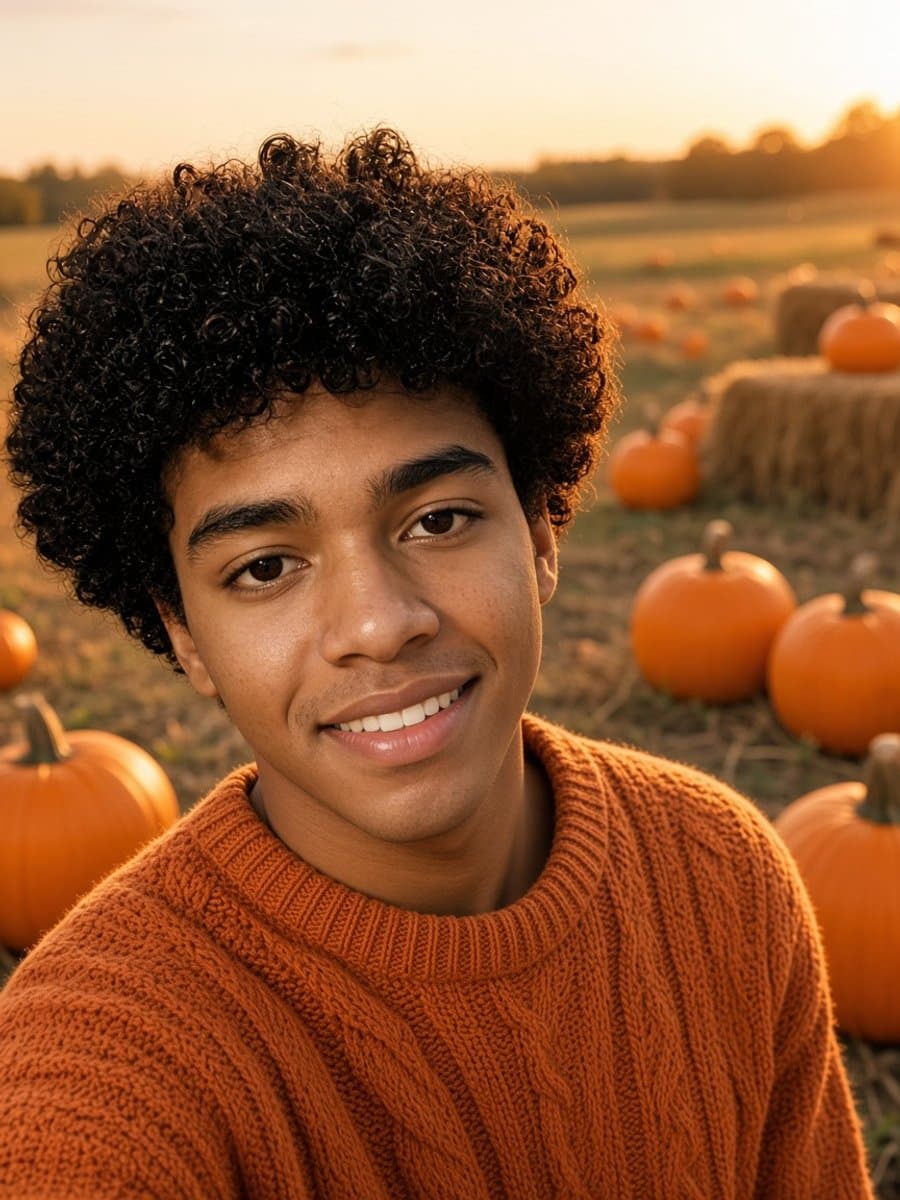
Place me in a pumpkin patch at golden hour, laughing, in an orange knit sweater. Keep my exact face, age, and skin tone. Hay bales and pumpkins around me, long warm light, shallow depth of field.
Prompt 11: Witch and black cat
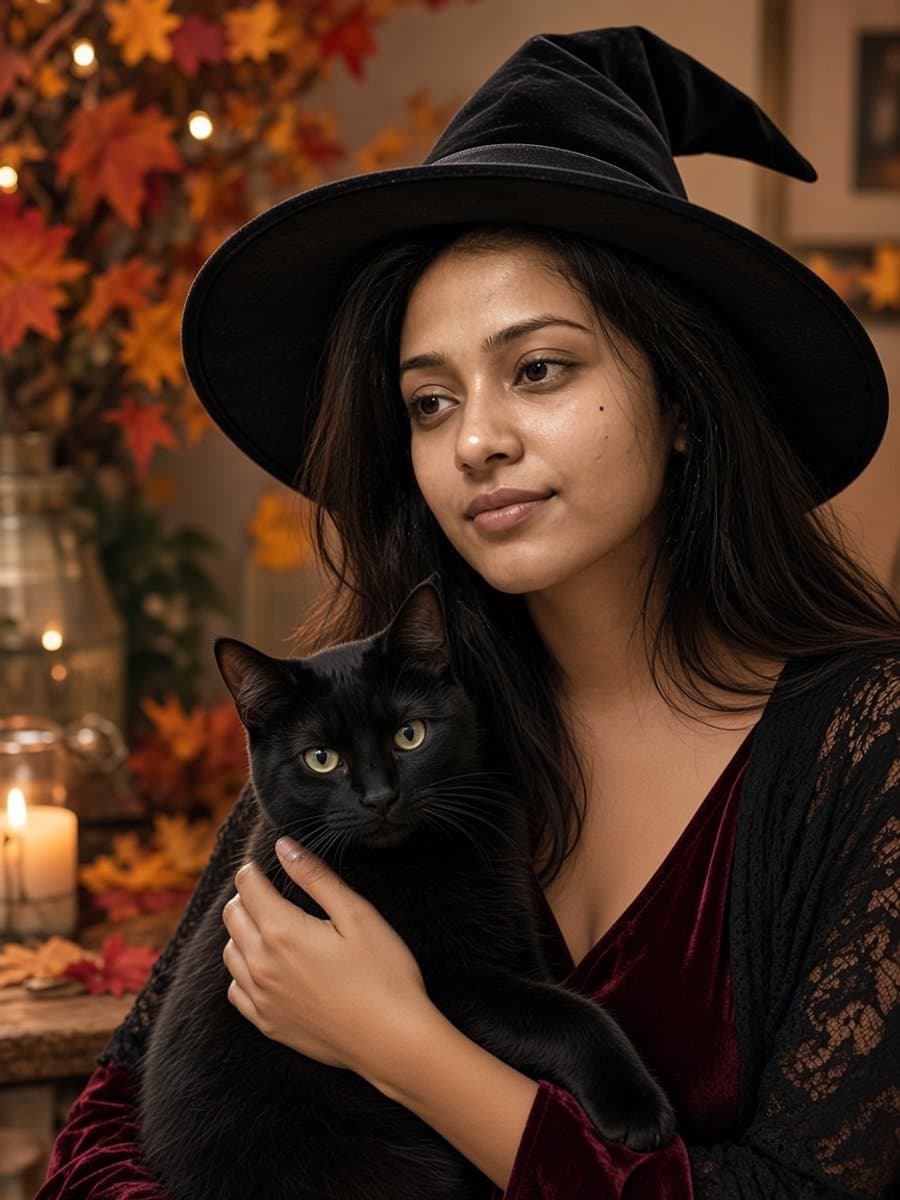
I am a witch holding a black cat, sitting by a window with candles and autumn leaves. Keep my exact face, age, and skin tone. A black velvet witch hat, warm light, cozy and natural.
Prompt 12: Mild zombie prank
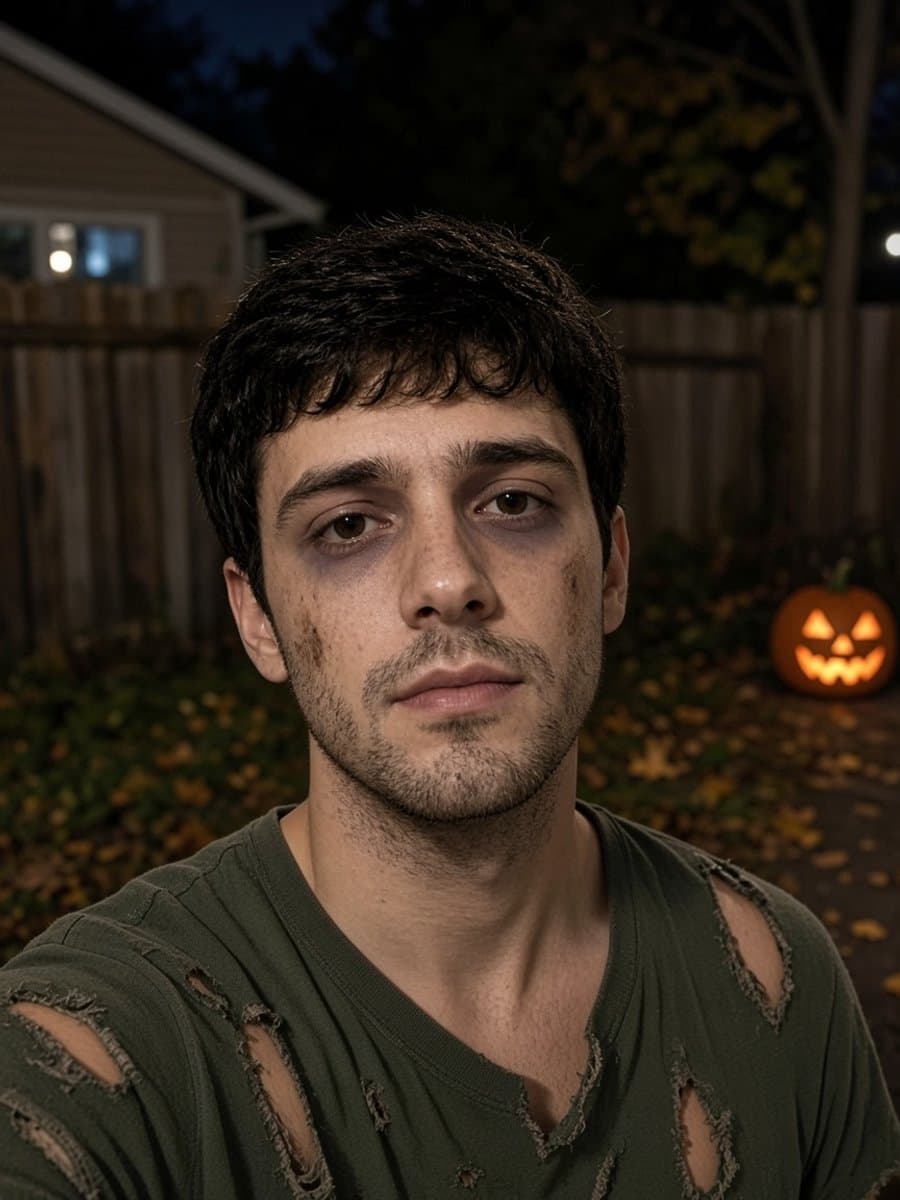
Turn me into a mild zombie for a group chat prank: pale skin, dark circles under my eyes, a few dirt smudges, and a torn shirt. Keep my exact face so friends can still recognize me. A backyard at night with a glowing jack-o'-lantern. Funny, not gory.
Couples, friends, and pets
Prompt 13: Matching skeletons for two
Edit this photo of two people into matching skeleton face paint. Keep both faces exactly as they are, in the same positions. A neon-lit backyard party at night. Natural skin texture, no text.
Prompt 14: Vampire and witch
Edit this photo so one person is a stylish vampire and the other is a witch, at a candlelit party. Keep both people's exact faces and skin tones. Warm candlelight, shallow depth of field, cinematic.
Prompt 15: Tiny wizard dog
Turn my dog into a tiny wizard with a purple hat and cape, sitting in a pumpkin patch. Keep my dog's exact face, fur color, and markings. Golden hour light, adorable and realistic.
Which prompt for which mood
| You want | Try prompts |
|---|---|
| Glam and elegant | 1, 2, 4, 5 |
| Scary and cinematic | 6, 7, 8, 9 |
| Cute and cozy | 10, 11, 15 |
| Funny | 9, 12 |
| Two people | 13, 14 |
Prompts 2, 3, 6, 7, 8, and 12 work for anyone. The lipstick and lace details in 1, 4, and 5 are optional, so delete them or swap them for "no makeup". If you wear glasses or have a beard, add "keep my glasses" or "keep my beard exactly as it is".
Why the result does not look like you
Almost every "that is not me" result comes down to a few causes.
- The selfie is weak. A small, blurry, tilted, or heavily shadowed photo gives the tool little to hold on to. Use a sharp front-facing photo in soft window light.
- The prompt asks for too much. Full-face masks and heavy prosthetics hide the features that make you recognizable. Face paint, hats, and horns leave your face alone.
- There is no identity line. Add it to every prompt, in plain words.
- Group photos drift more. Each extra face is another chance to change. Try one person at a time, or accept a little drift.
- Plastic skin. Add "natural skin texture" and avoid "flawless" or "perfect skin".
- A single unlucky result. Results vary, so try the same prompt two or three times before you rewrite it.
The shortcut: no prompts
Prompts are a fine way to learn what makes a Halloween photo work, but they are a lot of typing for a profile picture.
Slayed AI has eight Halloween looks with the prompt and the face lock already built in. You upload a selfie, tap a look, and get a photo in about five seconds, free to start. If you would rather write your own, the app also has a prompt box where you can paste any of the prompts above.
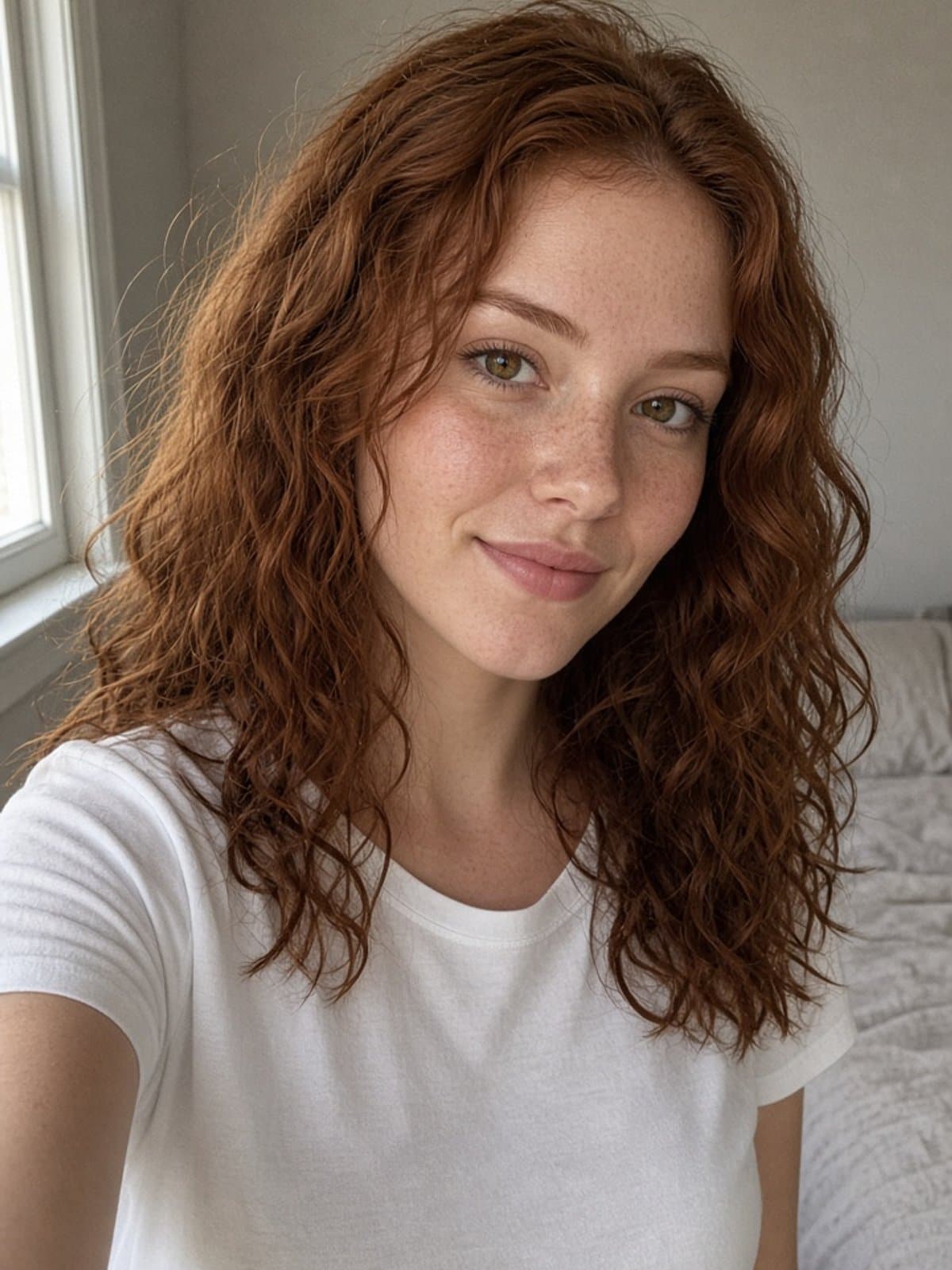
Try witch glam on your own photo
Try it freeFor ideas on what to do with the result, see Halloween profile picture ideas and Halloween captions for Instagram.