A Halloween profile picture is the cheapest costume there is. You do not need a store, a party, or a makeup chair, just one image that reads well at thumbnail size.
There are two ways to get one. You can pick an idea and find or draw it, or you can turn your own selfie into a Halloween look. This guide has 40 Halloween PFP ideas for both routes, starting with what makes a profile picture work at all.
What makes a Halloween profile picture work
Profile pictures are tiny. Most of the time yours is a circle about the size of a thumbnail, so the rules are different from a normal photo.
- Big face, tight crop. Fill the frame with your face and cut the background down to a hint.
- High contrast. Dark backgrounds with a bright face, or bold face paint on a light face, still read when shrunk.
- One idea. A witch hat or fangs or horns, not all three at once.
- Keep your eyes visible. Masks and heavy shadows make you harder to recognize in a chat list.
- Check it small. Shrink the image to thumbnail size before you commit.
40 Halloween profile picture ideas
Costume selfies (your face, a new look)
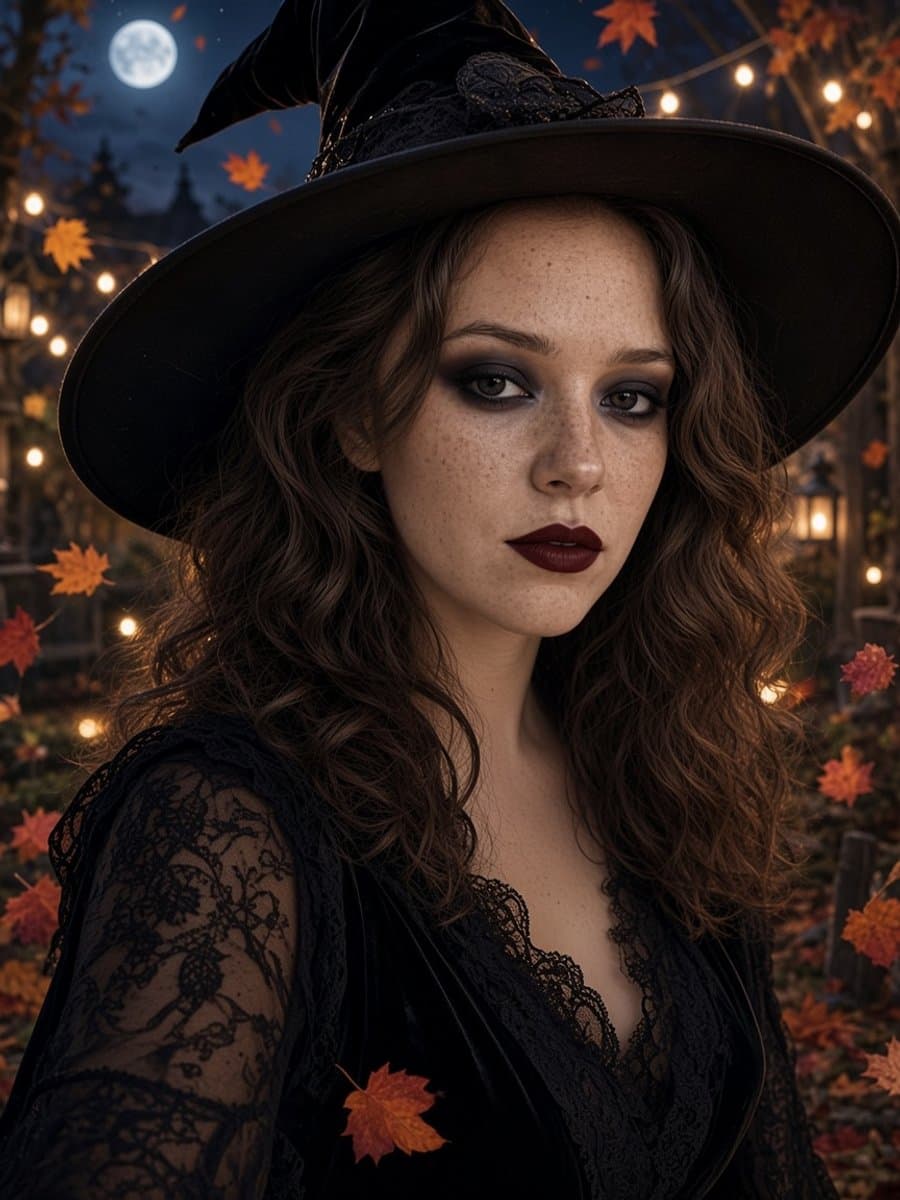
- Witch glam with a hat brim framing your face.
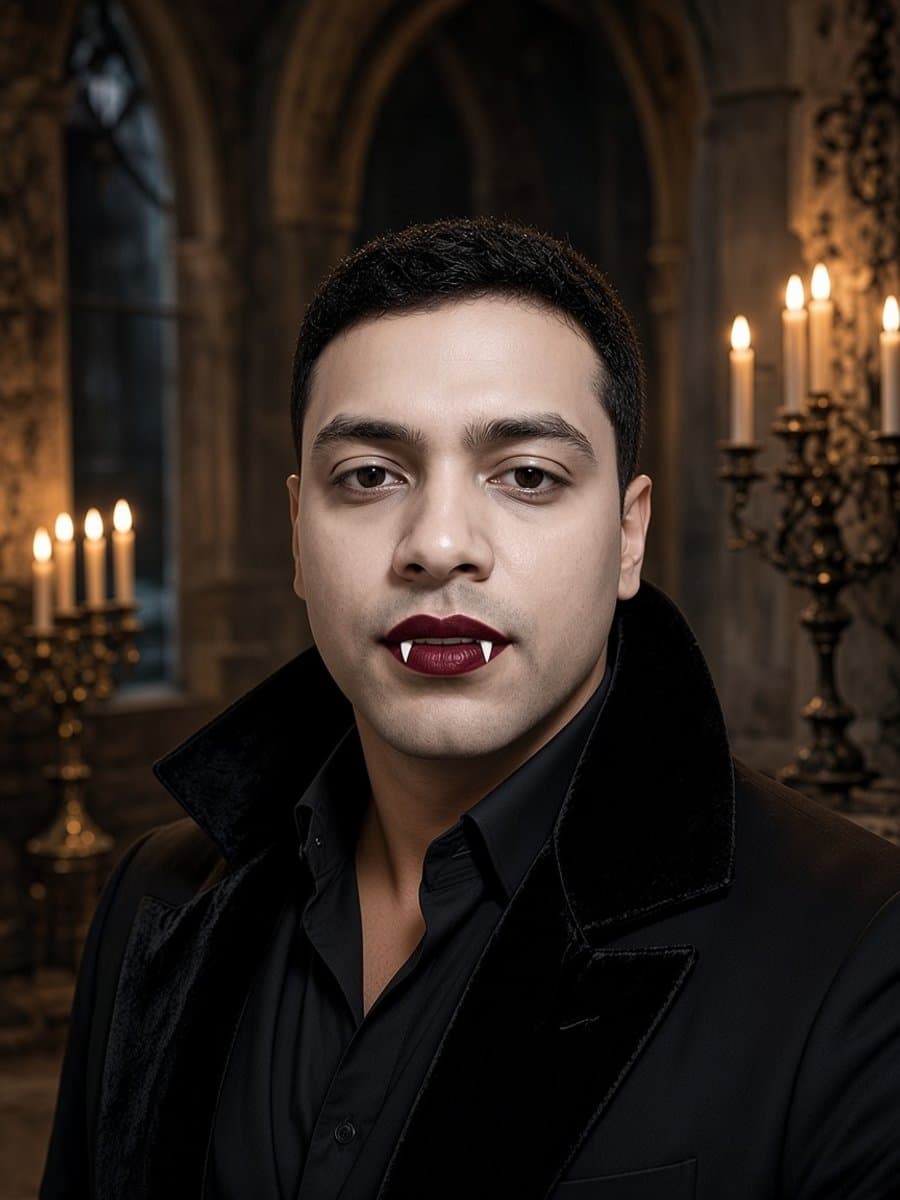
- Vampire portrait with candlelight and subtle fangs.
- Skeleton face paint in stark black and white.
- Devil horns and a red lip.
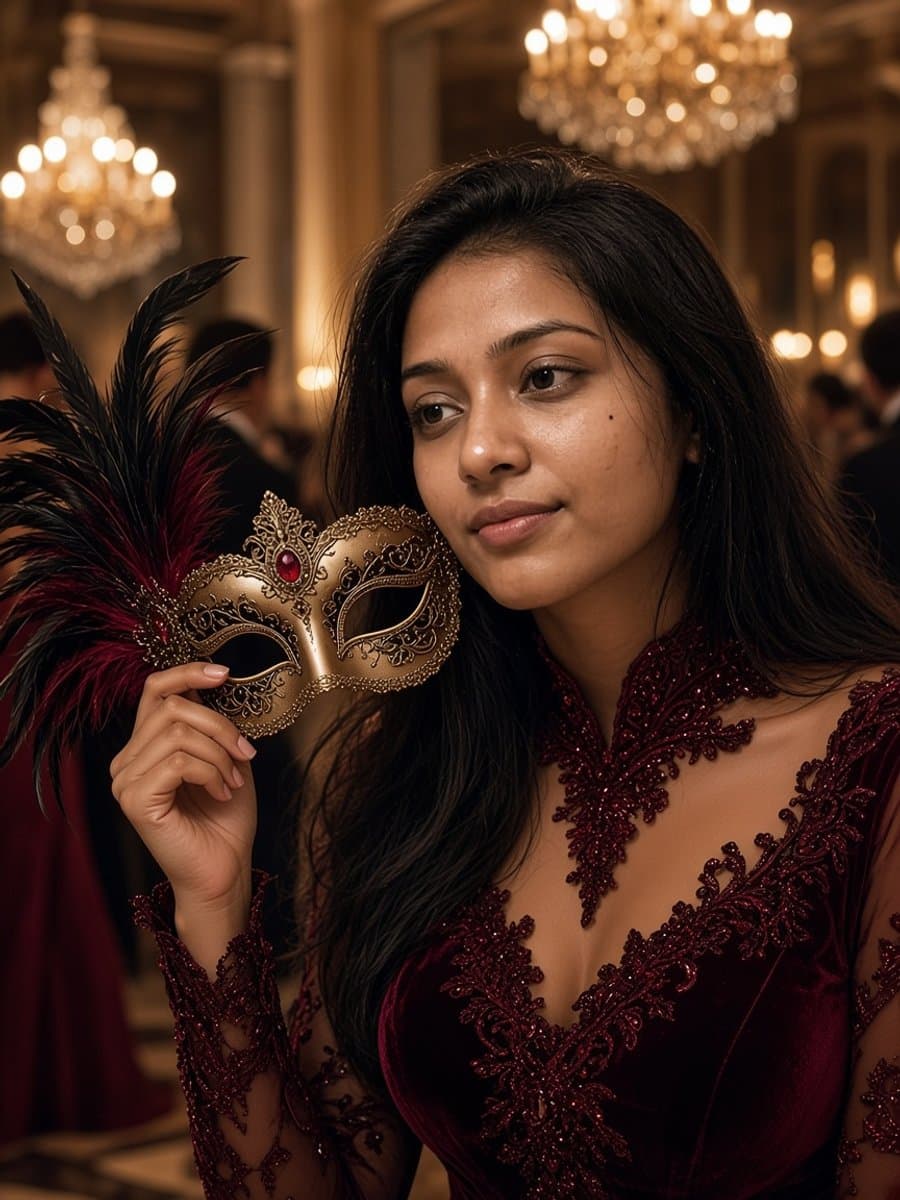
- A masquerade mask held beside your face.
- Mild zombie with dark circles and a torn collar.
- Golden hour in a pumpkin patch with a big smile.
- A witch holding a black cat.
- A gothic portrait in all black with pale lips and window light.
- A mummy look with a few strips of gauze across your face.
Aesthetic and moody
- Grainy film look with orange and teal tones.
- A 90s slasher-movie scene with a flash-photo look.
- Gothic candlelight in a stone hall.
- Cozy autumn with leaves and string lights.
- Black and white with one red accent.
- A foggy graveyard in cold blue light.
- A retro camcorder frame from a party.
- A moonlit window with your profile in silhouette.
Funny
- Zombie you on a Monday morning.
- A haunted photo with a figure standing behind you.
- A sheet ghost wearing sunglasses.
- Exaggerated dramatic eyes and a very serious face.
- A jump-scare face, mid-scream.
- You, deadpan, with a plastic spider on your head.
Halloween icons (no face)
- A single glowing jack-o'-lantern on black.
- A bat silhouette against a full moon.
- A small ghost on a solid color.
- A black cat silhouette with yellow eyes.
- A spiderweb in one corner.
- A crescent moon wearing a witch hat.
- Candy corn on cream.
- A skull with flowers.
- A cauldron with a green glow.
- A haunted house silhouette on an orange sky.
Matching sets for two or more people
- Matching skeleton faces for best friends.
- A witch and her cat, with the cat as the second profile.
- Two halves of a masquerade mask.
- The same look in different colors, one per friend.
- A witch and a vampire, each in their own portrait.
- A group set where everyone picks a different monster from the same scene.
Make a Halloween profile picture from your own selfie
Most of the costume, aesthetic, and funny ideas above start from a photo of you. A custom picture is more recognizable to your friends than a downloaded one, and nobody else has it.
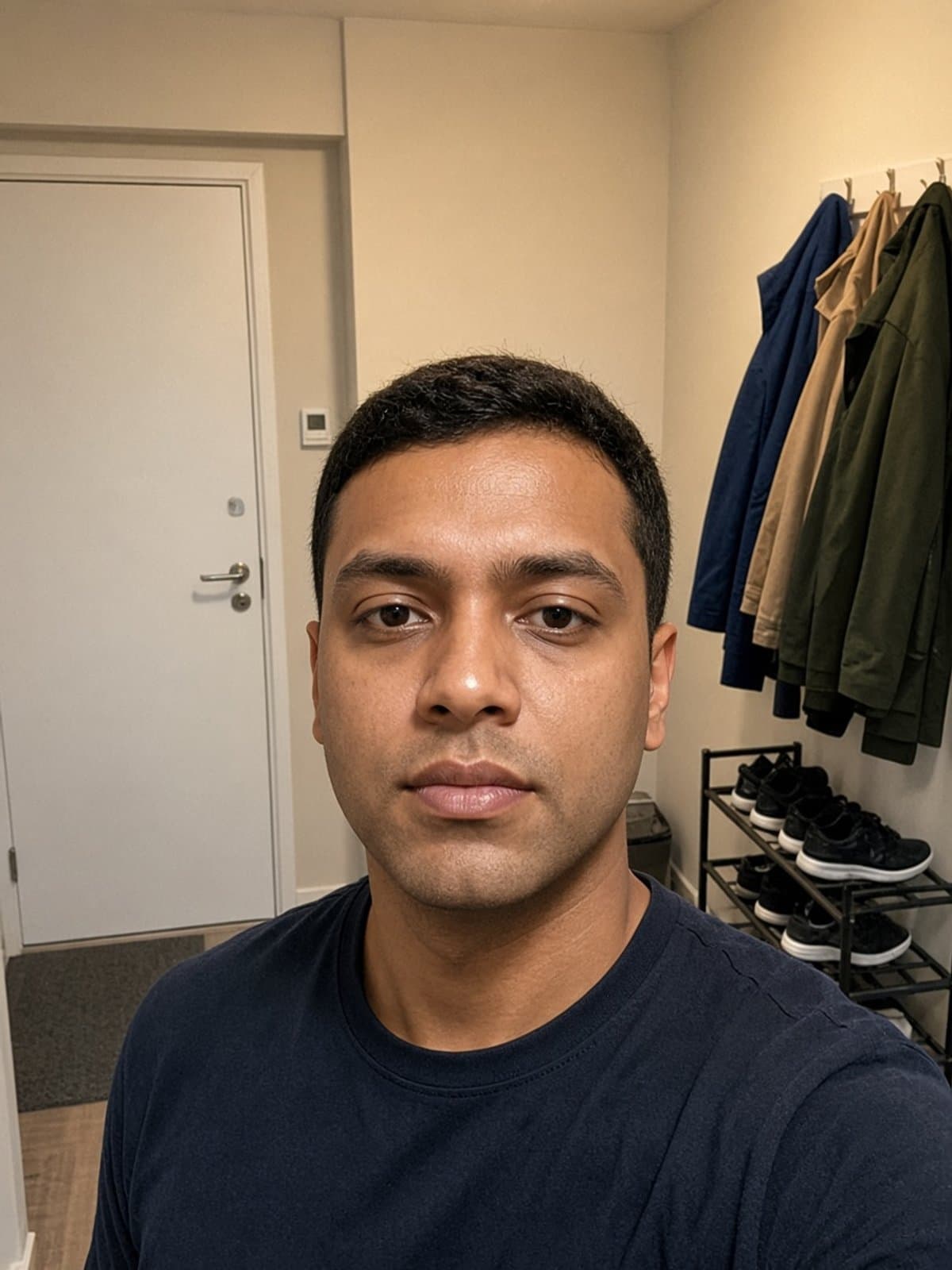
- Start with a clear selfie. Face a window for soft light, keep your face fully visible, and skip sunglasses.
- Pick a look that keeps your face. Glam looks beat full-face masks because they still look like you.
- Generate it and check the eyes. If the result does not look like you, try a second one before you settle.
- Crop for the circle. Put your eyes about a third of the way down, and leave a little space above your head.
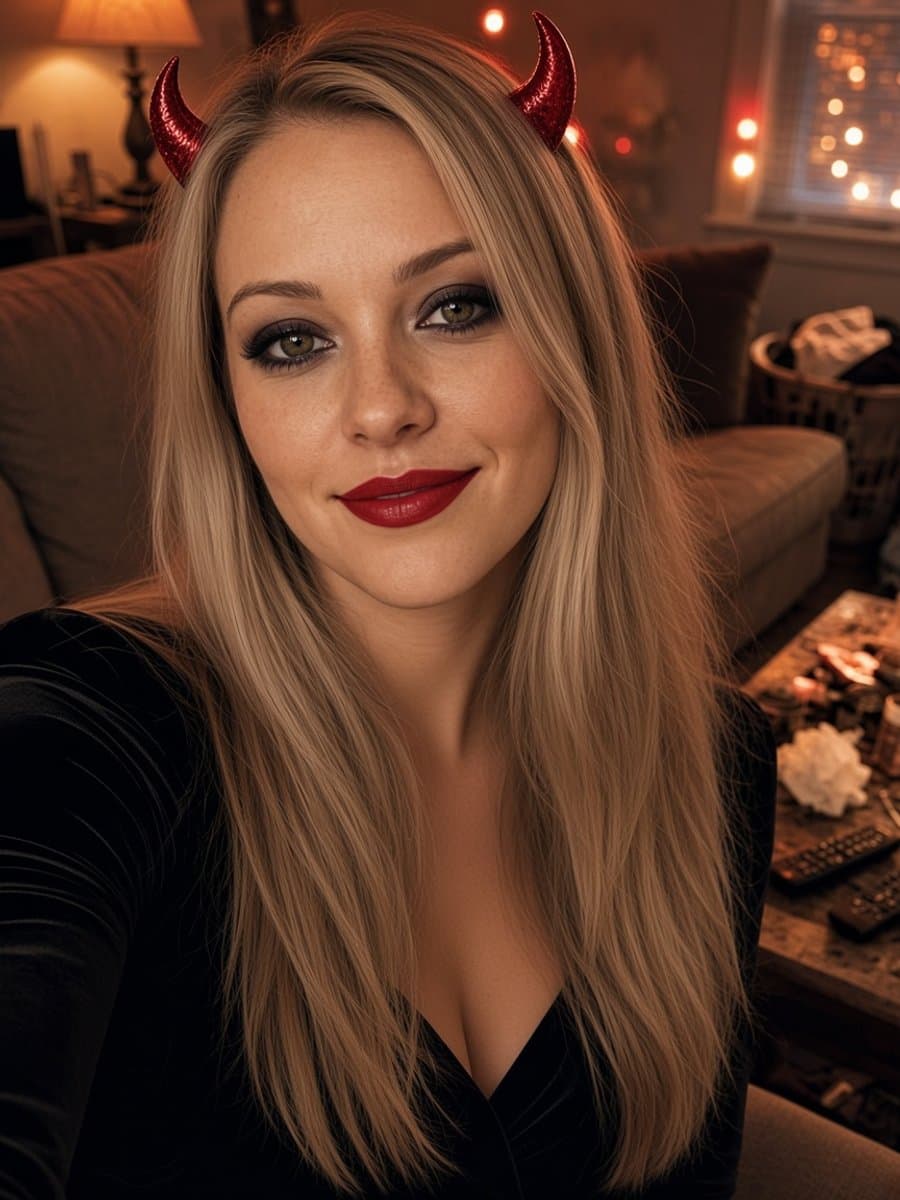
Slayed AI keeps your face, age, and skin tone and only changes the costume, makeup, and scene. It takes about five seconds and it is free to start. You can browse all eight looks on the AI Halloween photos page.
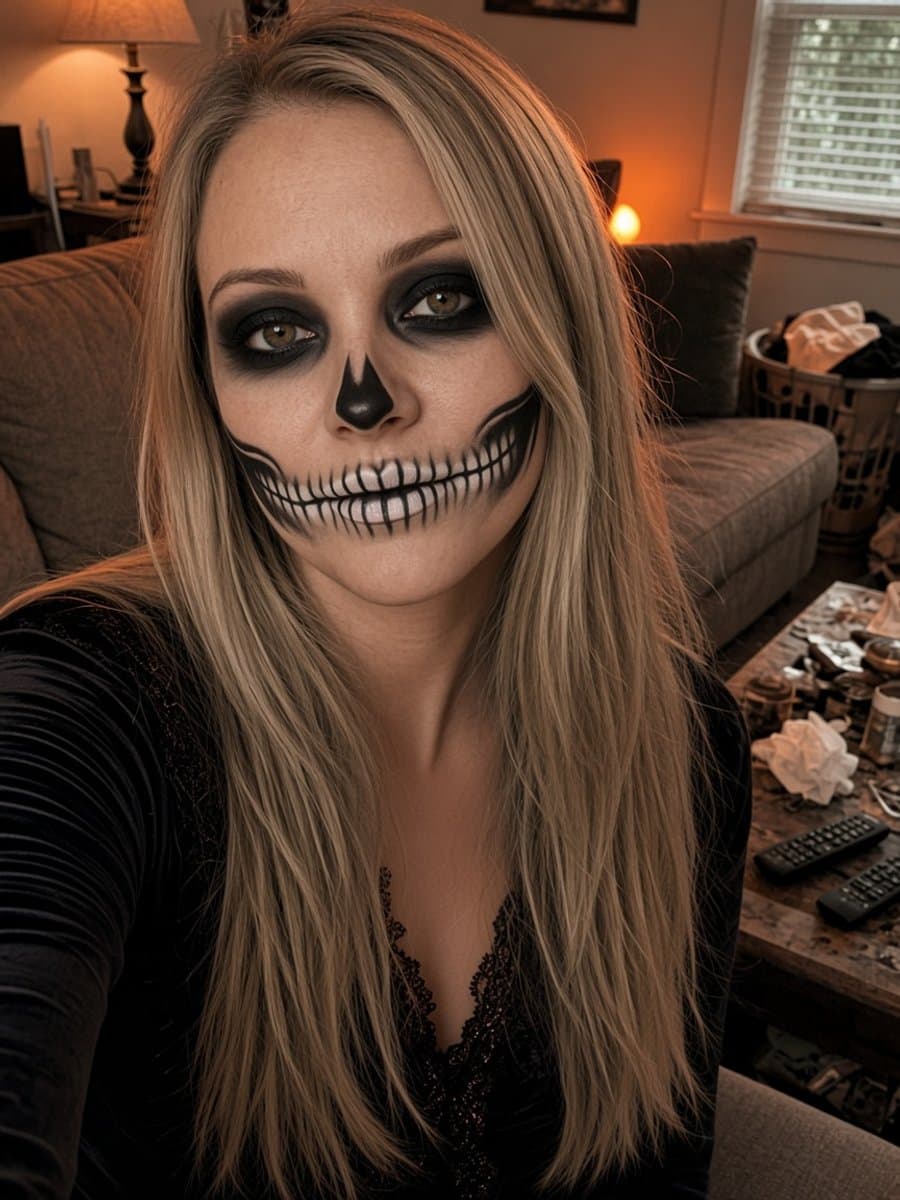
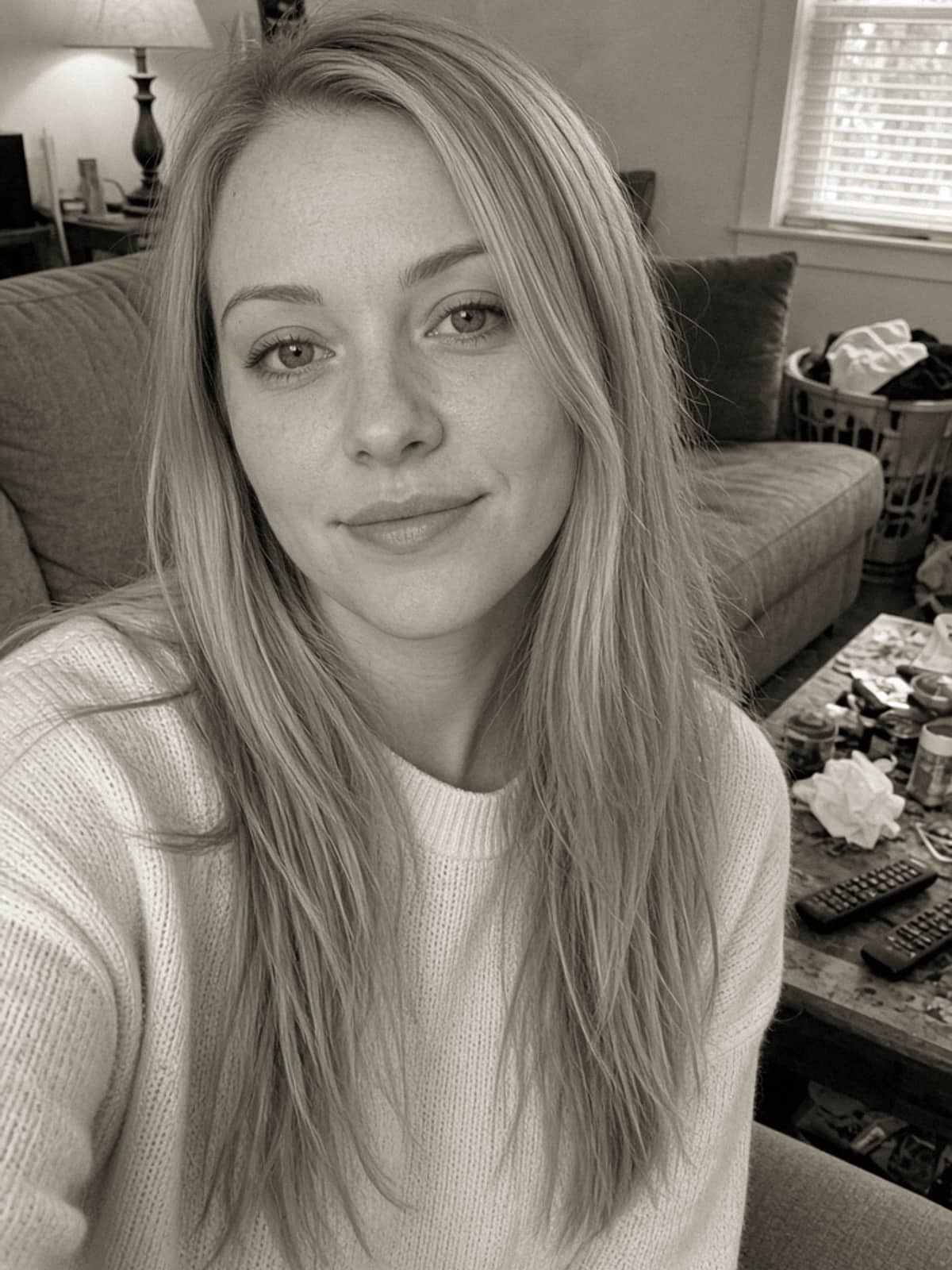
Try skeleton glam on your own selfie
Try it freeWhich look works best as a profile picture
These are rules of thumb from how each look holds up when shrunk to a thumbnail.
| Look | Vibe | At thumbnail size |
|---|---|---|
| Skeleton Glam | Bold and graphic | Excellent, the contrast survives shrinking |
| Vampire Night | Moody and elegant | Very good when your face is centered |
| Devil Horns Glam | Playful | Very good, the horns add a clear shape |
| Witch Glam | Classic | Good, but zoom in so the hat brim does not shrink your face |
| Zombie Prank | Funny | Good for group chats, the details turn into noise |
| Pumpkin Patch | Warm and friendly | Good, the warm background stands out in dark mode |
| Masquerade Ball | Glam | Fair, a mask across the eyes makes you harder to recognize |
| Witch and Black Cat | Cozy | Fair, two subjects compete at small sizes, so crop to your face |
How to make the viral Halloween AI photos
The viral format is a selfie dropped into a cinematic scene, often a 1990s horror-movie living room or a foggy forest. You can do it with a chat-based image tool and a prompt, or in one tap with a ready-made look. The prompt route is covered in Halloween AI photo prompts for Gemini and ChatGPT, with 15 you can copy.
Matching Halloween PFPs
Matching profile pictures work best when the look is the same and the faces are different. Each person uploads their own selfie and picks the same look, so you get a set that matches without anyone being cropped out of a group photo.
Pick a look that is easy to recognize in a small circle, like skeleton glam or devil horns, and agree on a color if you want the set to feel intentional.
Where to use it
Any app that shows a profile picture works, including Instagram, TikTok, Discord, WhatsApp, Facebook, and your contact card. Change it about a week before Halloween so people see it in their chats, and switch back in early November if you like. For a caption to go with the first post, see Halloween captions for Instagram.