"Halloween filter" covers three very different tools, and picking the right one saves a lot of trial and error. A live camera filter, an effects editor, and an AI edit each solve a different problem.
This guide sorts them by what you actually want, then shows how to use each. Halloween tools rotate every year, so it focuses on the categories more than on any single app.
The three kinds of Halloween tool
1. Live camera filters
These are the lenses and effects inside Snapchat, Instagram, and TikTok, and they work in real time on your camera.
- Best for: video, quick posts, and playing with friends.
- Good: free, instant, and fun on video.
- Watch out for: they sit on top of your face like a mask, so the result often looks cartoonish, and you cannot easily edit it afterward.
2. Photo editors with Halloween effects
Sites and apps such as Fotor, BeFunky, PhotoFunia, and Photo Lab have Halloween effect collections, and many apps offer Halloween frames and stickers. Upload a photo, pick an overlay, and download the result.
- Best for: adding a spooky frame, a color tint, or stickers to a photo you already have.
- Good: easy and fast, and many have free tiers for simple edits.
- Watch out for: they add things on top of your photo instead of changing it, and free tiers differ, so check for watermarks and limits.
3. AI photo edits
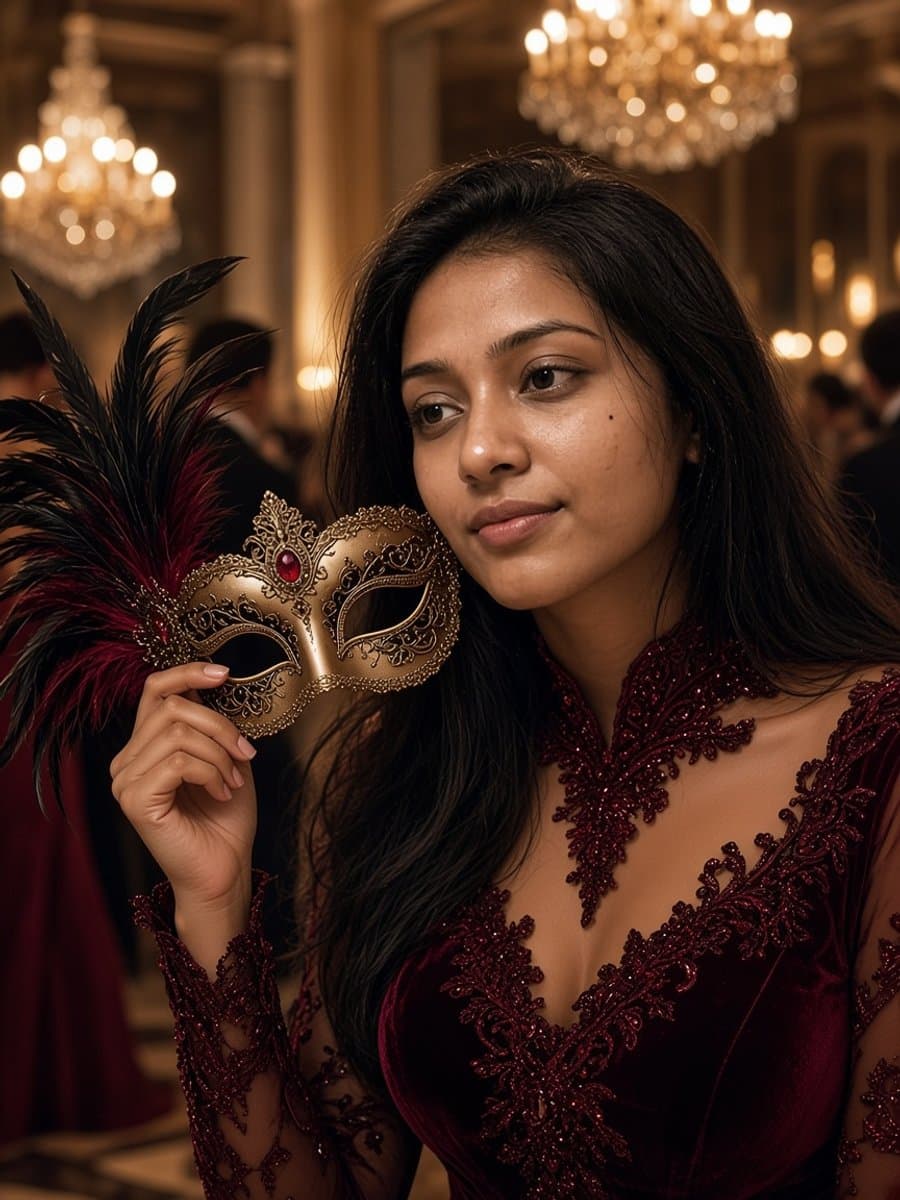
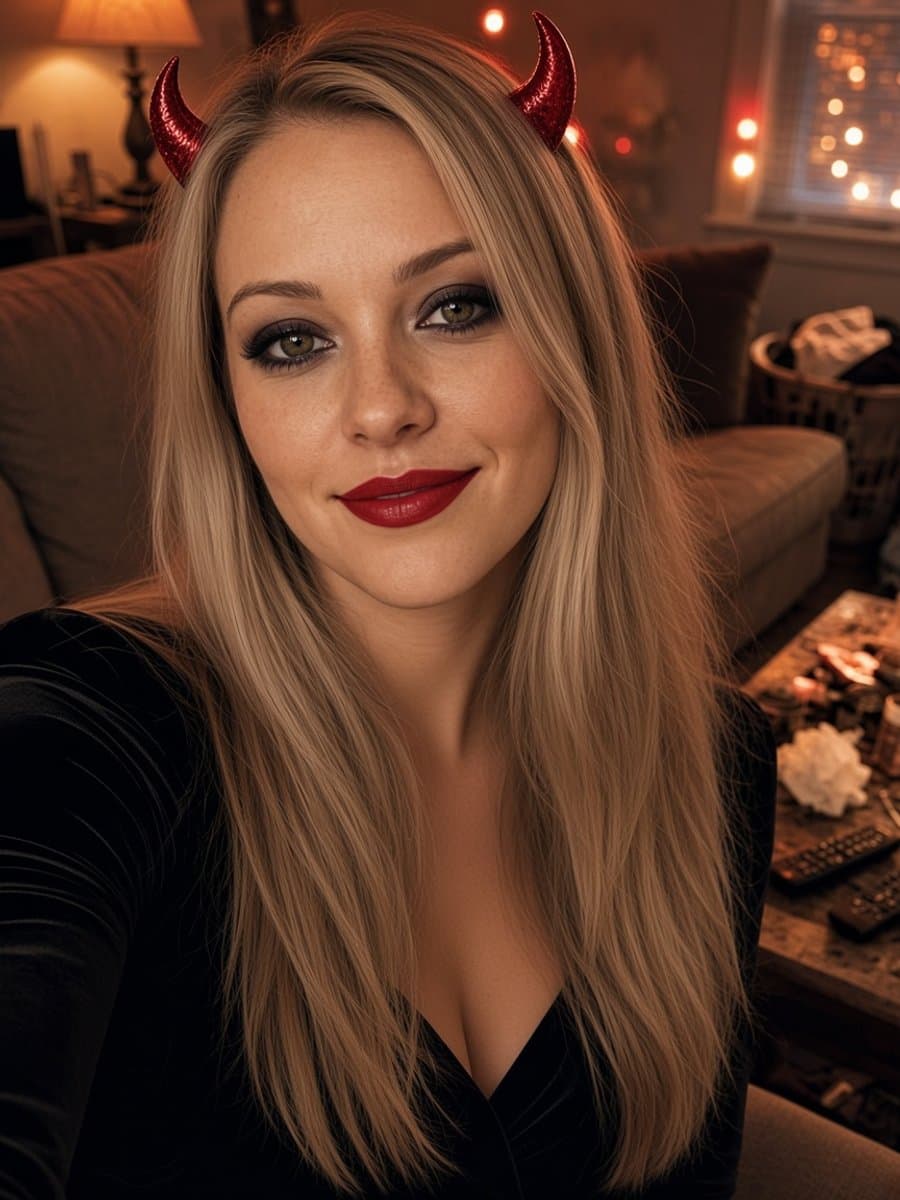
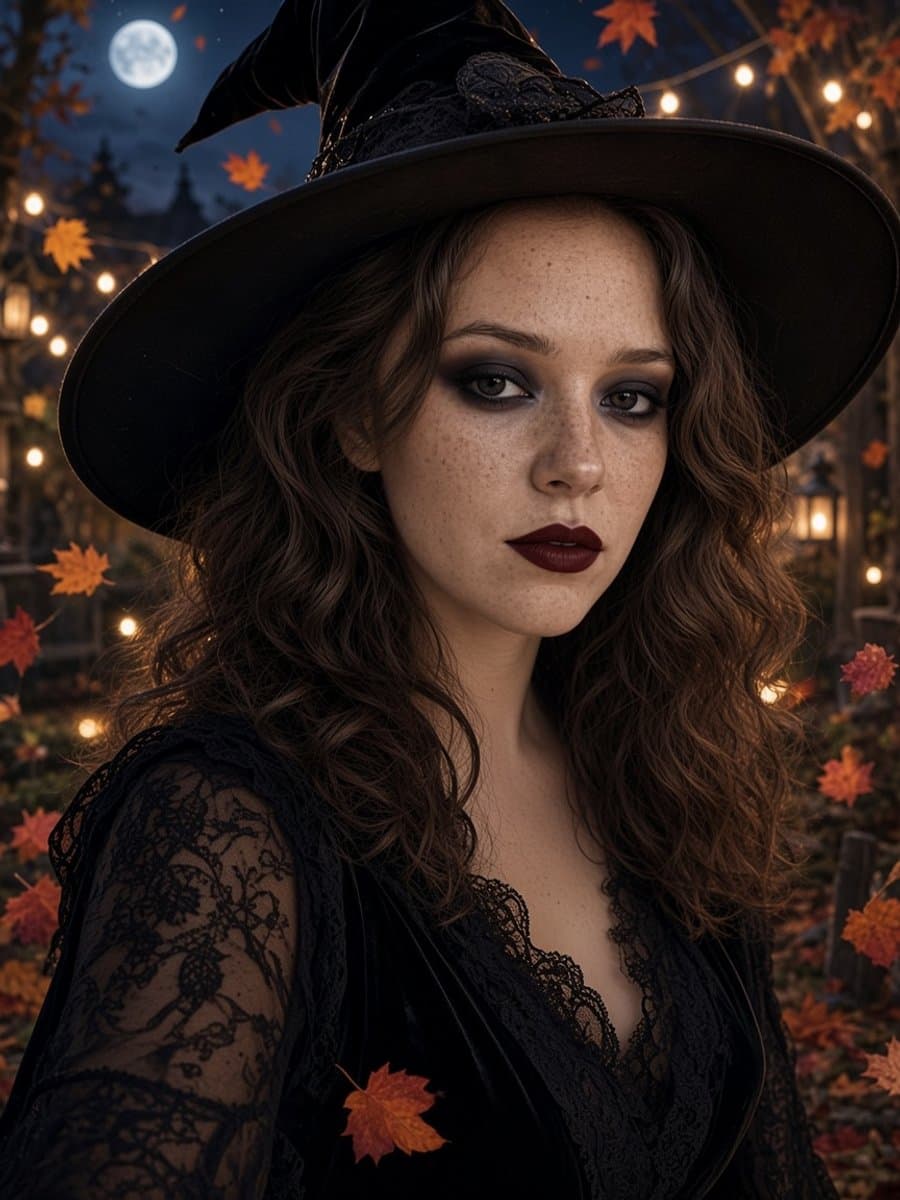
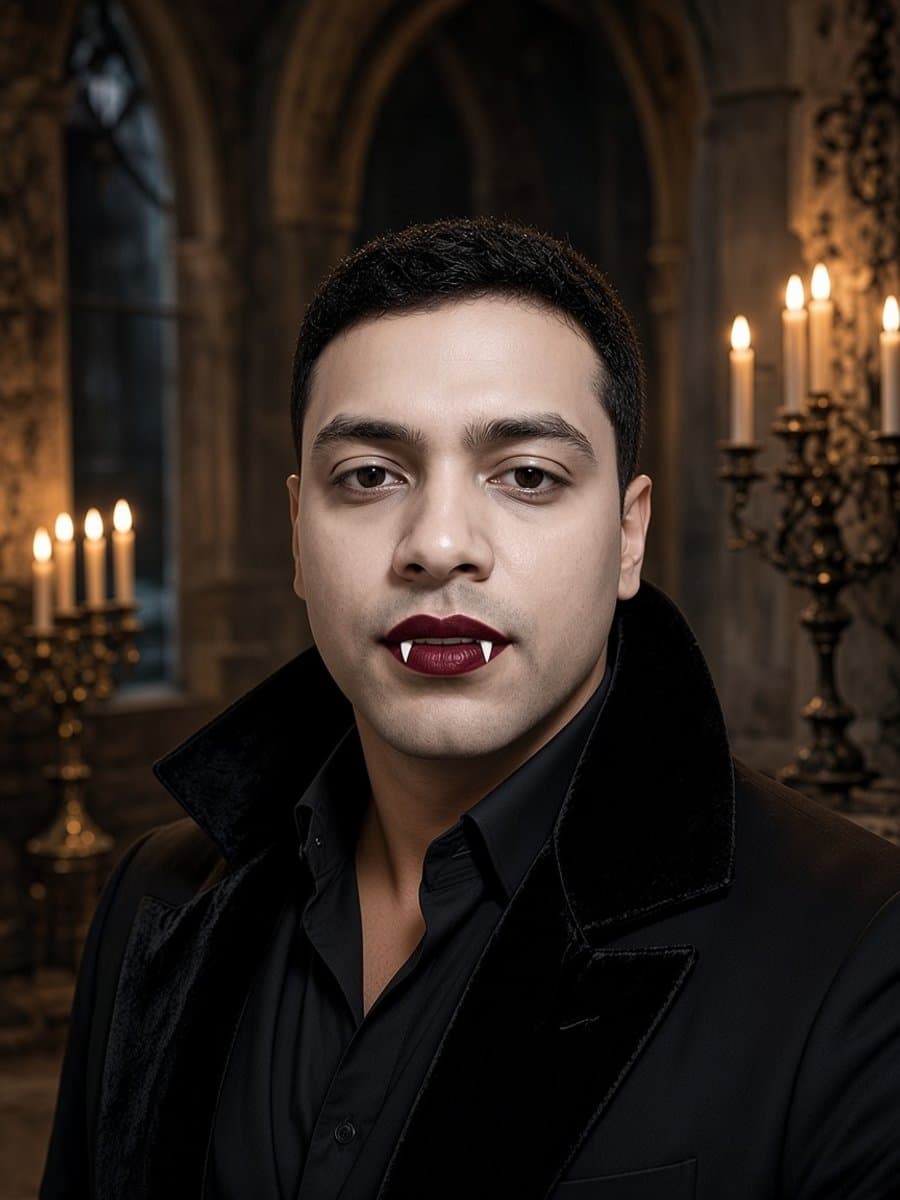
An AI edit redraws you in a costume and a scene. You get an outfit, makeup, and a background that look photographed, not stuck on.
- Best for: a profile picture, a costume preview, or a photo you want people to think is real.
- Good: realistic results, and a good tool keeps your face, age, and skin tone.
- Watch out for: results vary, a weak selfie makes the face drift, and many tools charge after a free start.
Which one should you use?
| You want | Use |
|---|---|
| A quick video for friends | A live camera filter |
| A frame or stickers on a photo you have | An effects editor |
| A photo that looks like you in a costume | An AI edit |
| A Halloween profile picture | An AI edit, then crop to a circle |
| To test a costume before buying it | An AI edit |
How to put a Halloween filter on a photo
With a live filter:
- Open the camera in Snapchat, Instagram, or TikTok.
- Browse or search for Halloween lenses and effects.
- Take the photo or video with the effect on.
With an effects editor:
- Upload your photo to an editor with Halloween effects.
- Choose an overlay, frame, or color effect.
- Adjust it, then download or share the result.
With an AI edit:
- Upload one clear, front-facing selfie.
- Pick a Halloween look or write a prompt.
- Check that it still looks like you, then save it.
How to get the Halloween effect on Instagram
Open the Instagram camera, then browse or search the effects tray for Halloween effects and record or take a photo with one on. Effects come from creators and change with the season, so what you see this year may not match what was there last year. If you want a more realistic look, make the photo in an AI tool first and then post it as a normal photo.
What app is everyone using for AI Halloween photos?
Many people use a chat-based image tool such as Gemini or ChatGPT, upload a selfie, and paste a prompt. It works, but it takes some writing and some retries.
If you would rather skip the prompt, Slayed AI has eight ready-made Halloween looks. You upload a selfie, tap a look, and get a photo in about five seconds, free to start. If you want to write your own scenes, there are 15 to copy in Halloween AI photo prompts for Gemini and ChatGPT.
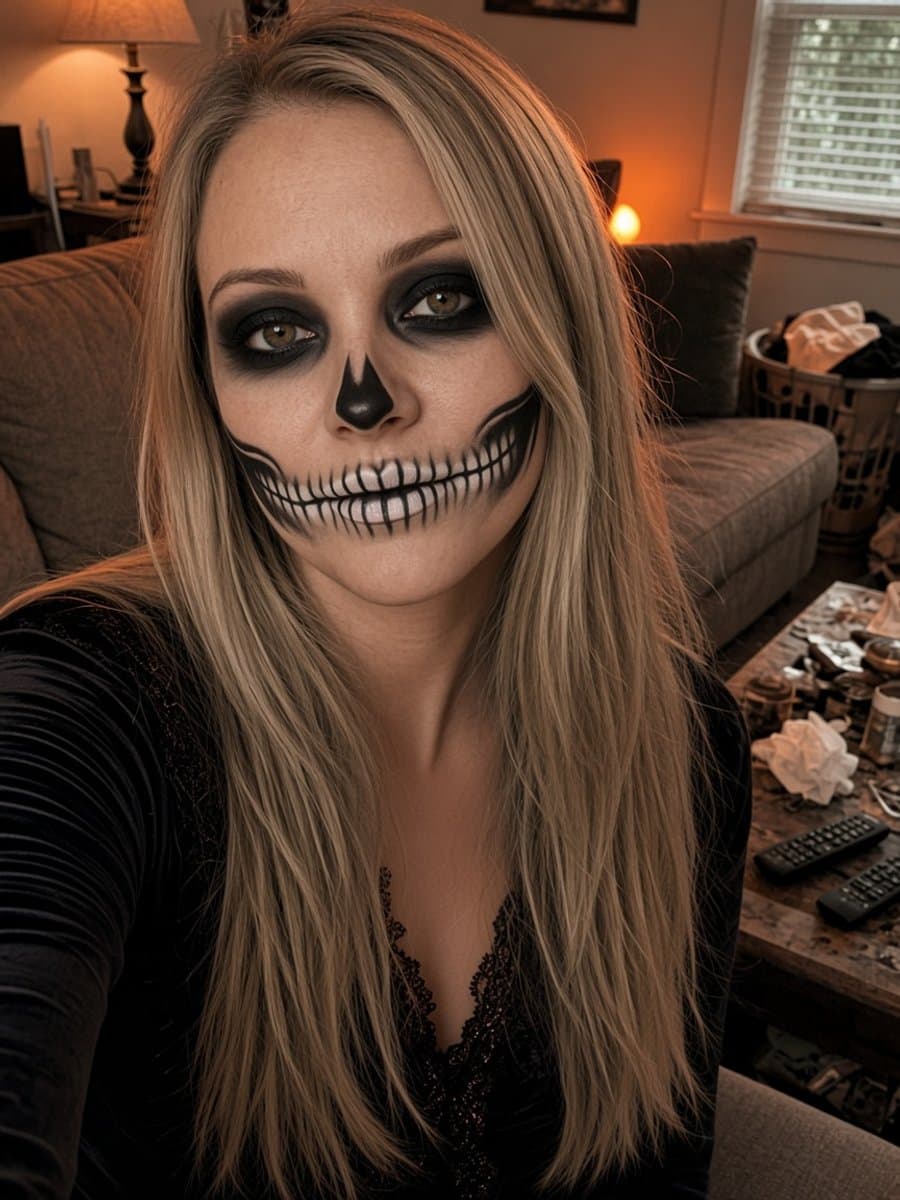
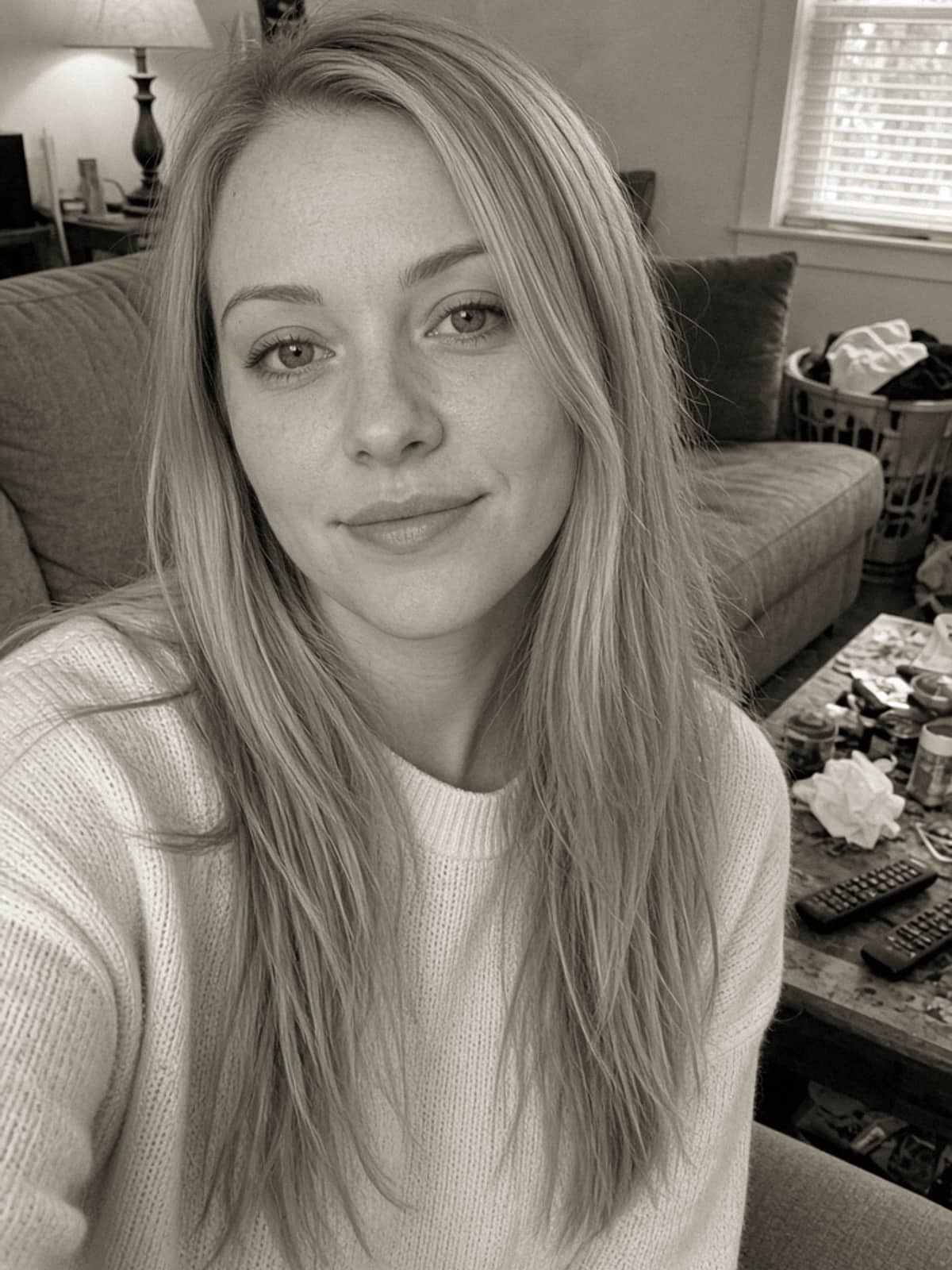
Try skeleton glam on your own photo
Try it freeTips for better results with any tool
- Clean your camera lens. A smudge softens the whole photo.
- Face a window. Soft light works better than overhead light or flash.
- Take off glasses and hats if the effect is meant to sit on your face.
- Face the camera straight on. Filters and AI edits both work better with a front-facing photo.
- Try two or three versions. Results vary, and the best one is often the second.
Next steps
Turn the result into a profile picture with Halloween profile picture ideas, or pick a costume with what should I be for Halloween.