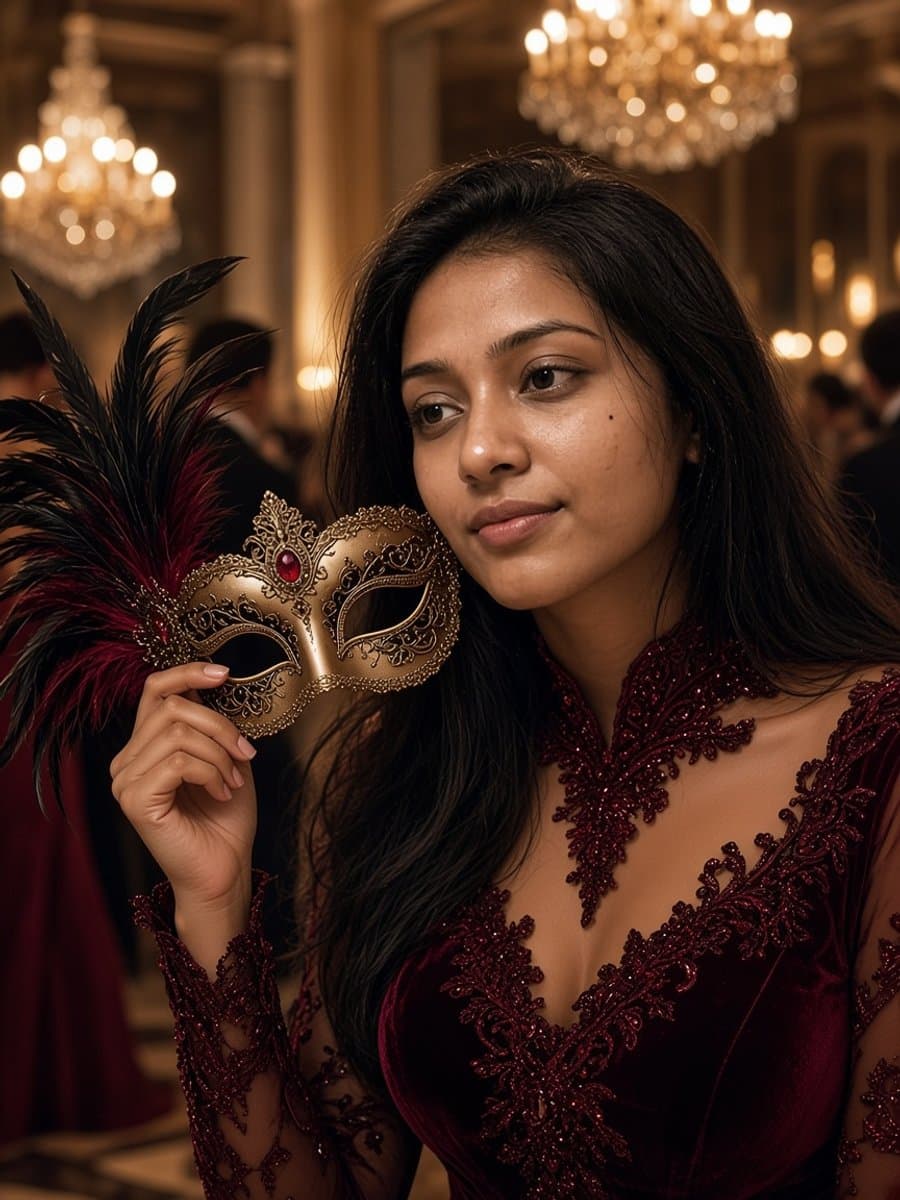
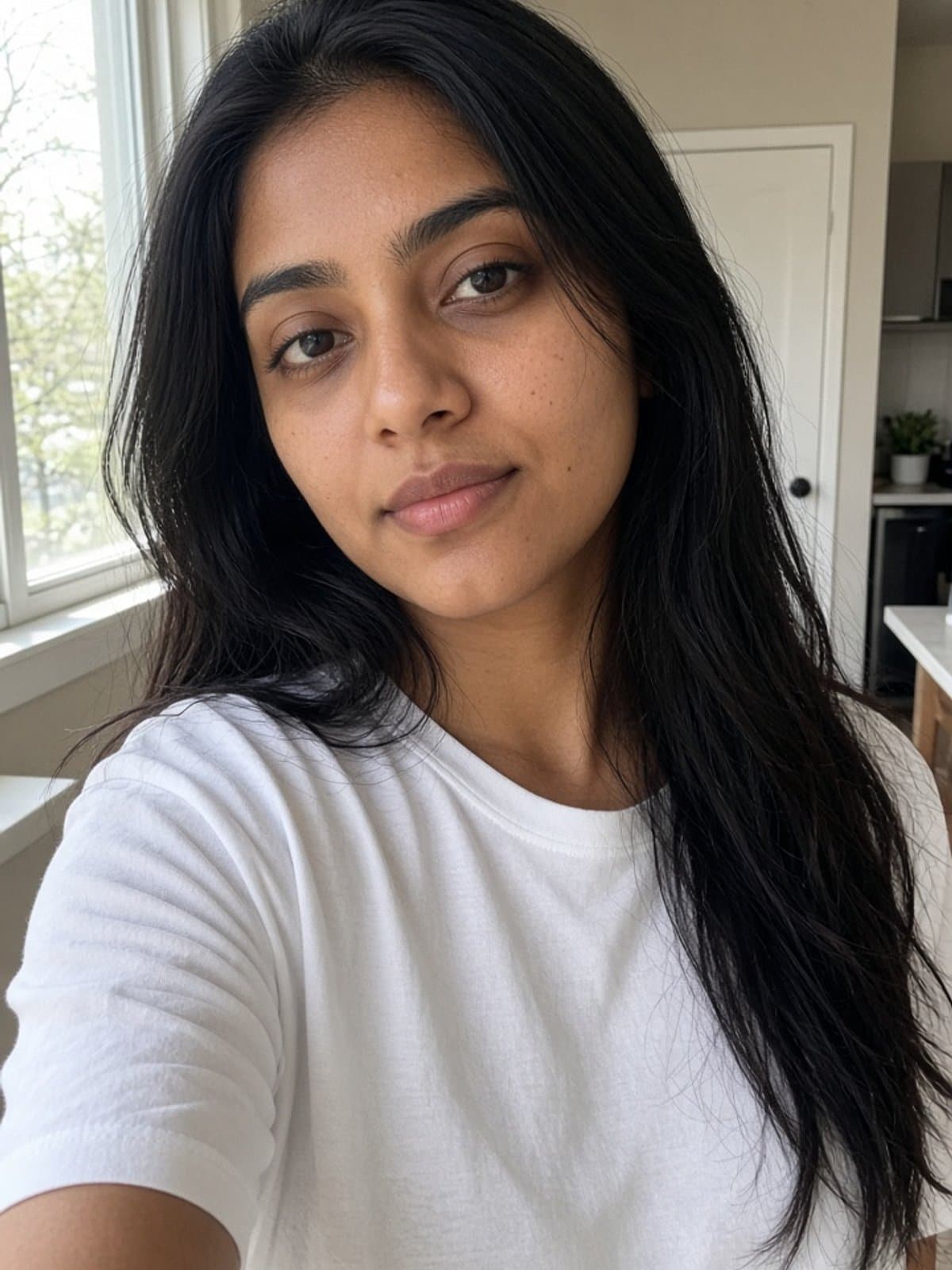
"AI Halloween costume" means two different things, and people search for both. Some want a costume about AI, like a chatbot or a robot. Others want to use AI to design a costume, or to see one on their own face before they buy it.
This guide covers both, starting with 12 costumes you can make in an afternoon.
12 DIY costume ideas about AI
- Chatbot. A white tee with a paper chat bubble and a blinking cursor drawn on cardboard.
- Loading, 99 percent. A shirt with a spinner icon and a progress bar frozen just short of done.
- Not a robot. A cardboard captcha checkbox with a checkmark, worn like a sign.
- Six-finger hand. Gloves with extra fingers taped on, a nod to the classic AI image mistake.
- Rate limit reached. A sign that says please try again later, and a very tired face.
- Robot. Cardboard boxes, silver tape, and a few LED lights.
- Smart speaker. A cylinder around your torso with a glowing ring on top and a sign that says sorry, I did not catch that.
- Self-driving car. A cardboard car frame with round sensor discs and a sign that says no human driver.
- Prompt engineer. A keyboard around your neck and a sign that says please act as a witch.
- Neural network. A black shirt with LED lights arranged in layers and connected with string.
- AI slop. Mismatched earrings, extra painted teeth, and a shirt with garbled letters.
- Turing test judge. A clipboard and a name tag that says human or not.
Most of these are a shirt, cardboard, a marker, and a joke. Write the text large so it reads across a dark room.
Use AI to pick a costume
A chat tool is a good idea generator when you give it constraints. Try this and swap in your own details.
Give me 10 Halloween costume ideas I can make for under 30 dollars using things most people already own. I want something recognizable in a dark party and easy to move in. Include a short shopping list for each one.
Add your hair color, your budget, or the group you are going with, and ask for the top three. Then take those three to a visual preview, because a list of words does not show you what a witch hat does to your face.
Preview any costume on your own selfie
A photo tool that keeps your identity can show you in a look before you buy a single prop.
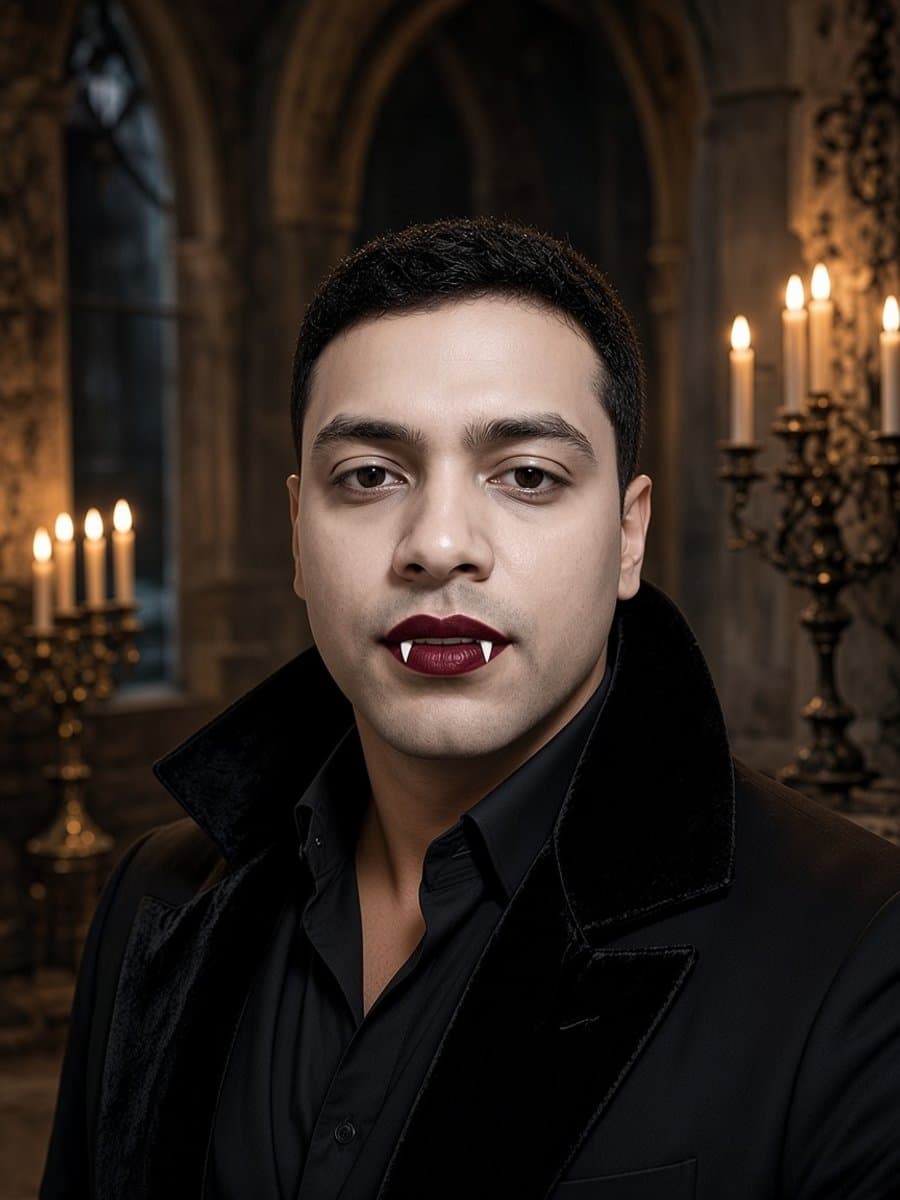
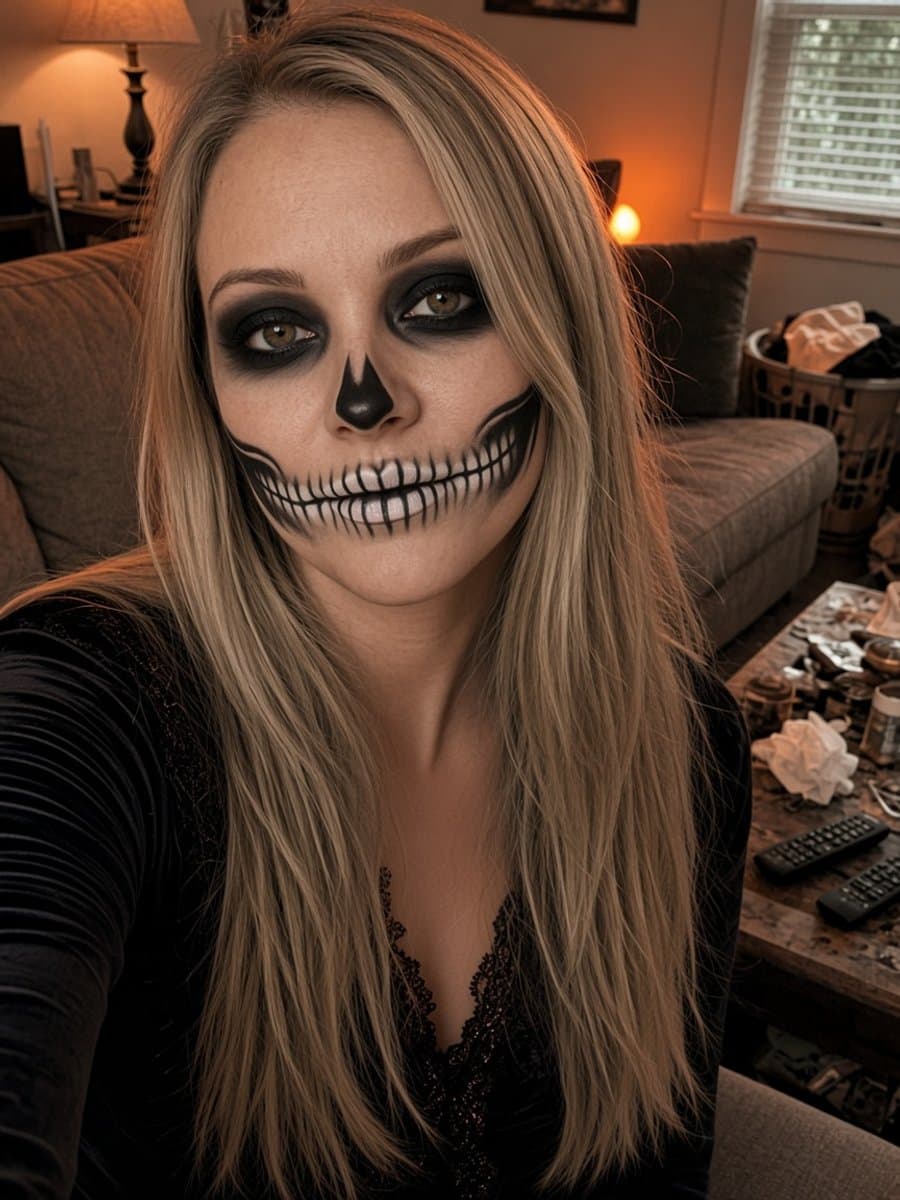
- Start with a clear selfie. Front-facing, soft light, face fully visible.
- Pick a look. Witch, vampire, masquerade, skeleton, devil, zombie, pumpkin patch, or witch and black cat.
- Generate it and check the eyes. If it does not look like you, try again before you judge the costume.
- Compare two or three. Send them to a friend and let them pick.
- Take the winner shopping. Use it as a reference for the hat, the makeup, and the color.
Slayed AI does this in about five seconds and keeps your face, age, and skin tone. It is free to start.
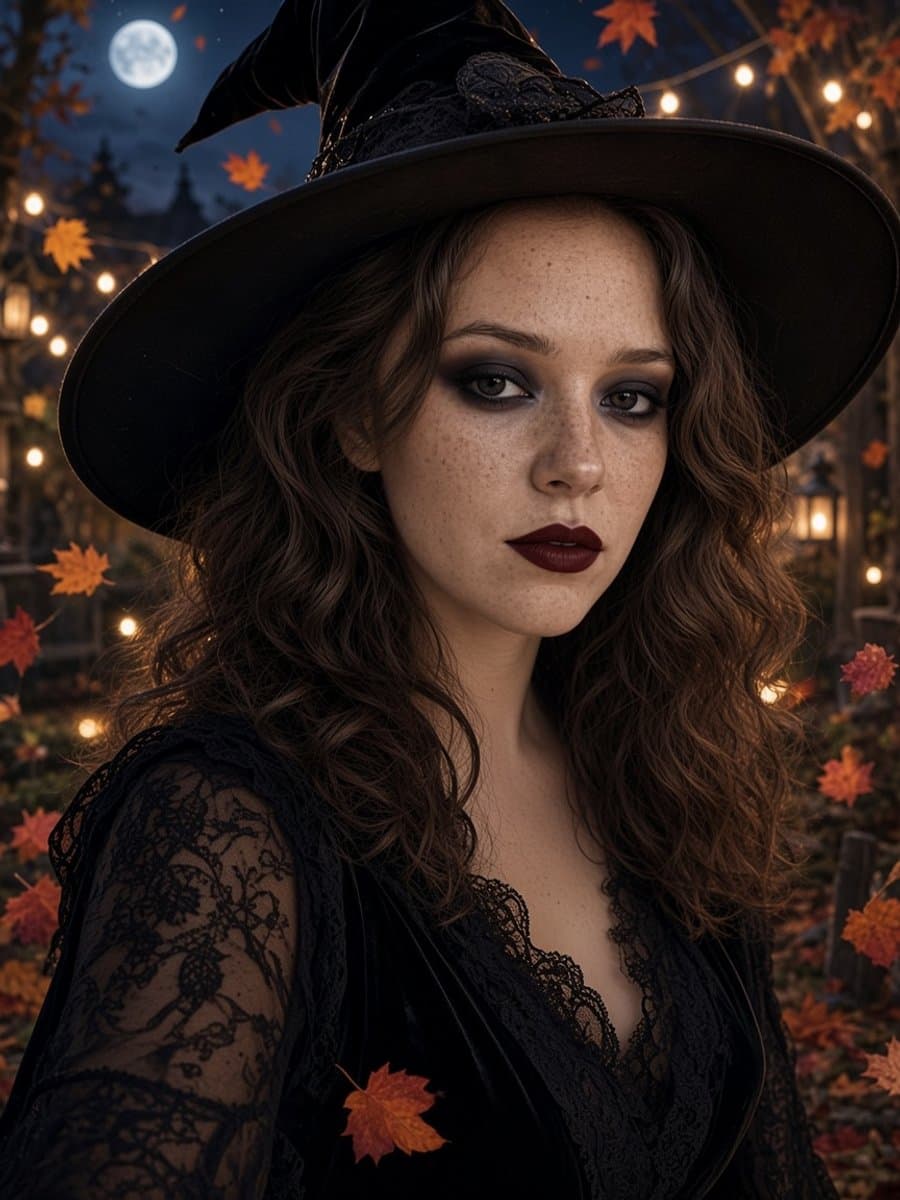
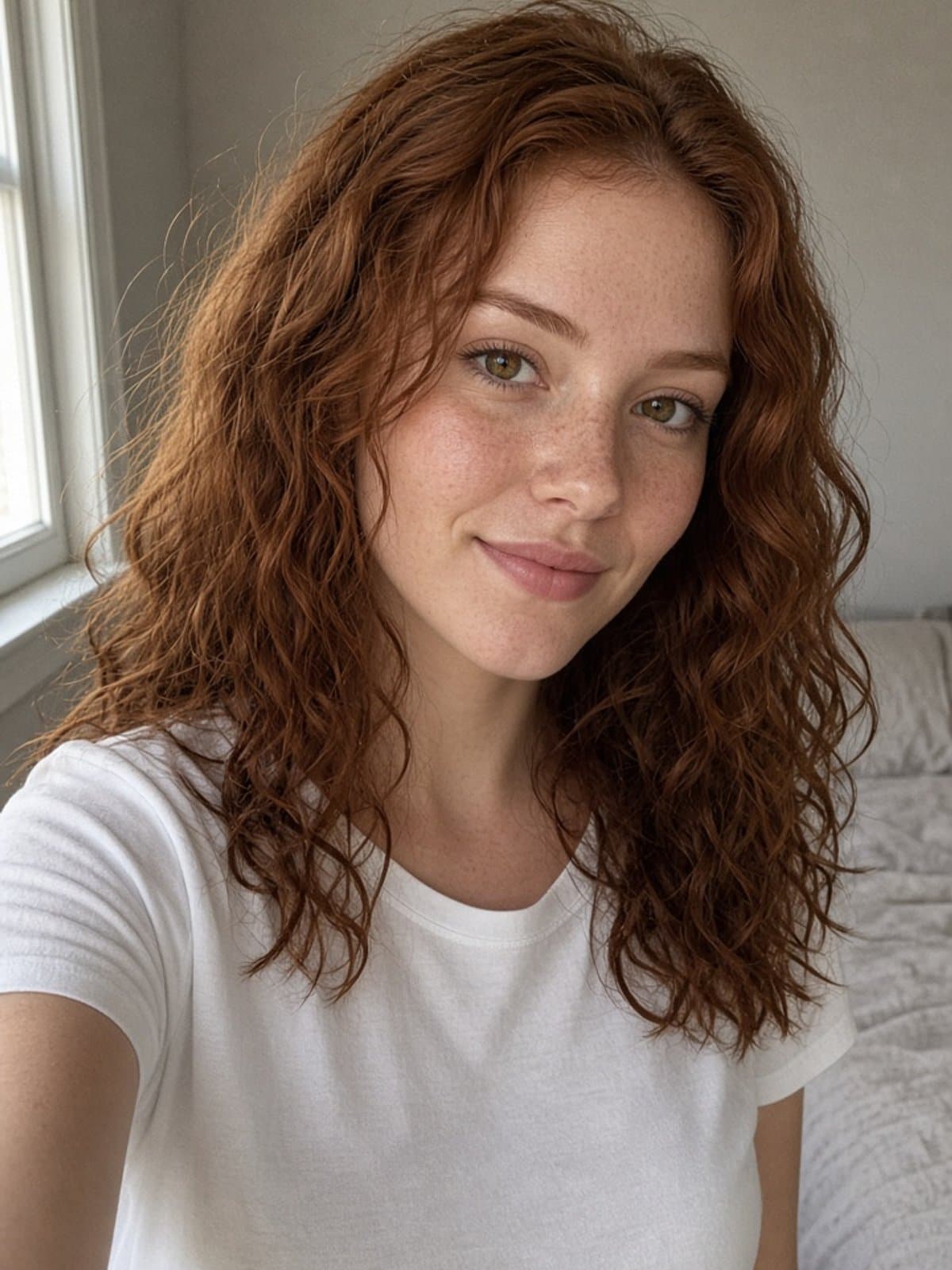
Try witch glam on your own photo
Try it freeAI costume generators: three kinds
| Kind | What it does | Watch out for |
|---|---|---|
| Idea generators | Suggest costumes as text, from a chat tool | Generic lists, and no picture of how it looks on you |
| Virtual try-on | Shows a costume on your photo | Some only overlay a sticker on top of your photo |
| Photo transformation | Puts you in a full costume and scene | Face drift, hands and fingers, and skin that looks too smooth |
Whichever you use, keep these in mind.
- Use a clear selfie. The tool can only work with what you give it.
- Do not name protected characters. Many tools block them, so describe the look instead.
- Check the hands. They are still the most common giveaway in AI images.
- Read the privacy policy. Slayed AI's privacy policy explains how uploads are handled.
Next steps
If you have no idea yet, what should I be for Halloween has 20 ideas sorted by effort and a quick way to choose. If you want to write your own scenes, see Halloween AI photo prompts for Gemini and ChatGPT.