The bald filter shows up on TikTok in bursts - a video using it goes viral, a wave of duets and reactions follow, then it fades from the trending effects row until the next spike. If you're only checking the featured carousel, you'll catch it during a wave and miss it completely between them.
Finding it directly
Rather than waiting for it to trend again:
- Tap the effects icon on the camera screen before recording
- Use the search bar (don't rely on the scrolling featured row)
- Search "bald" - this pulls from the full effects library, not just what's currently popular
If the search comes up thin, that's a sign to try the alternative below rather than waiting for the next trend cycle.
If you just need a photo, not a live effect
A lot of TikTok's best "bald filter" content isn't actually filmed live with the effect running - it's a before/after cut using a photo that was generated separately. That approach has a real advantage: you're not limited to whatever's currently in the effects library, and a single-photo AI tool tends to produce a cleaner, more convincing result than a live-tracking lens.
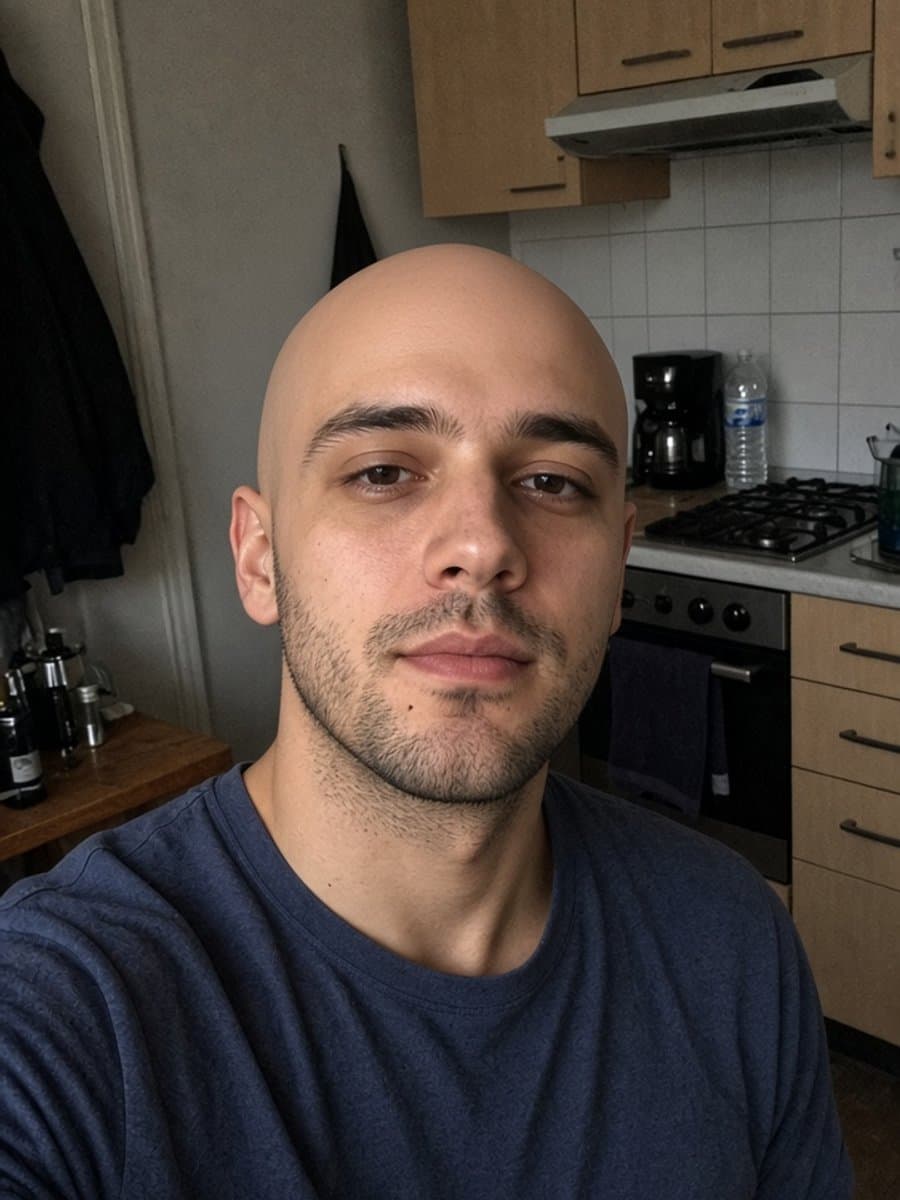

Try instant bald on your own photo
Try it freeEditing it into your video
If you go the photo route, a couple of things make it look native to the platform rather than like a screenshot dropped in:
- Match the crop to TikTok's 9:16 frame before you cut it in, rather than letting the app auto-crop
- Use a hard cut, not a slow fade, for the reveal - it reads as more of a "reaction" moment
- Keep the original and generated photo in similar lighting so the cut doesn't look jarring
For the FaceApp-specific version of this same idea, see our FaceApp bald filter breakdown, or check whether Snapchat's lens is currently live if that's the platform you're actually filming on.