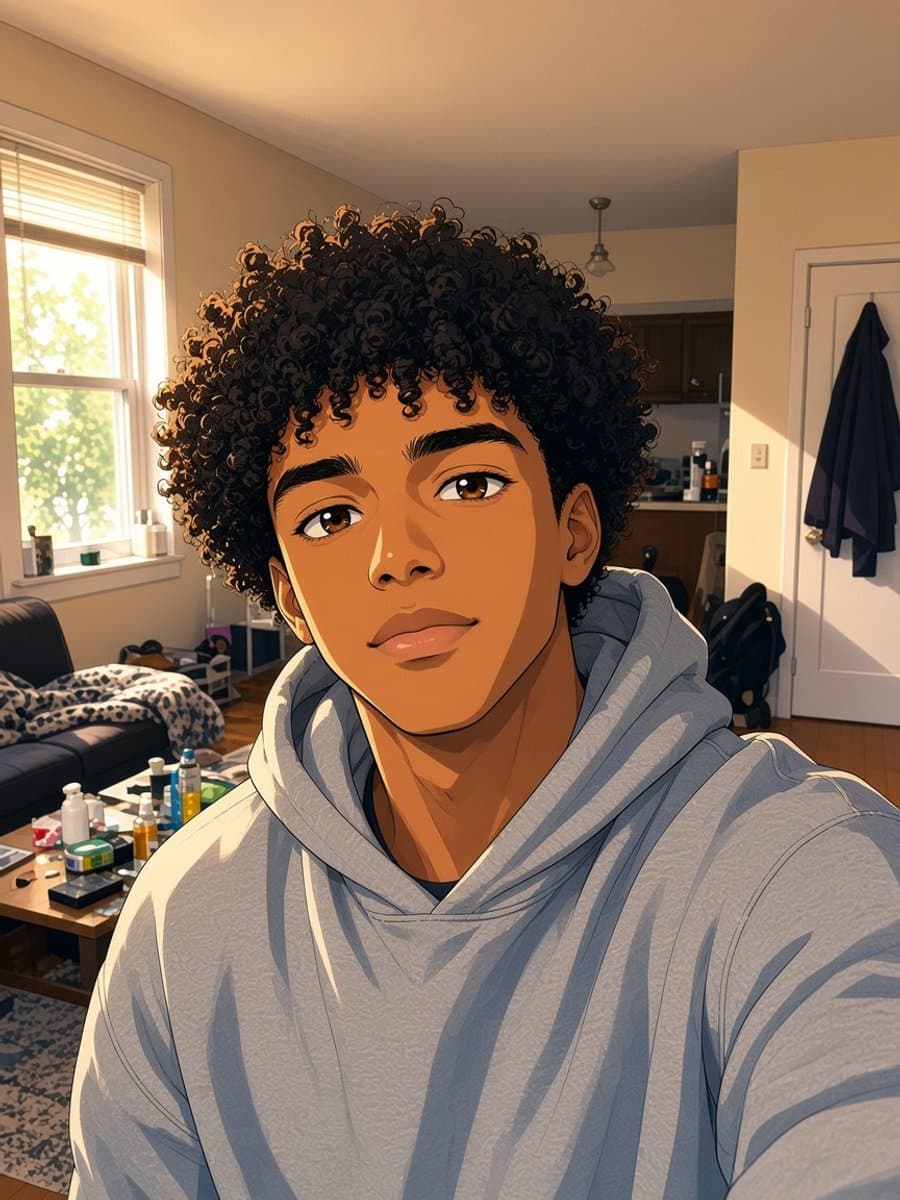
Snapchat lenses are built by outside creators and surfaced through a carousel that Snap curates and rotates. A bald lens being easy to find one week and nowhere in sight the next isn't unusual - it's just how the discovery system works.
Finding one in the Lenses library
Before assuming there isn't one available:
- Open the Snapchat camera screen
- Tap the search icon next to the Lens carousel (bottom of the screen)
- Type "bald" - this searches the full library, not just featured lenses
- If nothing useful comes up, try "bald filter" or "no hair" as alternate phrasing
Results vary by region and by what's trending that week, so a search that comes up empty today can turn up something next week.
Why the live version can look rough
Even when you find one, an AR lens has a harder job than it looks like. It has to track your head position, angle, and lighting in real time, then paint a bald scalp on top of that - 30 times a second, as you move. That's why these lenses tend to glitch at the edges when you turn your head, or look flat and unlit compared to the rest of the frame.
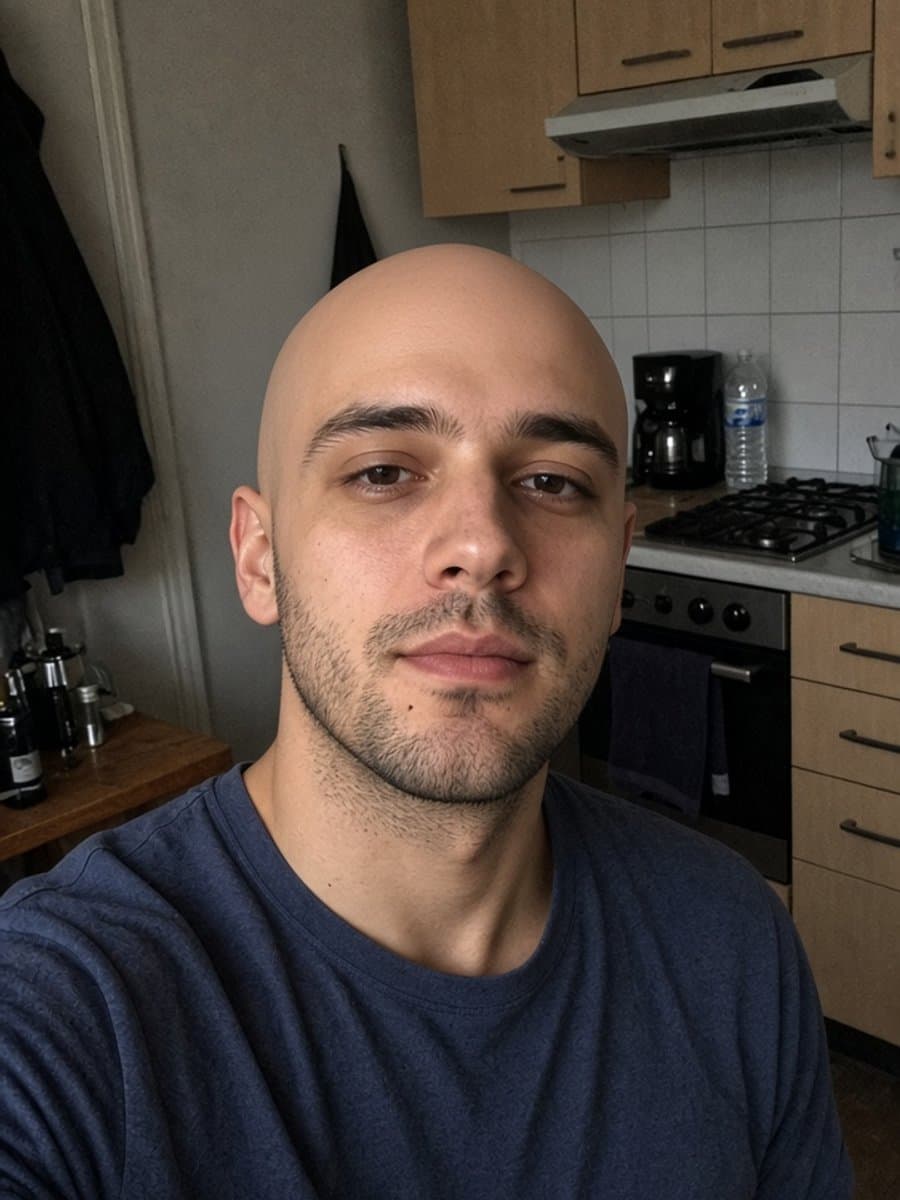

Try instant bald on your own photo
Try it freeIf you just want a good photo, not a live effect
If the goal is a single photo you're happy to send or post - not a real-time filter to play with on camera - a photo-upload AI tool solves a simpler problem. It only has to get one frame right, so it has more room to match your actual lighting, skin tone, and expression.
That difference, along with what every other platform supports and how to post the result, is covered in the main bald filter guide.