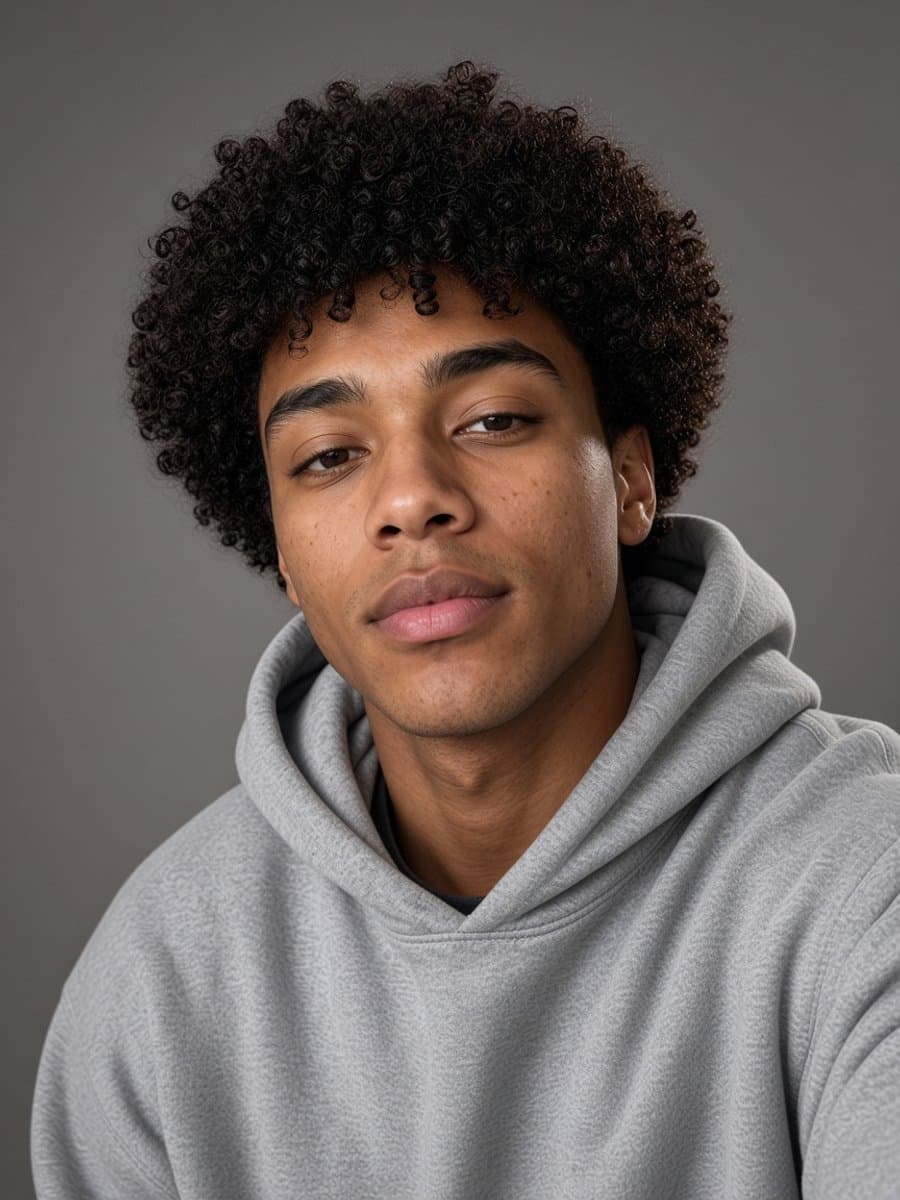
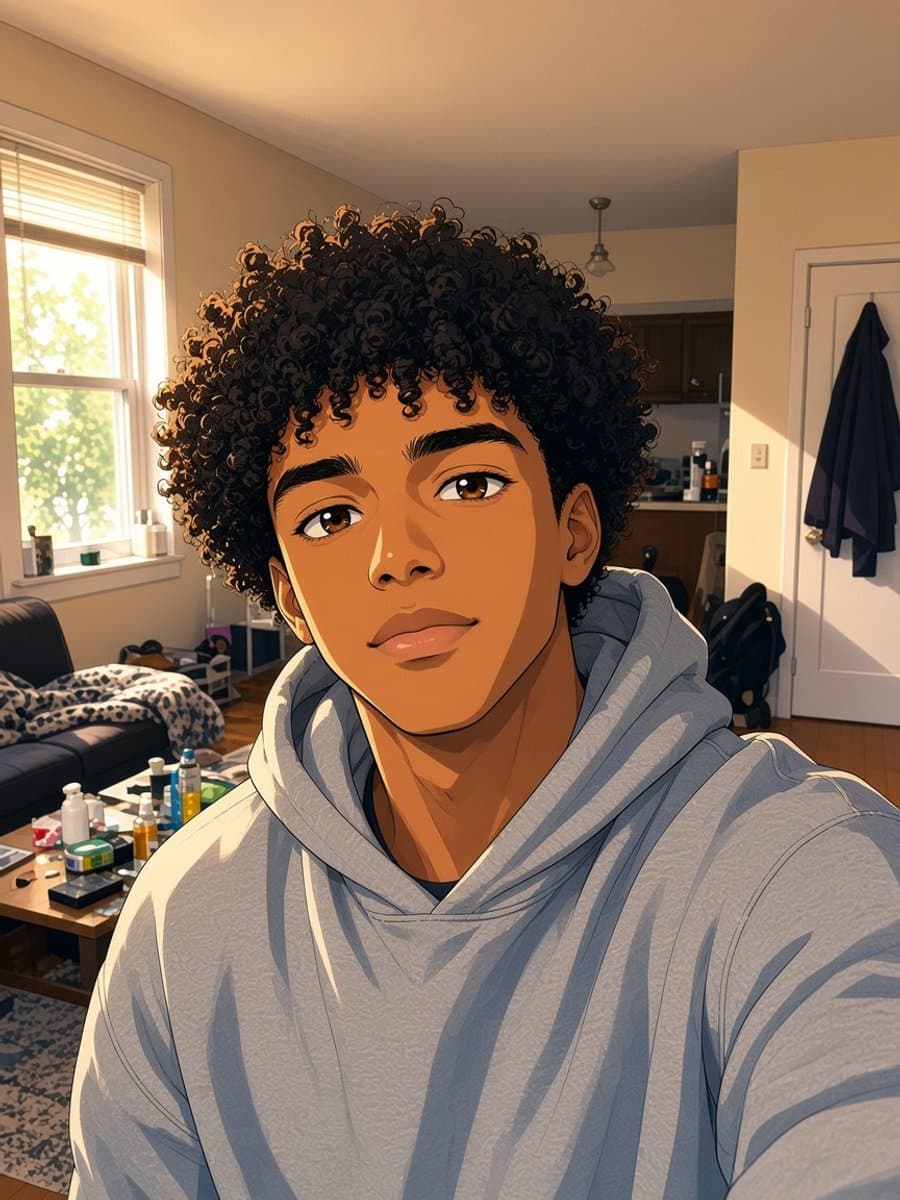
People search for a bald filter for three very different reasons: curiosity about what they'd look like without hair, a prank photo for a friend, or a straight-up meme. The tool that serves each of those best isn't the same one, which is why "bald filter" sends people bouncing between apps until they find one that actually works.
The three ways to get a bald filter today
Native camera lenses. Snapchat, Instagram, and TikTok all support real-time AR effects built by outside creators. When a bald lens is in circulation, it tracks your face live through the camera - the effect follows you as you move.
Editing-app filters. Apps like FaceApp built a one-tap bald effect into their standard filter set. You take or upload a photo, tap the filter, and get a still image back.
AI photo generators. A newer category: upload one photo, and an AI model regenerates it without hair while keeping your face, expression, and lighting. No live tracking involved - it's built for a single convincing photo, not a video effect.
AI generator vs. live camera lens
"AI bald filter" and "bald filter" get used almost interchangeably, but they point at two different technologies that behave very differently once you actually try them.
A real-time AR lens has to track your face continuously through a live video feed - head position, angle, lighting, all recalculated dozens of times per second. It's built for playing with in the moment, in front of a camera.
An AI photo generator takes a single photo you already have, processes it once, and returns a new image. No live tracking, no video feed. Just one photo in, one photo out.
The live lens wins on spontaneity: point your camera and you see it instantly, no upload required. But that speed comes at a cost. It often glitches at extreme angles, looks flat under lighting it can't fully account for, and can't be applied to a photo you already took.
The AI generator is slower by design - you upload, wait a few seconds, get a result - but that extra processing time is spent getting the hairline, skin tone, and lighting to actually match the rest of the photo. It also works on any photo already in your camera roll.
What actually makes one look real
The tell on a bad bald filter isn't the missing hair, it's everything around it. A convincing one needs:
- A hairline that blends into skin tone, not a hard edge where hair used to be
- Scalp lighting that matches the rest of the photo - a flat, unlit dome under directional light gives it away instantly
- No warping around the ears or forehead, which happens when a filter stretches skin to cover where hair was
The hard part of any bald filter is inventing convincing scalp and hairline using only the rest of your photo as a guide. That works well on a straight-on, evenly lit selfie. It gets less reliable on:
- Side or three-quarter angles, where there's less of your head shape to work from
- Strong directional light, which is hard to extend convincingly across a new area of skin
- Busy or textured hair right where it meets skin, where the transition is doing the most work
None of this is specific to any one app - it's the general problem every tool in this category has to solve. It's worth testing a couple of your own photos before deciding one app's result is representative.
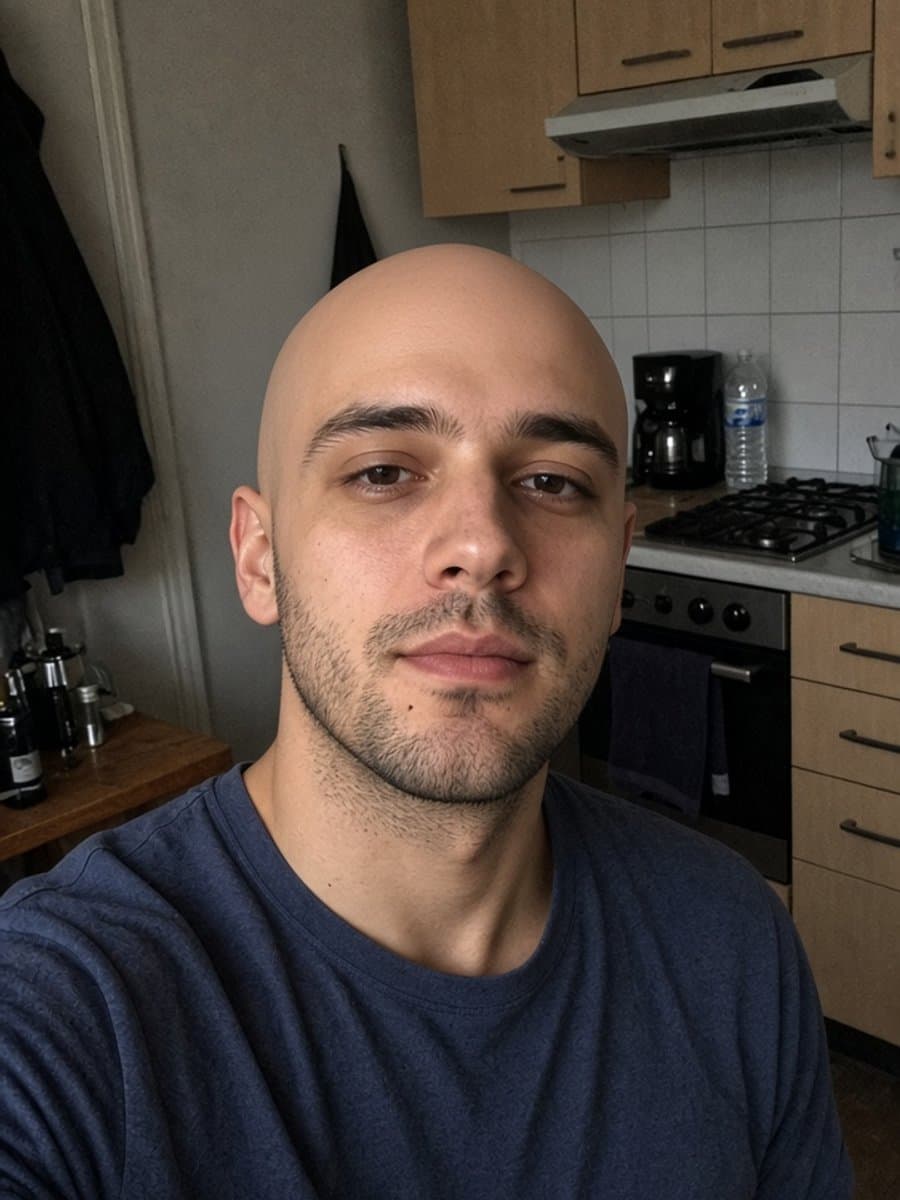
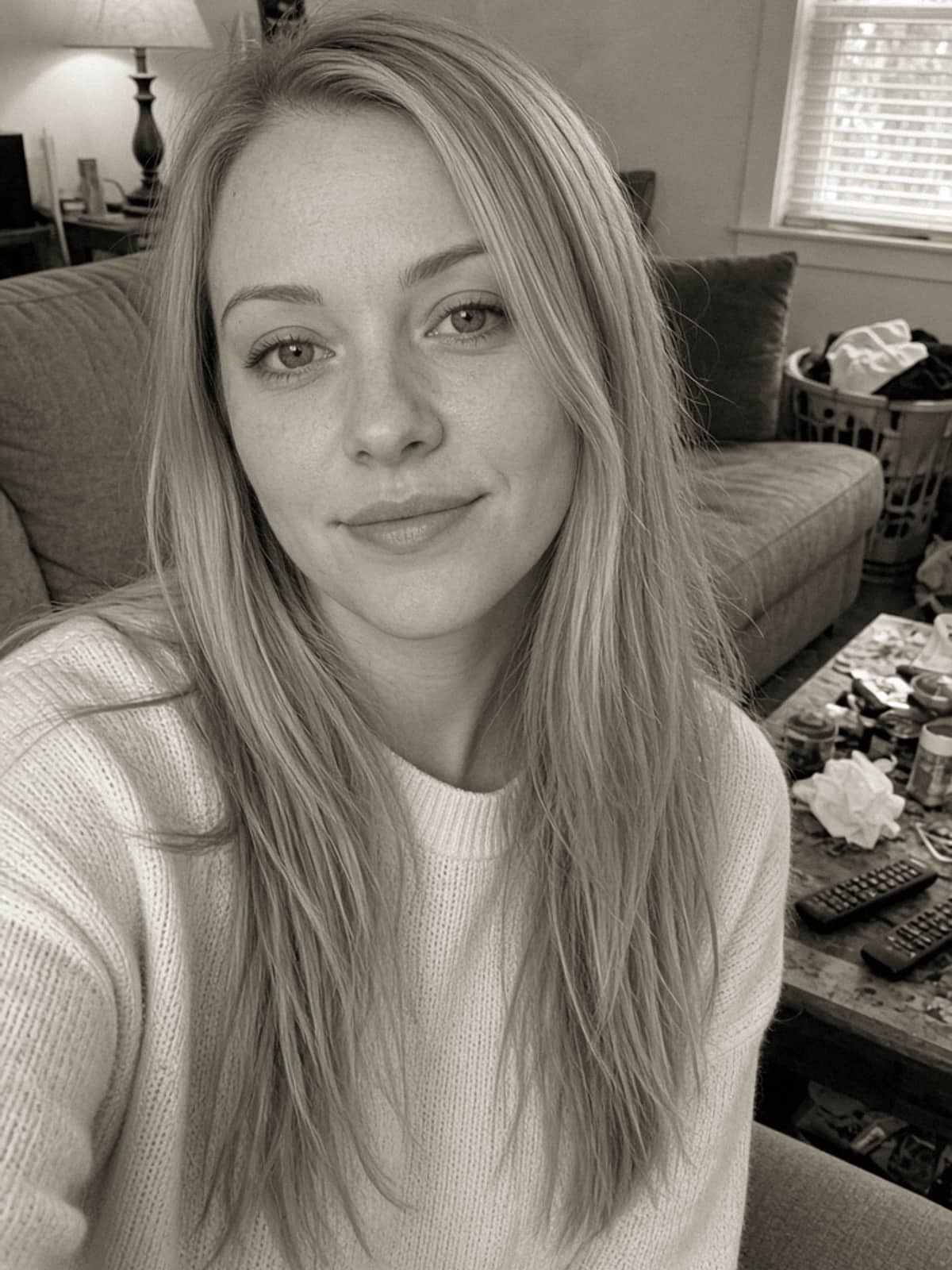
Try instant bald on your own photo
Try it freePlatform by platform
Snapchat. Lenses are creator-submitted and rotate through the featured carousel constantly, so a bald lens can be easy to find one week and buried the next. Search the Lens library directly rather than scrolling the carousel. We covered how to track one down, and what to do when you can't, in more detail.
Instagram. Instagram doesn't reliably ship one. Its third-party effect creators build heavily toward color grading, light leaks and beauty adjustments; identity-altering effects show up far less often than they do on Snapchat. The practical route is to generate the photo with an AI tool, save it, and upload it like any other photo.
TikTok. The effect surfaces in bursts. A video using it goes viral, duets follow, then it fades from the trending row until the next spike. Tap the effects icon, use the search bar rather than the featured row, and search "bald" - that pulls from the full library, not just what's currently popular. A lot of TikTok's best bald-filter content isn't filmed live anyway; it's a before/after cut using a photo generated separately.
FaceApp. One of the apps that made "upload a selfie, get a wildly different photo back" mainstream, and its bald filter is among the better-known versions of the effect. Same core idea as most AI photo filters: upload, the app analyses your face, and it generates a version with hair removed. Which effects sit behind its subscription changes over time, so check inside the app rather than assuming.
Posting the result well
A few things separate a photo people actually engage with from one that looks slapped together:
- Post the before and after together. A single "after" photo reads as random; a pair reads as a transformation, which is the whole point.
- Match the crop to the platform - 4:5 or 1:1 for an Instagram feed post, 9:16 for TikTok - rather than letting the app auto-crop an awkward frame.
- Use a hard cut, not a slow fade, if you're cutting it into a video. It reads as more of a reaction moment.
- Keep both photos in similar lighting so the switch doesn't look jarring.
- Test on a Story first. It disappears in 24 hours, which makes it a low-stakes way to gauge the reaction before committing to a feed post.
Whichever route you take, the same rule holds: a photo you'd actually want to send someone needs the lighting and skin tone to match, not just the hair removed.