FaceApp was one of the apps that made "just upload a selfie and get a wildly different photo back" mainstream, and its bald filter is one of the better-known versions of this specific effect.
How it works
Same core idea as most AI photo filters: upload a photo, the app analyzes your face, and generates a new version with hair removed and skin extended over where it used to be. One tap, one result, no manual editing.
Where it can fall short
The hard part of any bald filter isn't removing the hair - it's inventing convincing scalp and hairline in its place, using only the rest of your photo as a guide. That works well on a straight-on, evenly lit selfie. It's less reliable on:
- Side or three-quarter angles, where the AI has less of your head shape to work from
- Strong directional light, which is hard to extend convincingly across a new area of "skin"
- Busy or textured hair right at the point it meets skin, where the transition is doing the most work
None of this is specific to FaceApp - it's the general challenge any tool in this category has to solve, and it's worth checking a couple of your own photos before deciding one app's result is representative.
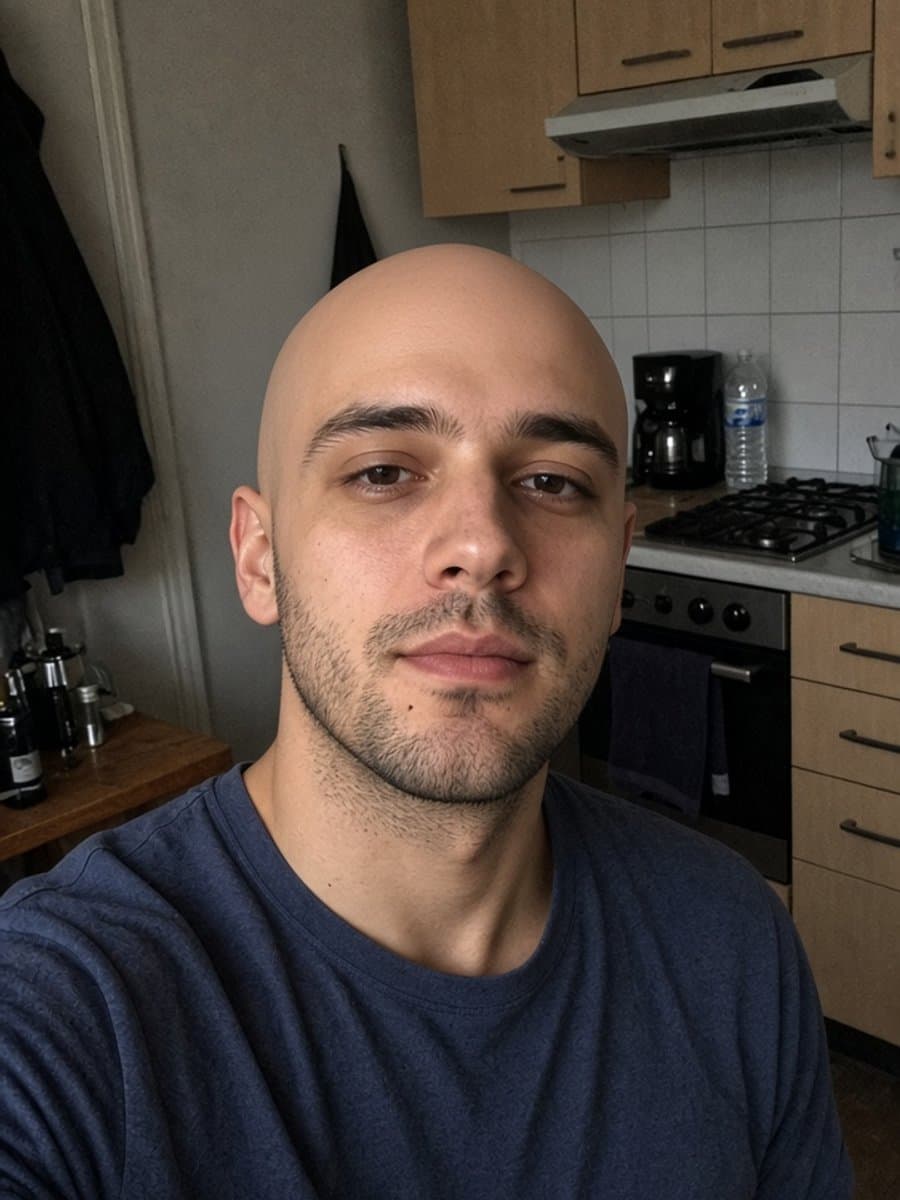

Try instant bald on your own photo
Try it freeWhat to compare it against
Before settling on one tool, it's worth testing the same photo through more than one. The differences to actually watch for: whether the free version gives you something usable or just a preview behind a paywall, how well it holds up on a photo that isn't a perfect selfie, and whether the result still looks like you rather than a smoothed-out, generic face.
For the underlying difference between this kind of AI filter and a live camera lens, see AI vs. AR bald filters. For every method in one place, start with the main bald filter guide.