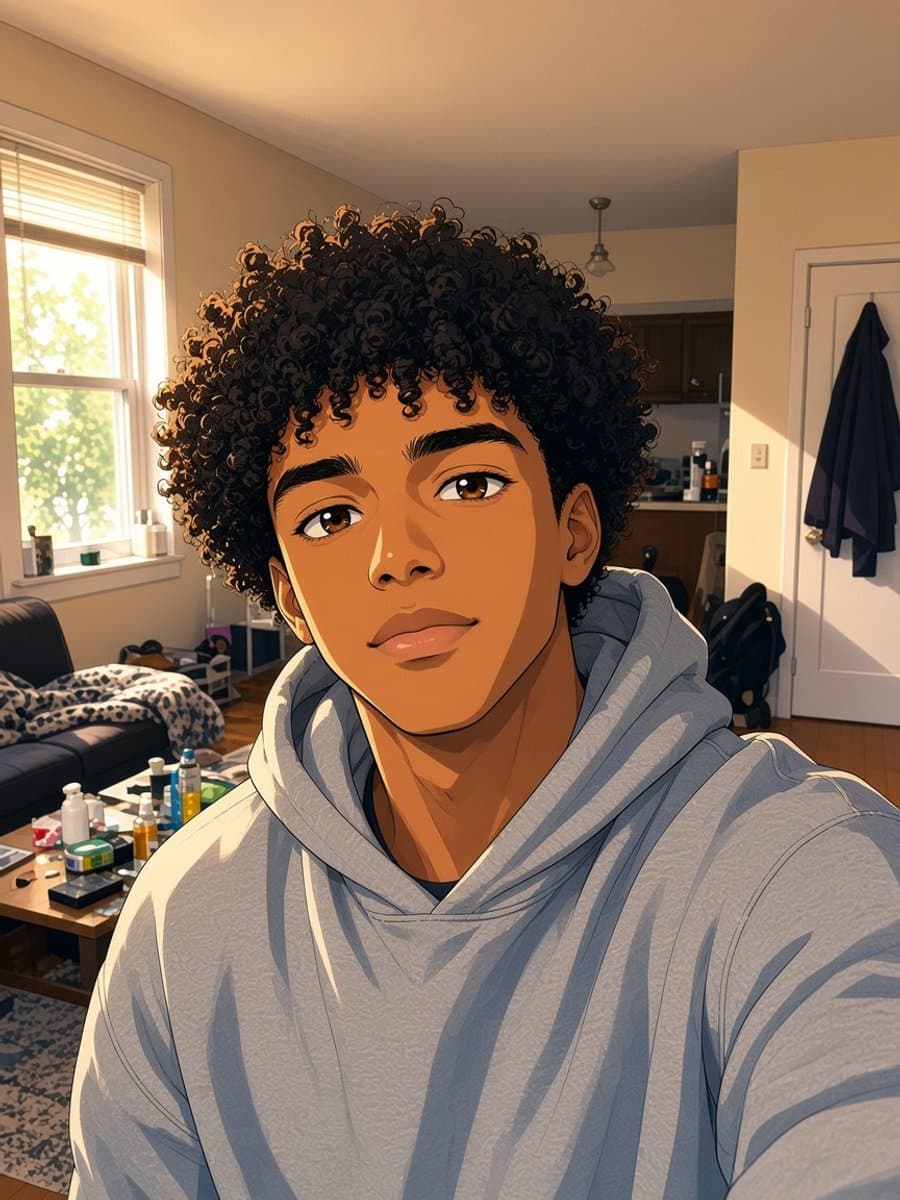
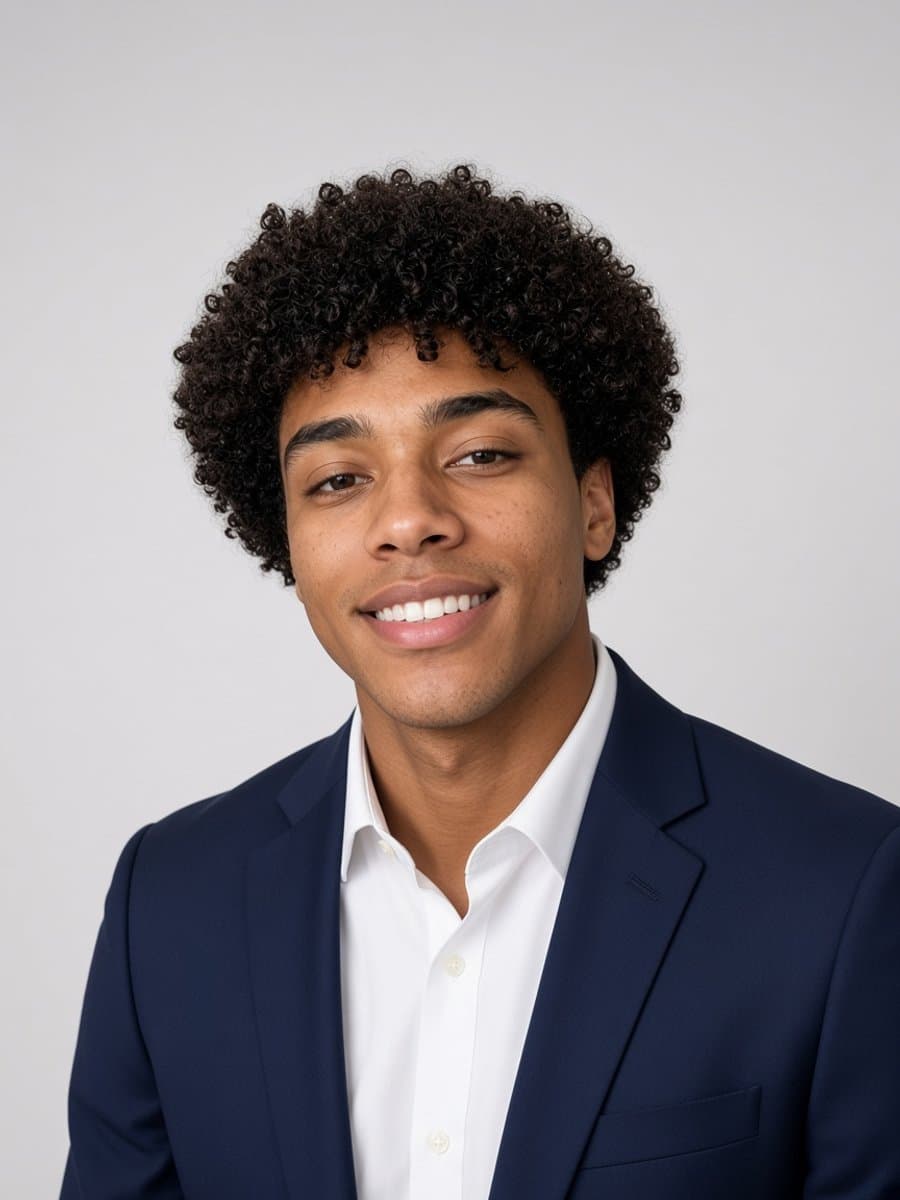
"Best photo editing app" turns up a different answer depending on what you're actually trying to do, and most lists that rank apps against each other skip past that entirely. Three categories cover almost everything people search for here, and they're not really competing with each other - they're built for different jobs.
Manual editors: adjusting a photo you already like
Lightroom, Snapseed, and similar tools give you sliders and direct control - exposure, contrast, crop, color grading, spot removal. The photo itself doesn't fundamentally change; you're refining what's already there. This is the right category if your photo is basically good and needs polish, not a transformation.
Design tools: building something with a photo in it
Canva and similar tools are built around layout - text, templates, multiple elements composed together. A photo is one ingredient in a bigger design, not the whole output. This is the right call if you're making a flyer, a social graphic, or anything with text and a photo combined.
AI transformation tools: becoming something different in the photo
This is a newer category, and it's a genuinely different job from the two above: upload one photo, and get back a new version of you - a different style, setting, or look, generated rather than manually adjusted. No sliders, no design canvas - you pick what you want to become, and the tool does the rest.
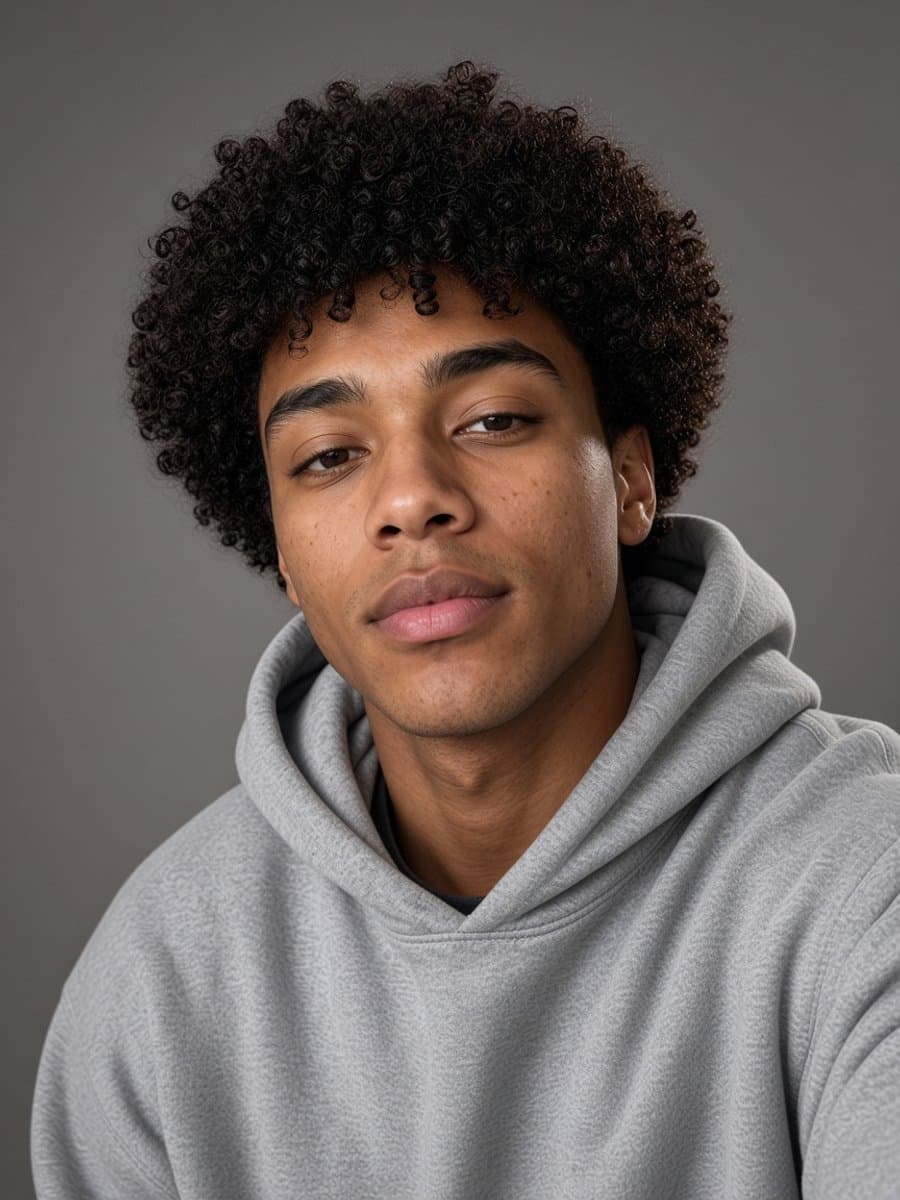
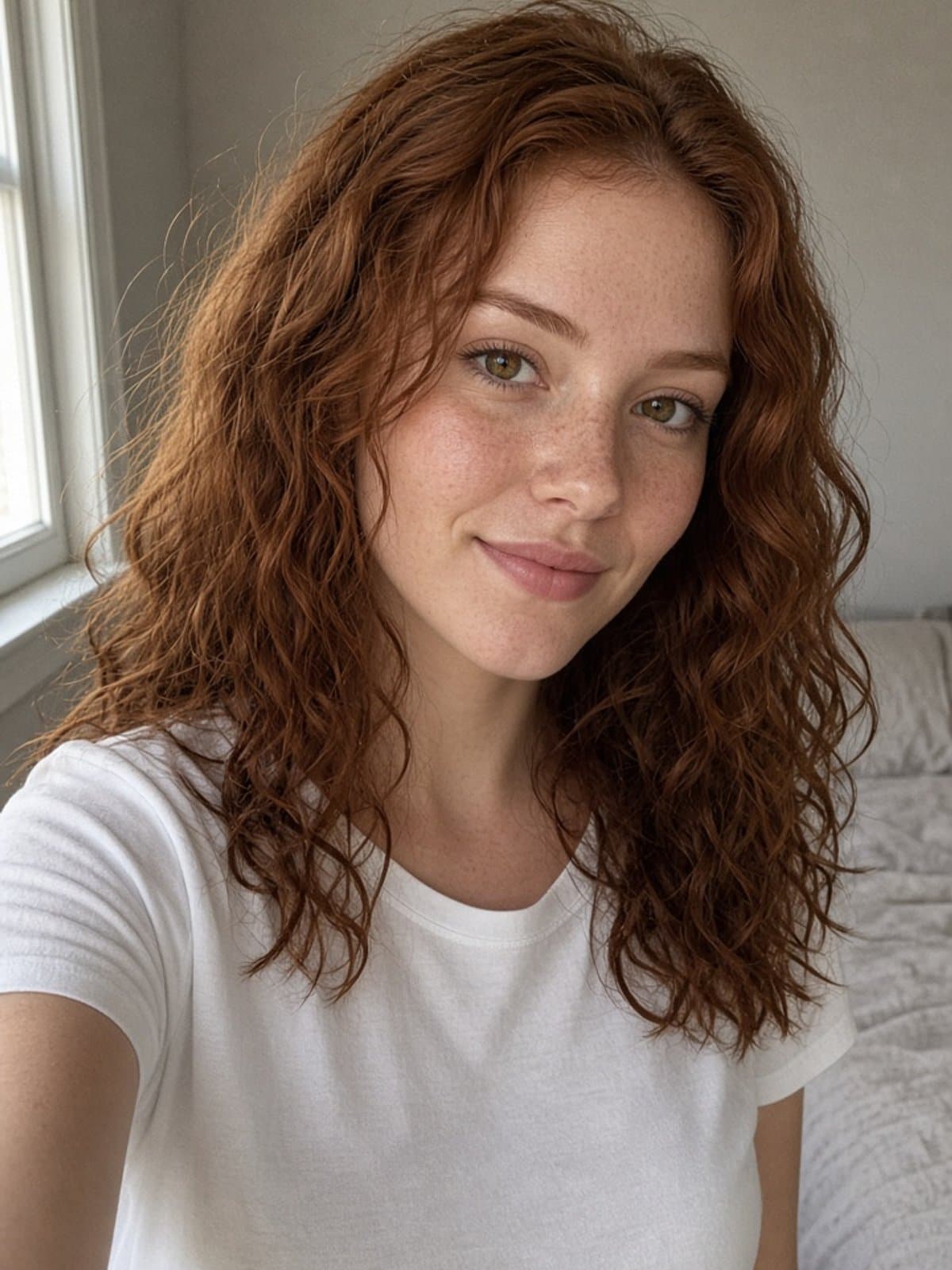
Try studio portrait on your own photo
Try it freePicking based on what you actually need
The mistake is downloading all three kinds and expecting one app to be "the best" across all of them - they're not competing for the same job. If your photo needs polish, a manual editor. If you're designing something, a layout tool. If you want to look like a different version of yourself - a studio portrait, an anime character, a different era - that's what a generation tool like Slayed AI is built for specifically.
For how a specific design tool's AI features hold up against a dedicated transformation tool, see our look at Canva's face swap and Canva's AI headshot generator.