"Canva face swap" gets searched by people after two pretty different things, and knowing which one you actually want saves a round trip through the wrong tool.
What it actually does
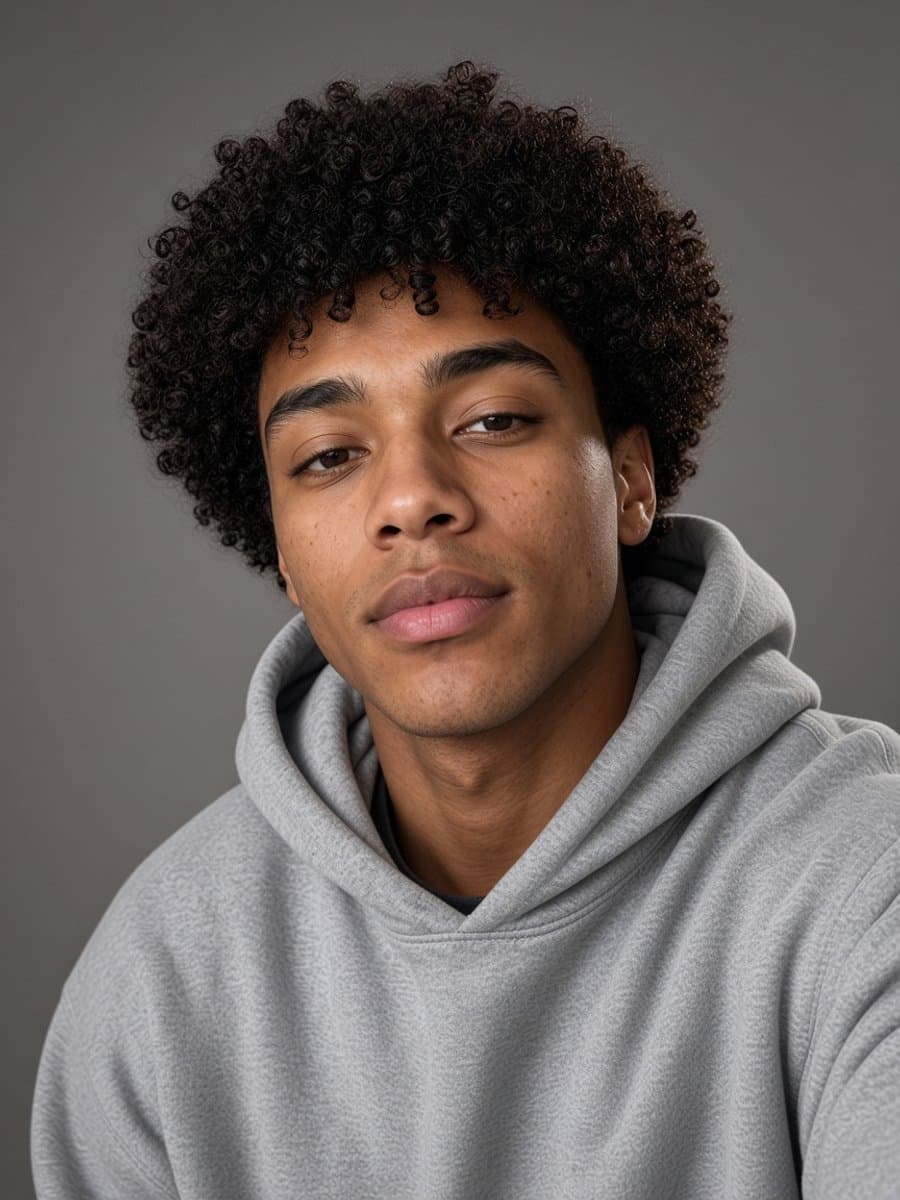
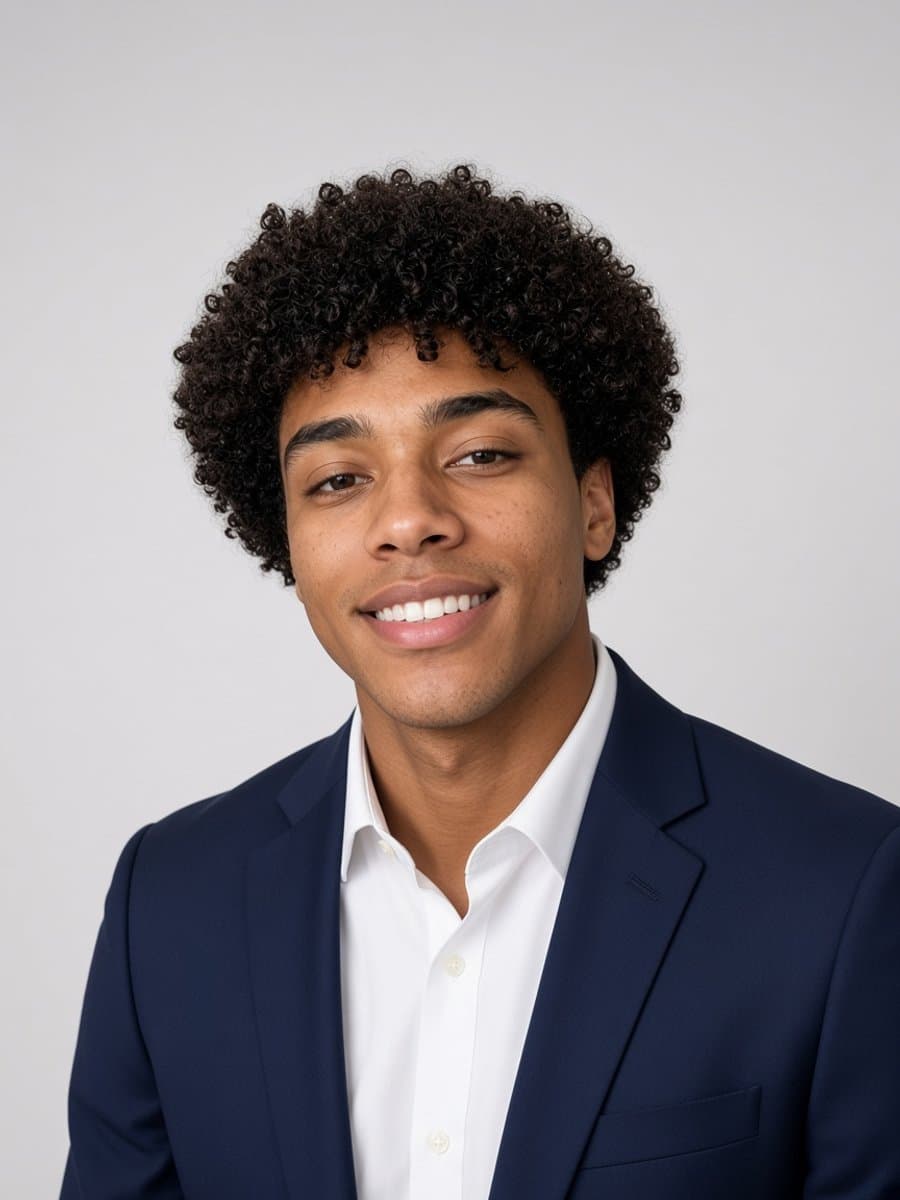
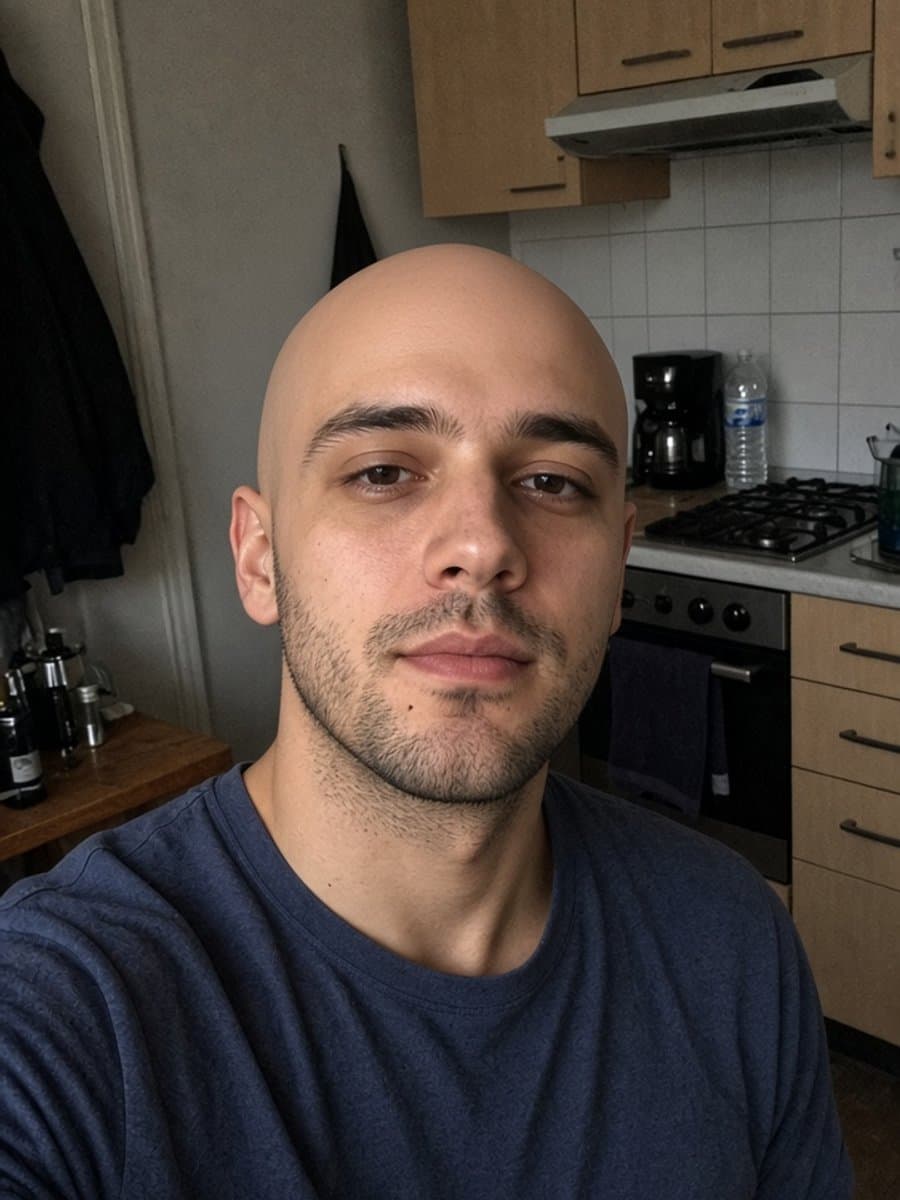
Canva's face swap feature works on template insertion: you pick an existing image or design - often a meme format or a stock template - and your uploaded face gets placed into it. The image itself was made by someone else; your face is the piece being swapped in.
This is genuinely useful for exactly what it sounds like: dropping yourself into a specific meme, a group template, or a design you're already building in Canva. If that's what you're after, it's the right tool, and having Canva's full design suite around it is a real advantage if you're building something bigger than just the swap.
Where it's a different job than you might expect
If what you actually want is your own selfie turned into something new - not inserted into someone else's template, but transformed into a different style or version of you - that's a different tool category. It's not that Canva's feature does this badly; it's built to solve a different problem entirely, starting from a template rather than from your photo.
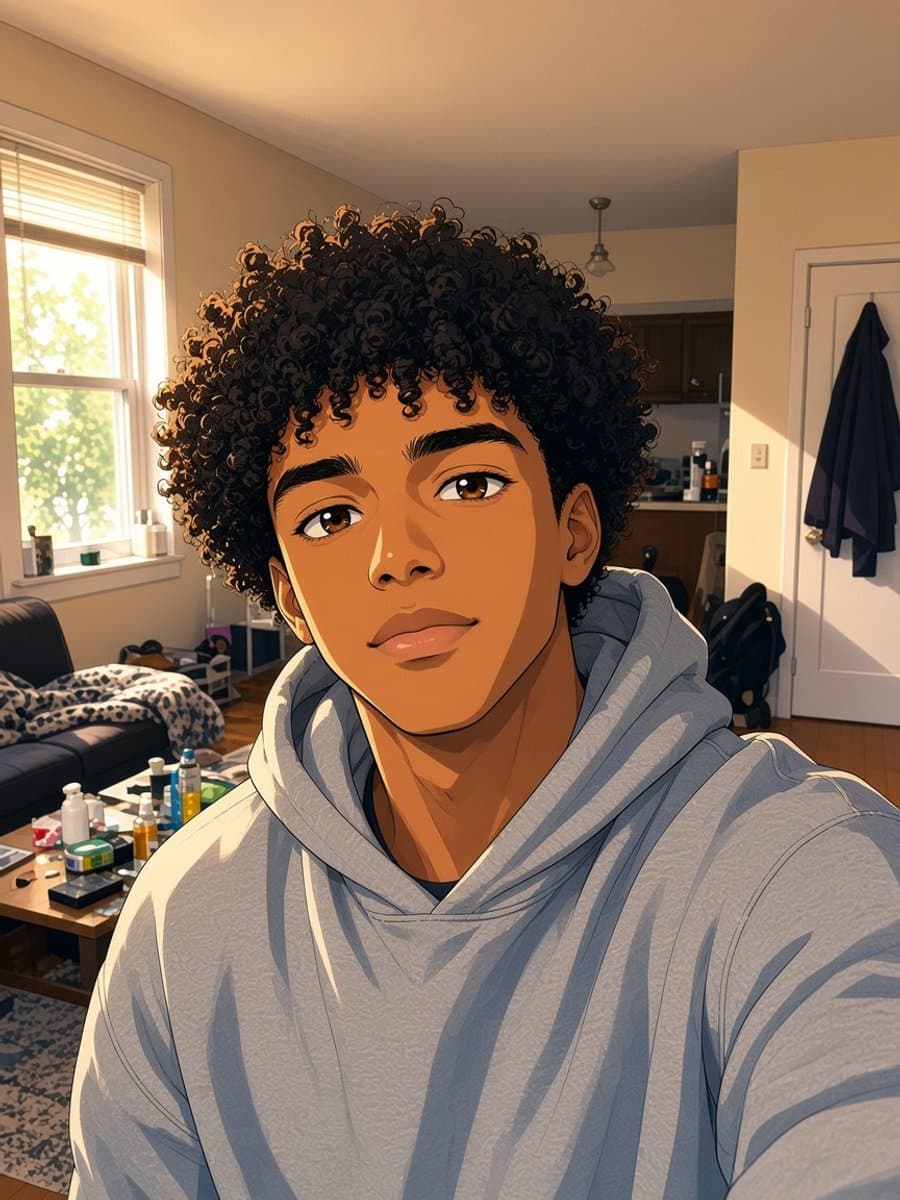
Try anime me on your own photo
Try it freeIf it's your own photo you want transformed
Tools built around a single uploaded photo - rather than a template library - start from your actual picture and generate a new version of it: a different art style, a different setting, a different look, while keeping it recognizably you. That's a more direct route if the goal was never really "swap into this template" but "turn my photo into something else."
For the AI-headshot side of Canva specifically, see our look at Canva's headshot generator. For a wider view of which editing category fits which job, start here.