Search Instagram's effects gallery for a bald filter and you'll come up mostly empty. That's not a bug - it's a real gap in what's available on the platform, and it's worth understanding why before you go looking for the "right" one and can't find it.
Instagram's effects lean somewhere else
Instagram's third-party effect creators build heavily toward things like color grading, light leaks, and beauty-adjustment filters. Identity-altering effects - adding or removing hair, aging a face - show up far less often in that library than they do on Snapchat, where a larger, longer-running community of lens creators has built exactly those kinds of effects.
That doesn't mean it's impossible on Instagram. It means the effect isn't going to come from Instagram's own camera - it has to come from somewhere else first.
What to use instead
The common path: generate the photo with an AI tool outside Instagram, save it, then upload it like any other photo or video. This is actually a two-step process, not a one-tap in-app filter - upload your photo to the tool, get the transformed result back, save it, then post from your camera roll the way you'd post anything else.
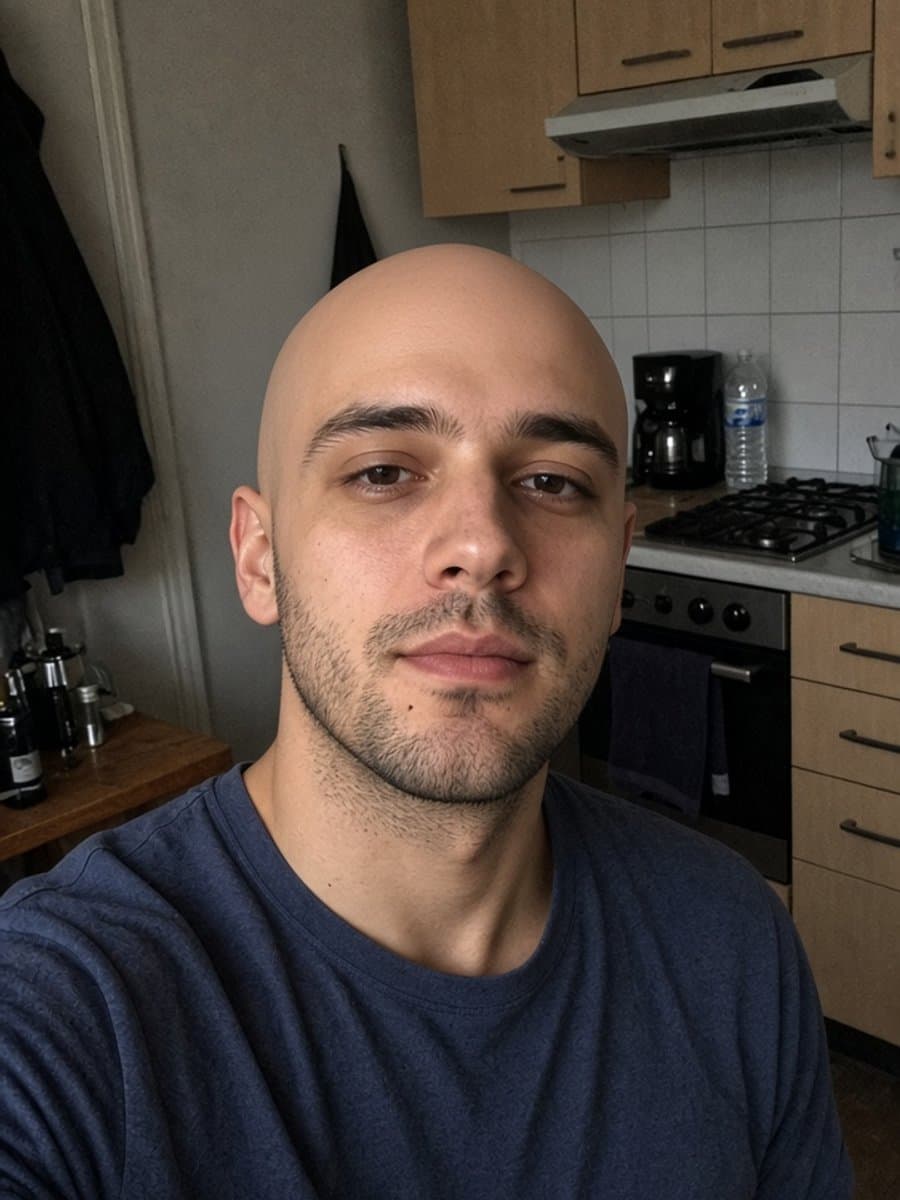
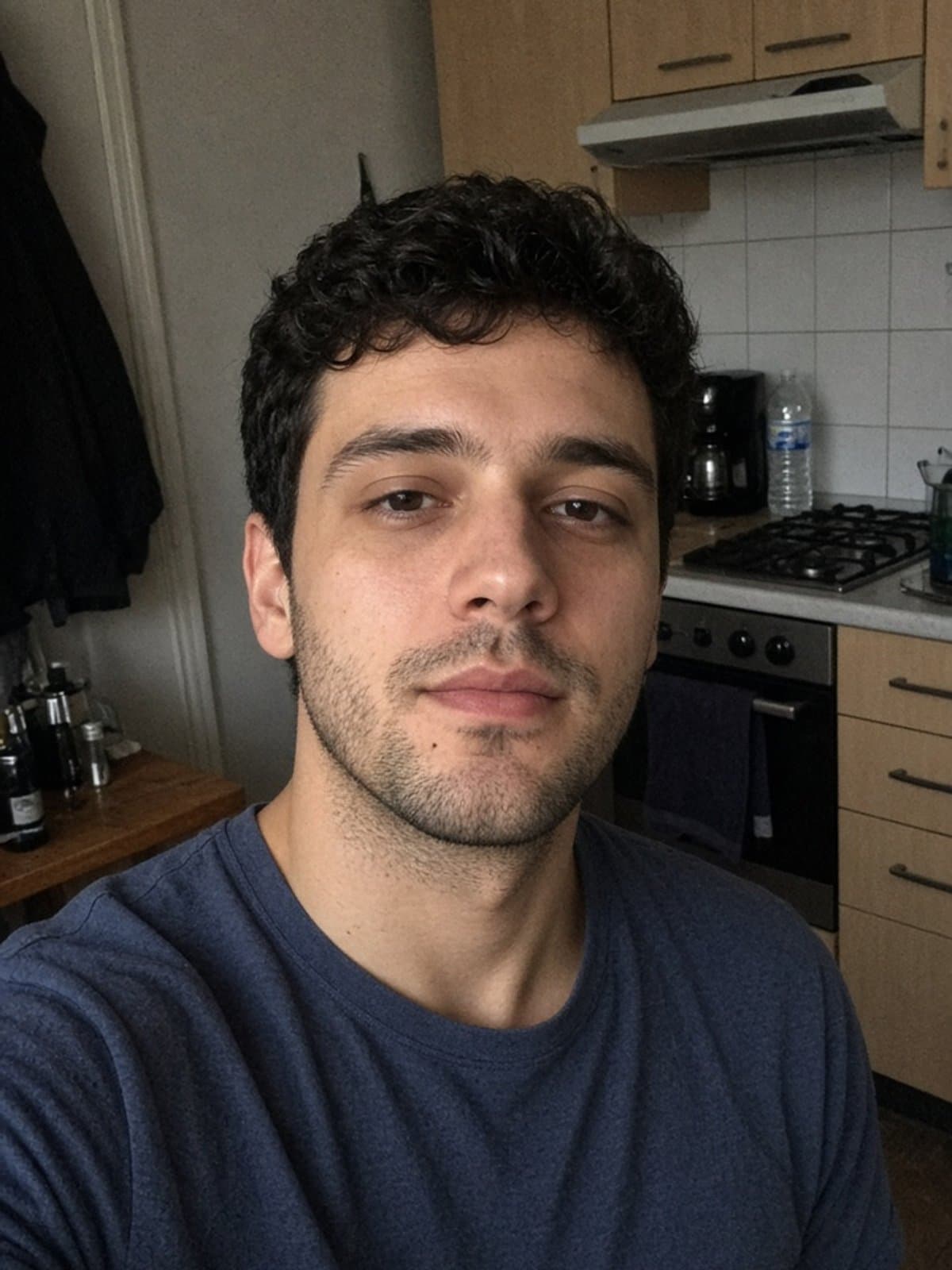
Try instant bald on your own photo
Try it freePosting it well
A couple of things that make the difference between a photo people actually engage with and one that looks obviously slapped together:
- Post the before and after together - a single "after" photo reads as random; a pair reads as a transformation, which is the whole point
- Match your caption to the format - a Story disappears in 24 hours, so it's a low-stakes place to test the reaction before a feed post
- Keep the aspect ratio native - crop to 4:5 or 1:1 rather than letting Instagram auto-crop an awkward frame for you
For how the AI version compares to a live camera filter, see our AI vs. AR bald filter comparison. And if Snapchat is more your platform, check whether their lens is live right now.